Idea Statica
  • Steel
  • Concrete
  • BIM & Workflows
  • Support & Learning
  • Pricing
  • Company
  • Steel overview
  • Connection design
  • Member design
  • Parametric design
  • Steel case studies
  • Concrete overview
  • Walls and D-regions
  • Anchoring design
  • Concrete case studies
  • BIM Overview
  • Supported integrations
  • Checkbot
  • Viewer
  • APIs
  • Support Center
  • E-learning & certification
  • Blog
  • Downloads & Licensing
  • Plans
  • Free community tool
  • Enterprise customers
  • Students & educators
  • How much will you save?
  • About us
  • Contact
  • Research & development
  • Authorized resellers
  • Meet our customers
  • Career
  • Steel
    Steel overviewConnection designMember designParametric designSteel case studies
  • Concrete
    Concrete overviewWalls and D-regionsAnchoring designConcrete case studies
  • BIM & Workflows
    BIM OverviewSupported integrationsCheckbotViewerAPIs
  • Support & Learning
    Support CenterE-learning & certificationBlogDownloads & Licensing
  • Pricing
    PlansFree community toolEnterprise customersStudents & educatorsHow much will you save?
  • Company
    About usContactResearch & developmentAuthorized resellersMeet our customersCareer
14-Day Trial
14-Day Trial
  • Steel
  • Concrete
  • BIM & Workflows
  • Support & Learning
  • Pricing
  • Company

Subscribe to our newsletter

Company

  • About us
  • Partners
  • Careers
  • Patent

Resources

  • Customer projects
  • Case studies
  • Connection Library
  • Verification books

Legal

  • EULA
  • Privacy policy
  • California Privacy
  • TOS Viewer
  • Licensing

Help

  • Contact
  • Quote request
  • Resellers
  • Downloads
FacebookInstagramLinkedInYouTube

ยฉ IDEA StatiCa 2009-2026

Trusted and used worldwide by engineers, fabricators & consultants.

Support CenterKnowledge Base ArticlesDetailed model and loads reporting
How to create and export a report to MS Word, PDF or DXF files
Detailed model and loads reporting
Change just the language of the report
Improvements in report readability
Black rectangles in report
Exporting an IFC file from IDEA StatiCa
Reporting improvements
SteelConnection designKnowledge baseConnectionReport

Detailed model and loads reporting

This article is also available in
ENCZDEESFRITPTNLHUROKRPLTHTRVIZH

To deliver the project, a proper report is necessary. We ensure you have all the detailed information and calculation details about the model and loads setup included.

You are able to generate a more detailed report with the following information:

Supports and forcesย 

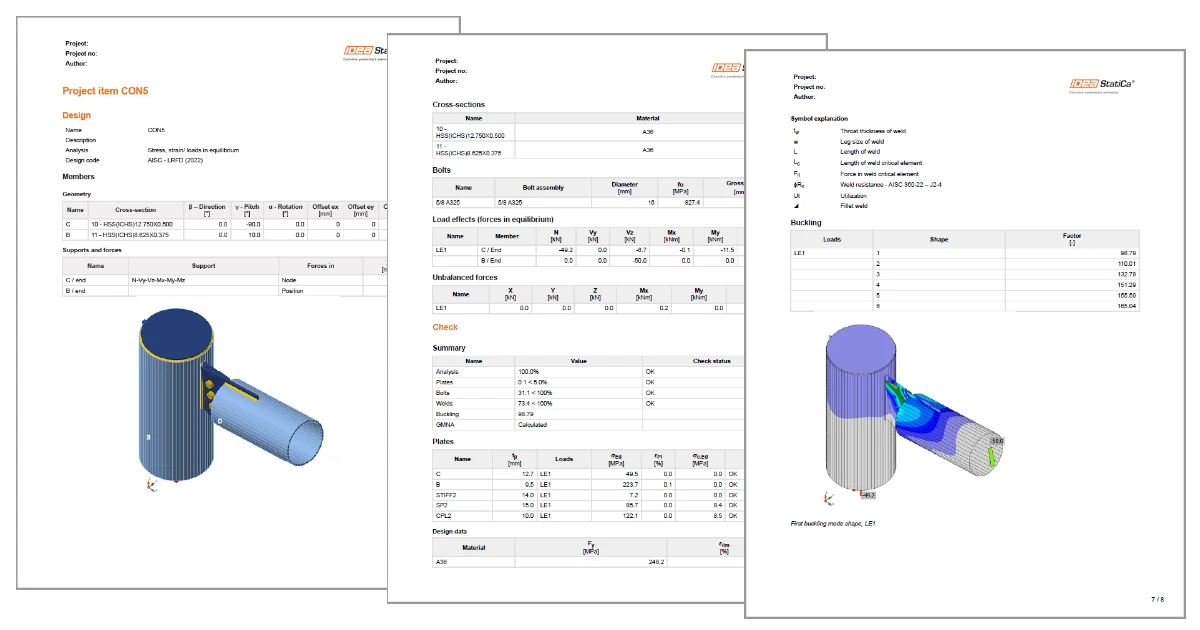
The chosen model type (the applied supports, respectively) are presented in the table and in the figure below. For example, the supported end of the bearing member will have all six reactions listed, while the free end will have none of them. For the N-Vy-Vz model type, the complementary forces, i.e., Mx-My-Mz, will be presented. The calculation report also includes boundary conditions.

The table also presents the position of the applied forces.

Reporting improvements

Alignment added to eccentricities

The chosen alignment type is now taken into account when displaying the table of members' offsets. The geometry table in the report calculates the total offset in the global coordinates.

Reporting improvements

Load effects

The loaded part of members (Begin/End), as well as the table of unbalanced forces, has been added to the table of applied load effects.

Reporting improvements

Buckling shape

A figure with the most probable buckling shape (lowest factor) has been added to the report for when the buckling analysis is performed.

Reporting improvements

Report not generated automatically

Generating the report may take some time, and it is not always needed. From now on, the report is generated manually by pressing the Generate button.

Reporting improvements

Currently, this functionality works properly just the first time the Report tab is opened. The next time, the report is automatically regenerated. This may be a part of future development.

Available in both Expert andย Enhancedย editions ofย IDEA StatiCa Steel.

Download the new version of IDEA StatiCa and try all the features

Download new version

Related articles

Release notes IDEA StatiCa 23.0
  • Concrete
  • Steel
  • Connection
  • Detail 2D
  • Member
  • Checkbot
  • Viewer
  • RCS
  • IDEA Open Model (API)
  • ACI (USA)
  • AISC (USA)
  • BIM link
  • EN (Eurocode)
  • v23.0
  • +14
  • Concrete
  • Steel
  • Connection
  • Detail 2D
  • Member
  • Checkbot
  • Viewer
  • RCS
  • IDEA Open Model (API)
  • ACI (USA)
  • AISC (USA)
  • BIM link
  • EN (Eurocode)
  • v23.0

Release notes

Release notes IDEA StatiCa 23.0

Read more
Equilibrium and supporting member
  • Steel
  • Connection
  • Geometry
  • Load effects
  • Support
  • Equilibrium
  • +6
  • Steel
  • Connection
  • Geometry
  • Load effects
  • Support
  • Equilibrium

Knowledge base

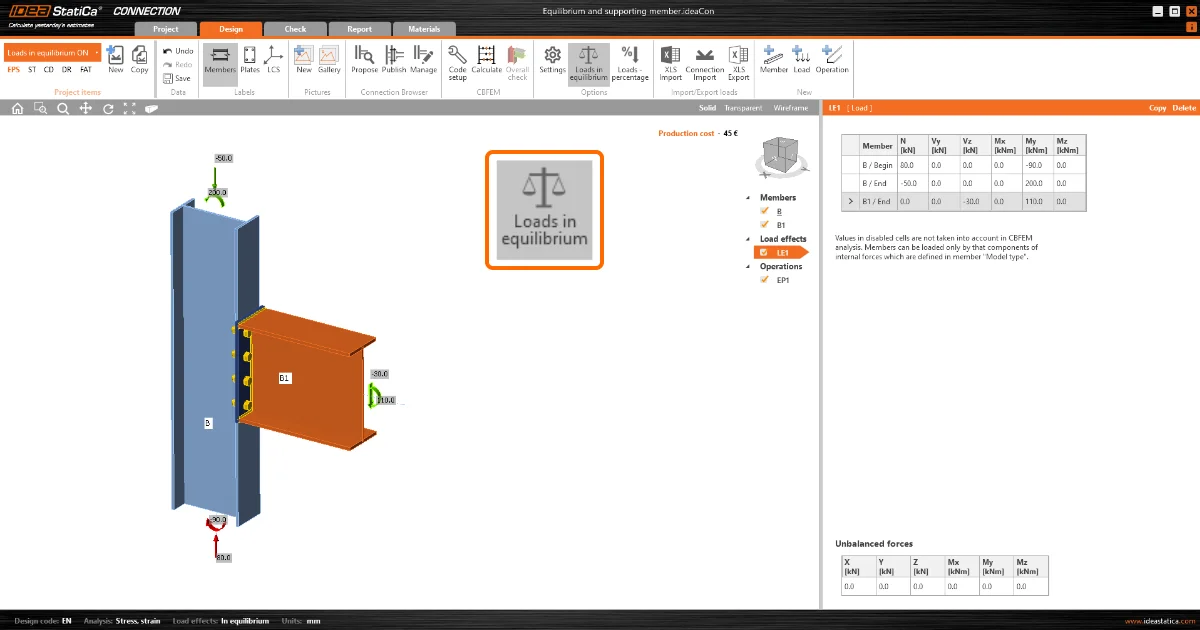
Equilibrium and supporting member

Read more
Different ways of load definition
  • Steel
  • Connection
  • Load effects
  • Moment Connection
  • Shear connection
  • +5
  • Steel
  • Connection
  • Load effects
  • Moment Connection
  • Shear connection

Knowledge base

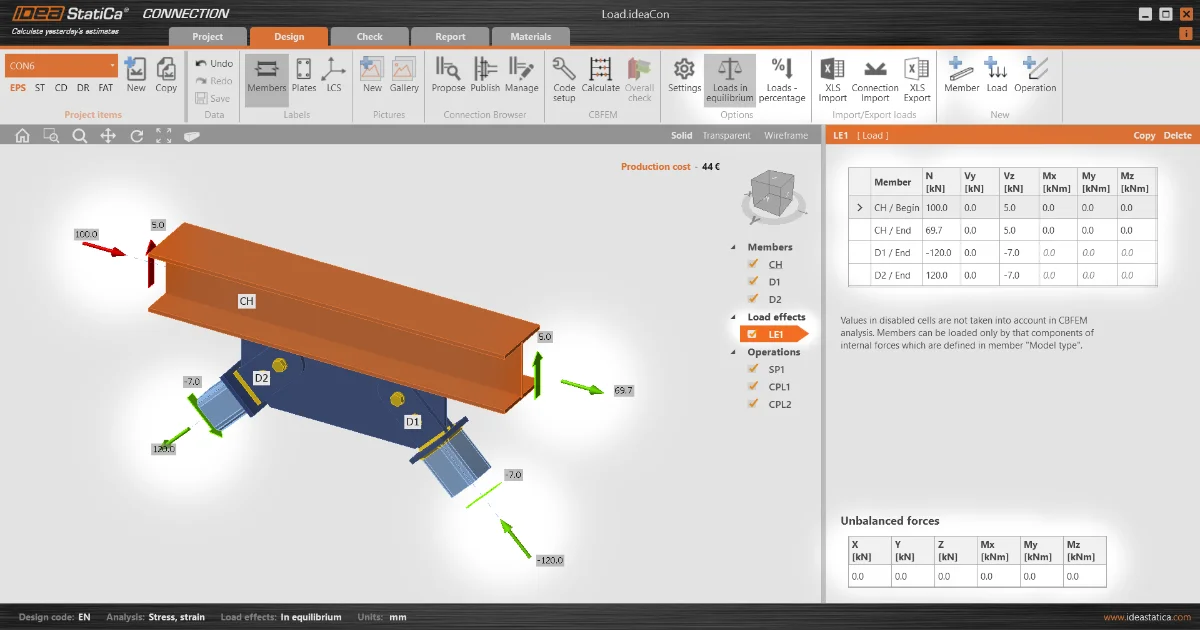
Different ways to define load effects

Read more
Loads in equilibrium by default
  • Steel
  • Connection
  • AISC (USA)
  • EN (Eurocode)
  • Load effects
  • Equilibrium
  • +6
  • Steel
  • Connection
  • AISC (USA)
  • EN (Eurocode)
  • Load effects
  • Equilibrium

Knowledge base

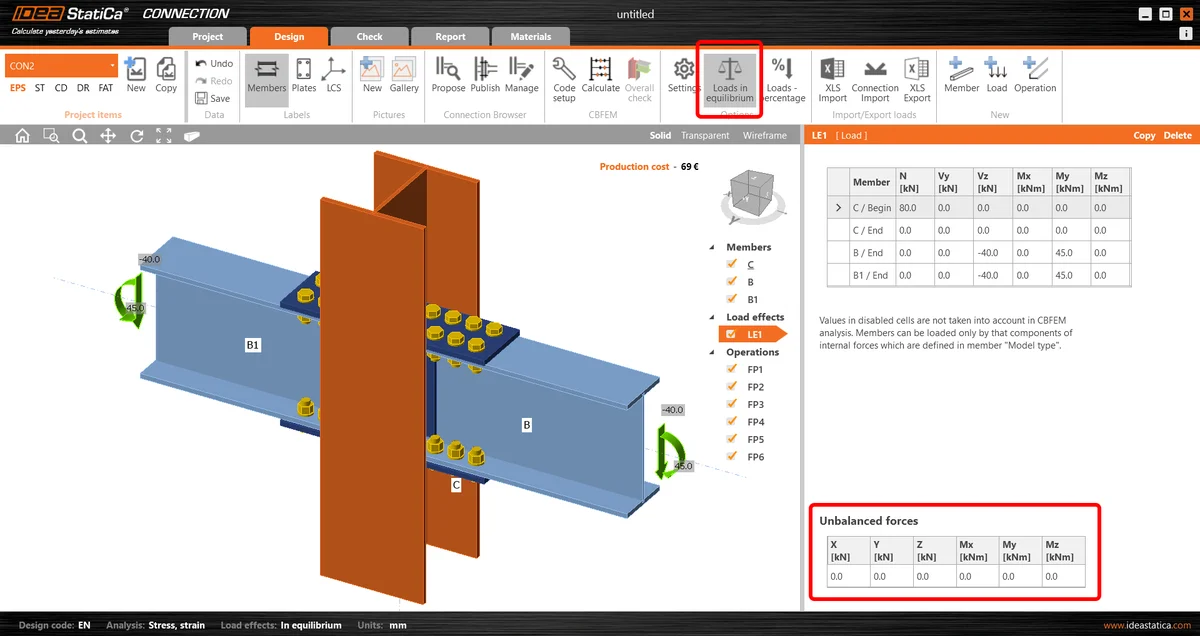
Loads in equilibrium by default

Read more