Idea Statica
  • Steel
  • Concrete
  • BIM & Workflows
  • Support & Learning
  • Pricing
  • Company
  • Steel overview
  • Connection design
  • Member design
  • Parametric design
  • Steel case studies
  • Concrete overview
  • Walls and D-regions
  • Anchoring design
  • Concrete case studies
  • BIM Overview
  • Supported integrations
  • Checkbot
  • Viewer
  • APIs
  • Support Center
  • E-learning & certification
  • Blog
  • Downloads & Licensing
  • Plans
  • Free community tool
  • Enterprise customers
  • Students & educators
  • How much will you save?
  • About us
  • Contact
  • Research & development
  • Authorized resellers
  • Meet our customers
  • Career
  • Steel
    Steel overviewConnection designMember designParametric designSteel case studies
  • Concrete
    Concrete overviewWalls and D-regionsAnchoring designConcrete case studies
  • BIM & Workflows
    BIM OverviewSupported integrationsCheckbotViewerAPIs
  • Support & Learning
    Support CenterE-learning & certificationBlogDownloads & Licensing
  • Pricing
    PlansFree community toolEnterprise customersStudents & educatorsHow much will you save?
  • Company
    About usContactResearch & developmentAuthorized resellersMeet our customersCareer
14-Day Trial
14-Day Trial
  • Steel
  • Concrete
  • BIM & Workflows
  • Support & Learning
  • Pricing
  • Company

Subscribe to our newsletter

Company

  • About us
  • Partners
  • Careers
  • Patent

Resources

  • Customer projects
  • Case studies
  • Connection Library
  • Verification books

Legal

  • EULA
  • Privacy policy
  • California Privacy
  • TOS Viewer
  • Licensing

Help

  • Contact
  • Quote request
  • Resellers
  • Downloads
FacebookInstagramLinkedInYouTube

© IDEA StatiCa 2009-2026

Trusted and used worldwide by engineers, fabricators & consultants.

Support CenterKnowledge Base ArticlesImprovements in report readability
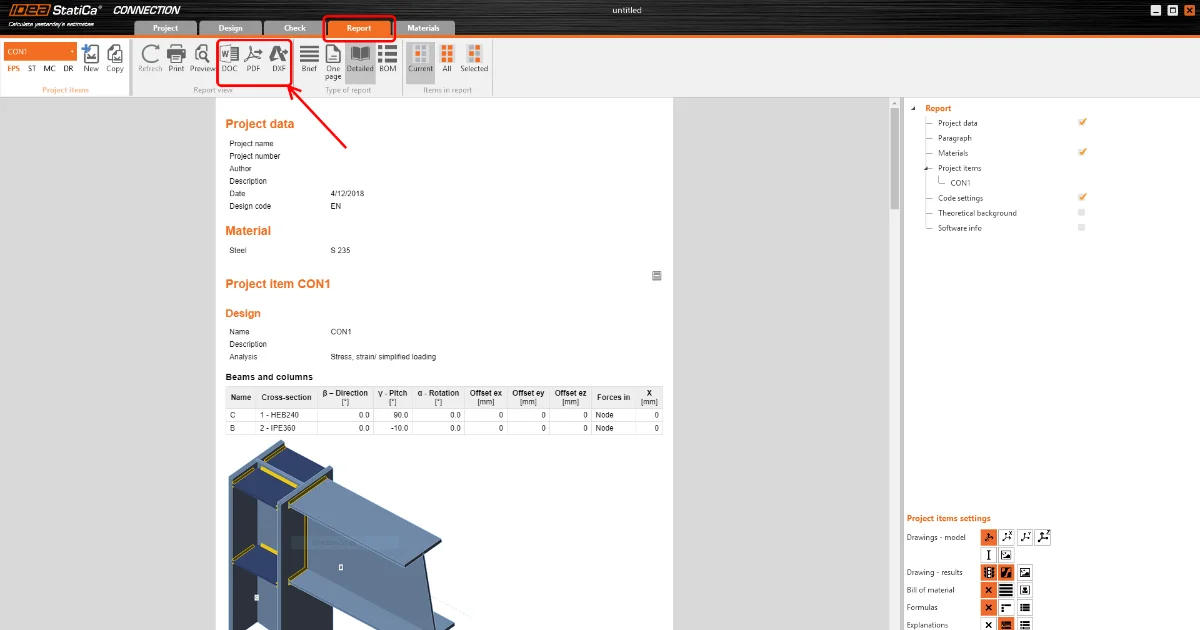
How to create and export a report to MS Word, PDF or DXF files
Detailed model and loads reporting
Change just the language of the report
Improvements in report readability
Black rectangles in report
Exporting an IFC file from IDEA StatiCa
Improvements in report readability
Connection designSteelKnowledge basev25.0Report

Improvements in report readability

This article is also available in
ENCZDEESFRITPTNLHUROKRPLTHTRVIZH

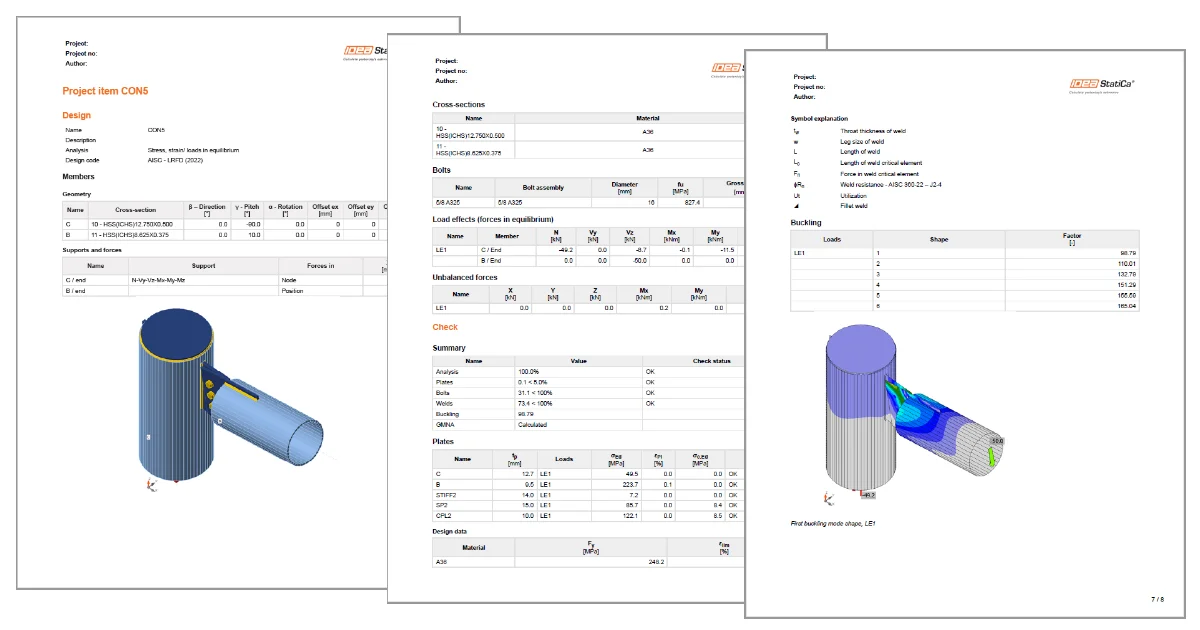
The submission of a clear report is an essential part of a structural project's delivery. Good report readability in generated PDFs helps users submit their work without additional obstacles.

The report contains all necessary information for readers to fully understand the geometry, the design, and the results. Images in high quality with readable labels form a necessary part of this.

Improved pictures quality

In the report, the images have high quality (500x500 px) with sharp edges and better-displayed texts in figures so that everything is fully readable.

Improvements in report readability

Larger pictures of plates and bolts

The small figure of bolted plates was replaced by a larger one so that in case of a higher amount of used bolts, the positions of all bolts are visible. 

Improvements in report readability

PDF title

The title of the PDF document is changed from a general one "CombinedReportHeader.html", which is not specific and causes confusion in cases where more reports are opened. The new PDF title respects the name of the PDF file/project.

Improvements in report readability

Take the latest version of IDEA StatiCa for a test drive today

Get 14 days of full access, completely free.

Check out IDEA StatiCa for free
Related articles

Release notes IDEA StatiCa 25.0
  • Steel
  • Concrete
  • v25.0
  • +3
  • Steel
  • Concrete
  • v25.0

Release notes

Release notes IDEA StatiCa 25.0

Read more
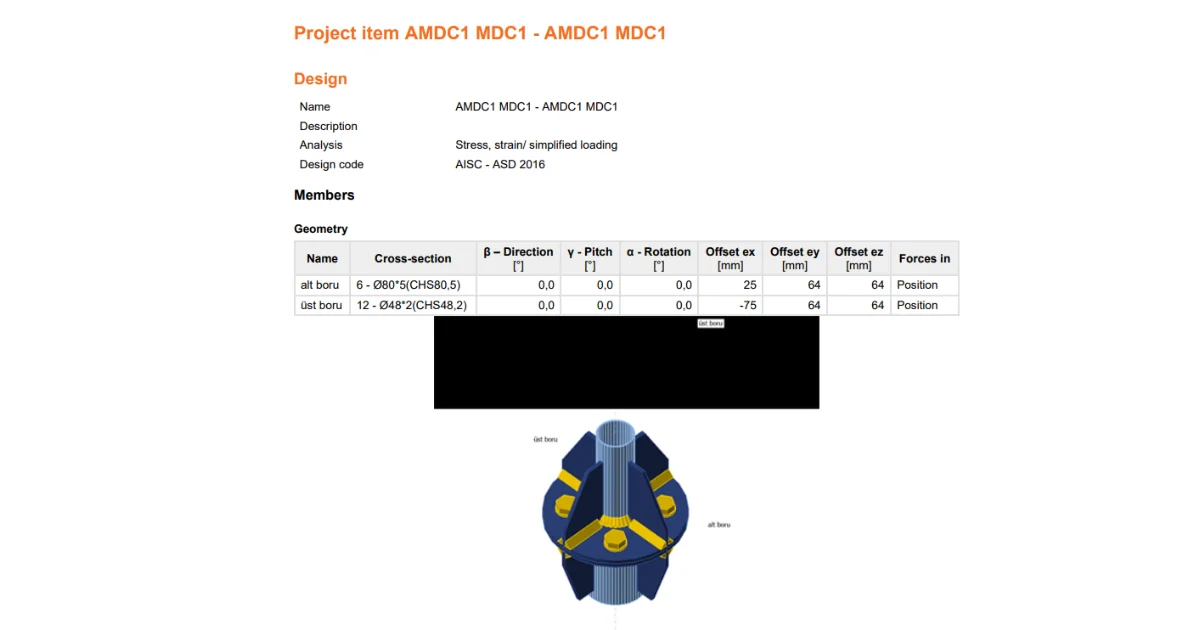
Black rectangles in report
  • Steel
  • Report
  • +2
  • Steel
  • Report

Knowledge base

Black rectangles in report

Read more
Reporting improvements
  • Steel
  • Connection
  • Report
  • v23.0
  • +4
  • Steel
  • Connection
  • Report
  • v23.0

Knowledge base

Detailed model and loads reporting

Read more
How to export report to MS Word, DXF or PDF files
  • Steel
  • Connection
  • EN (Eurocode)
  • Report
  • AISC (USA)
  • v25.1
  • +6
  • Steel
  • Connection
  • EN (Eurocode)
  • Report
  • AISC (USA)
  • v25.1

Knowledge base

How to create and export a report to MS Word, PDF or DXF files

Read more