
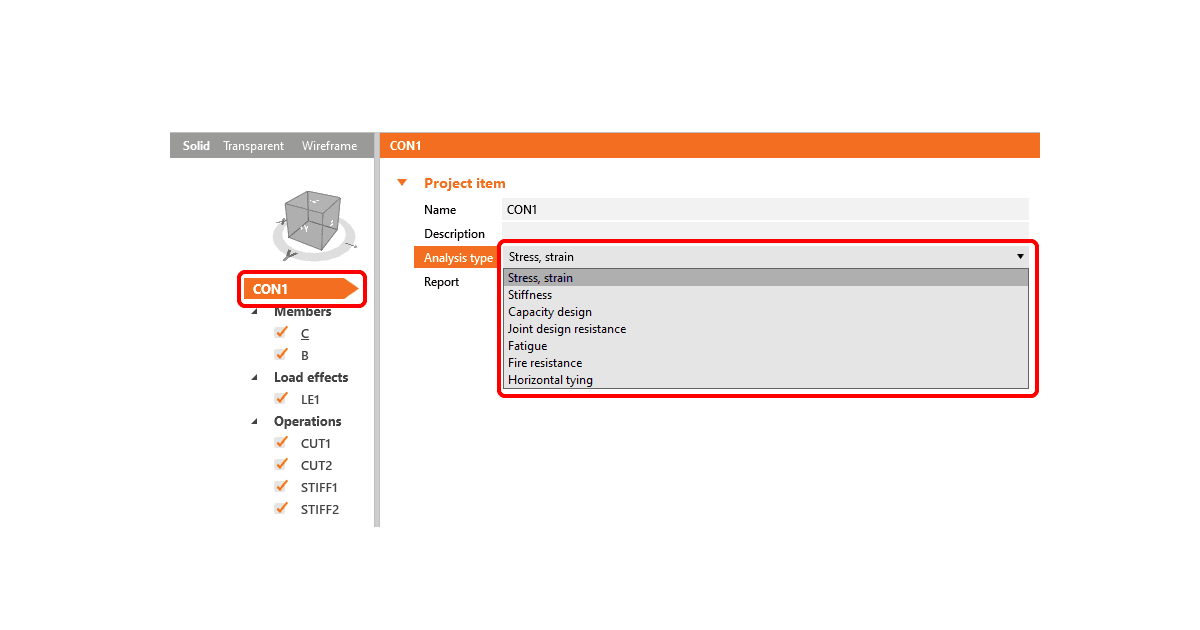


There are two ways to define the analysis type in IDEA StatiCa Connection. Let's have a look at them.
1. Connection item settings
The analysis type (together with the name and description of the model) can be changed directly in the application using the connection item settings in the property grid on the right side of the main graphic window.
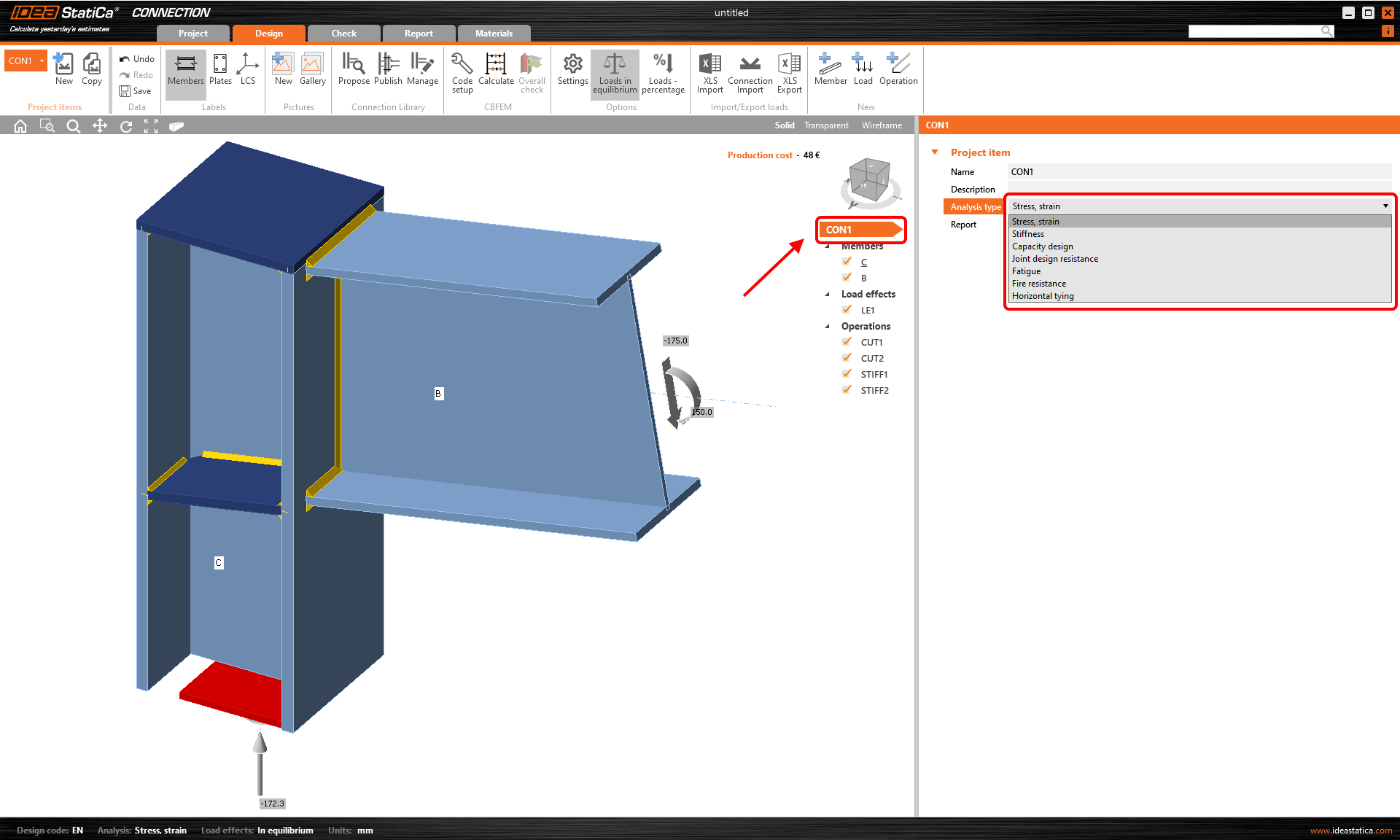
The settings can be changed whenever during the modeling process, and are applied for the particular connection item with which you are working.
2. Project settings
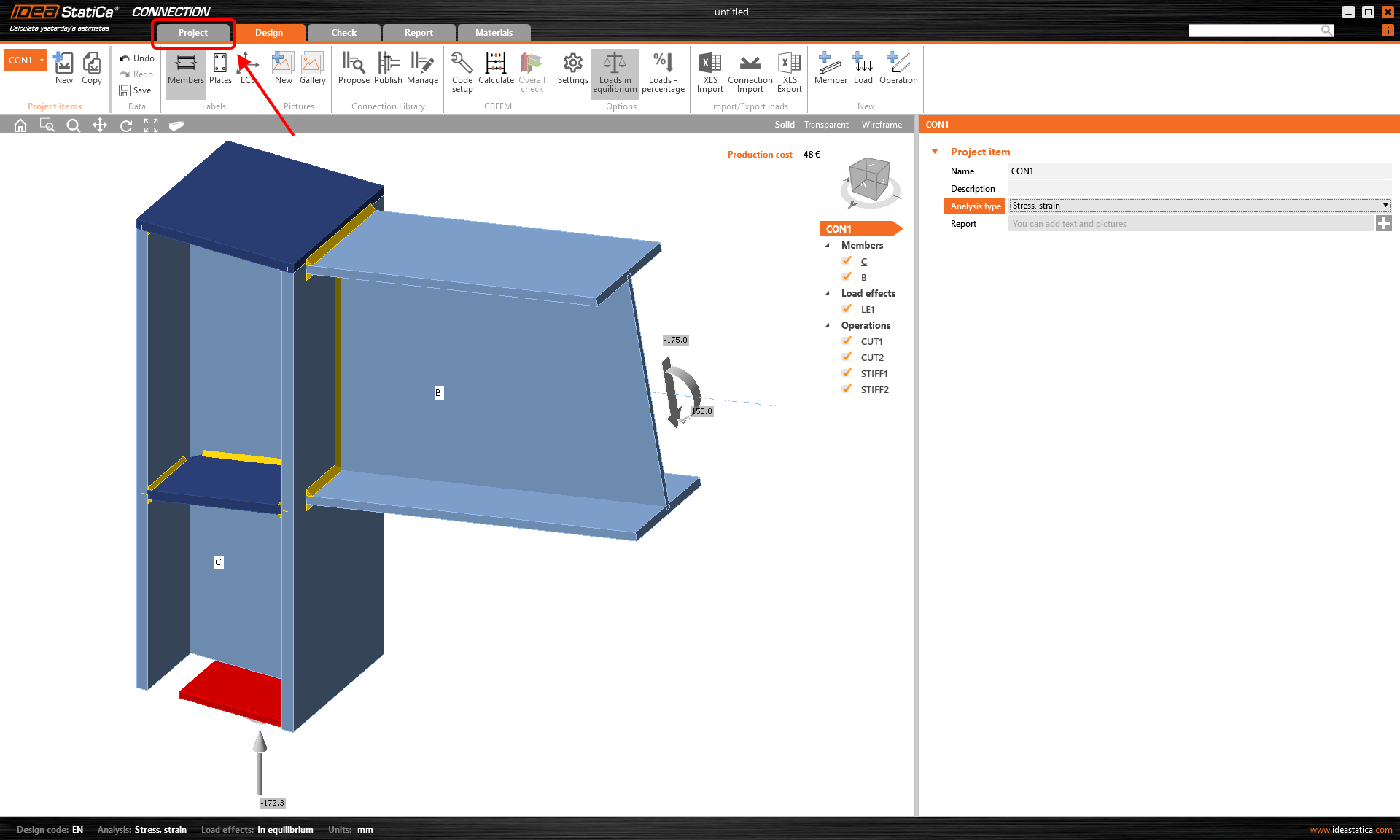
The second option is to select the Project section in the top ribbon.
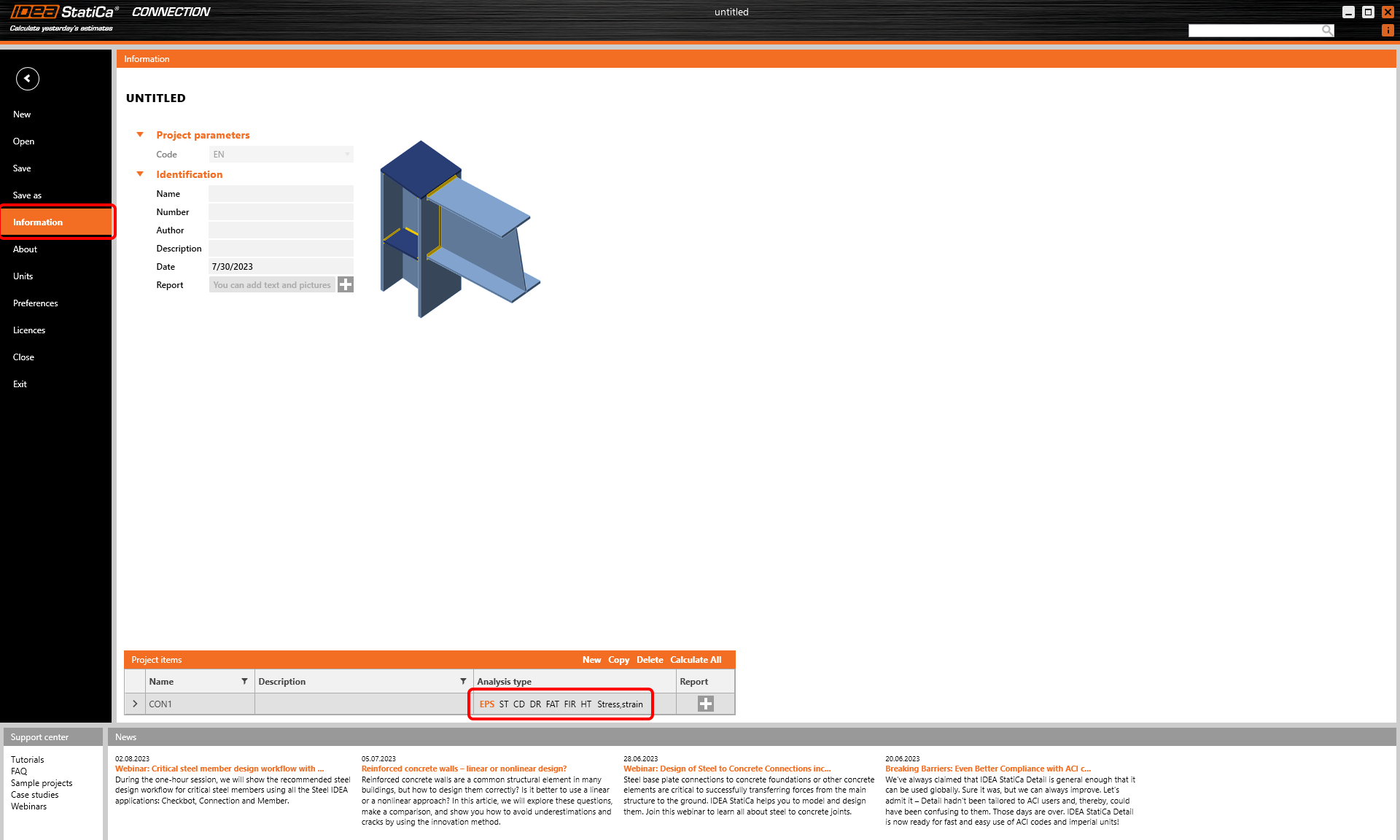
Then, select Information, and in the Project items table, choose the preferred analysis type for the corresponding connection item.
The settings can be changed whenever during the modeling process, and are applied for the particular connection item with which you are working.
In this section, you can also copy the items and set different types of analysis for individual connection items.
The abbreviations stand for:
EPS – Stress/strain analysis (response of the joint to applied design load, optional buckling analysis)
ST – Stiffness analysis (rotational/axial stiffness of selected member)
CD – Capacity design (code-check of non-dissipative connections for seismic design. Joint is designed on the maximal capacity of the connected member)
DR – Joint design resistance (ratio between the design load nad the maximal load is determined for the whole joint)
FAT – Fatigue analysis
FIR – Fire resistance analysis
HT - Horizontal tying resistance
Start your trial today and enjoy 14 days of full access and services free of charge.
Start free trial