
Idea Statica
Steel
Concrete
BIM & Workflows
Support & Learning
Pricing
Company
14-Day Trial
Support CenterKnowledge BaseMeasuring tool
How to change analysis type
Project item and material management
Cost estimation
Measuring tool
In-app tooltips and links with Support Center
Connection pre-design
Multiselect and multiedit in the Connection app
All applications: Search box
Most common Dialog actions​
Changes in the tree of entities
How to create a section view
Direct link from Connection to Viewer
Measuring tool
SteelConnection designKnowledge basev24.1Connection

Measuring tool

This article is also available in
ENCSDEESFRITPTNLHURO

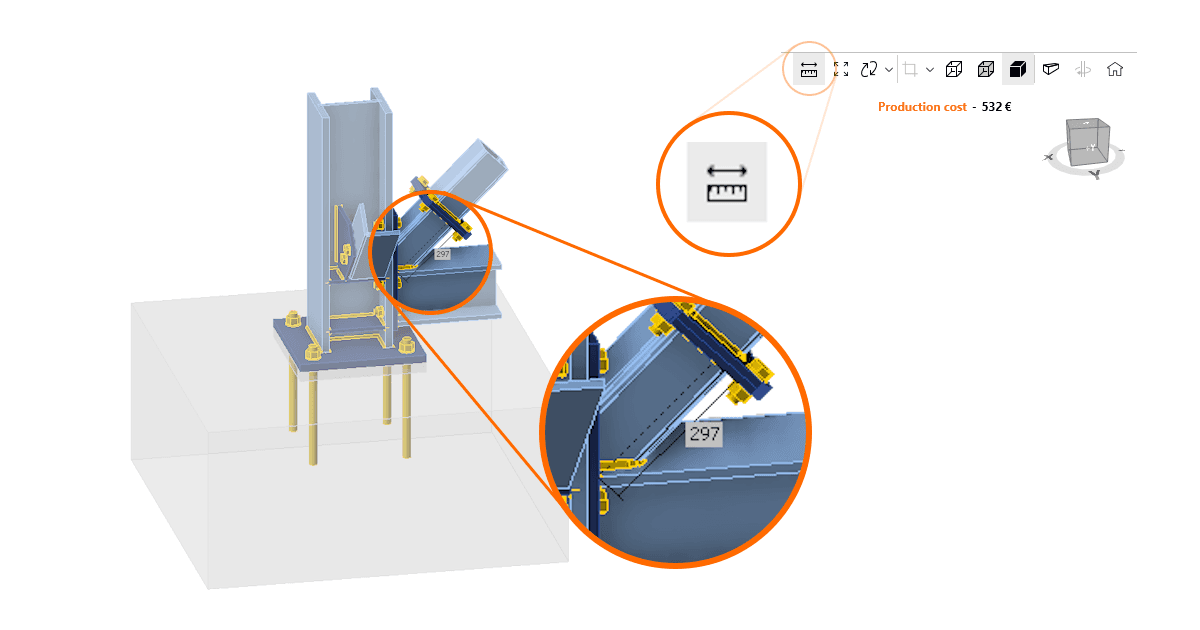
The Measuring tool feature allows users to measure distances directly within the Connection app. This simplifies the process of measuring gaps, providing precise distance information without the need for external CAD software.

Users can measure critical gaps directly within the Connection app, including precise measurements for welding gaps to ensure proper tolerances, as well as verifying the space required for bolt tightening without needing to switch to an external 3D CAD software.
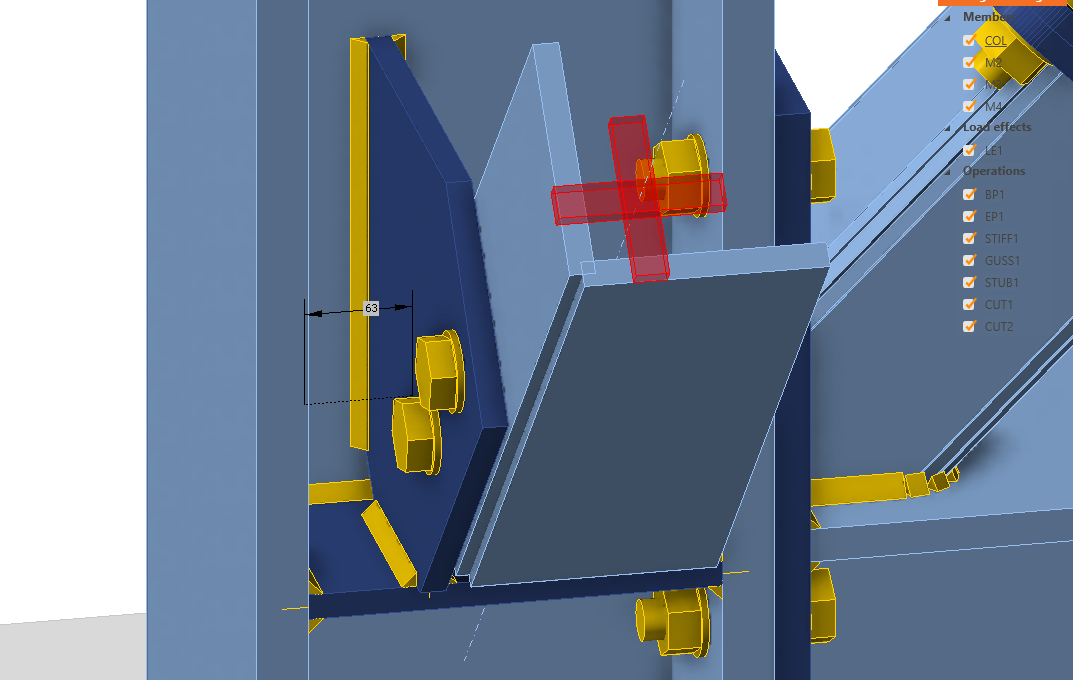
The Measuring tool can be activated in the top right corner of the 3D scene. When turned on, you can select the points for the distance measurement directly in the scene. Once finished, you can deactivate the tool by unselecting the button or using the ESC key.
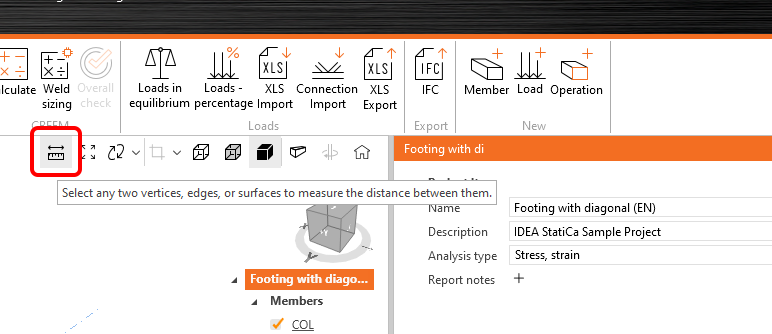
Selection options

The tool supports the measurement between the following entities:

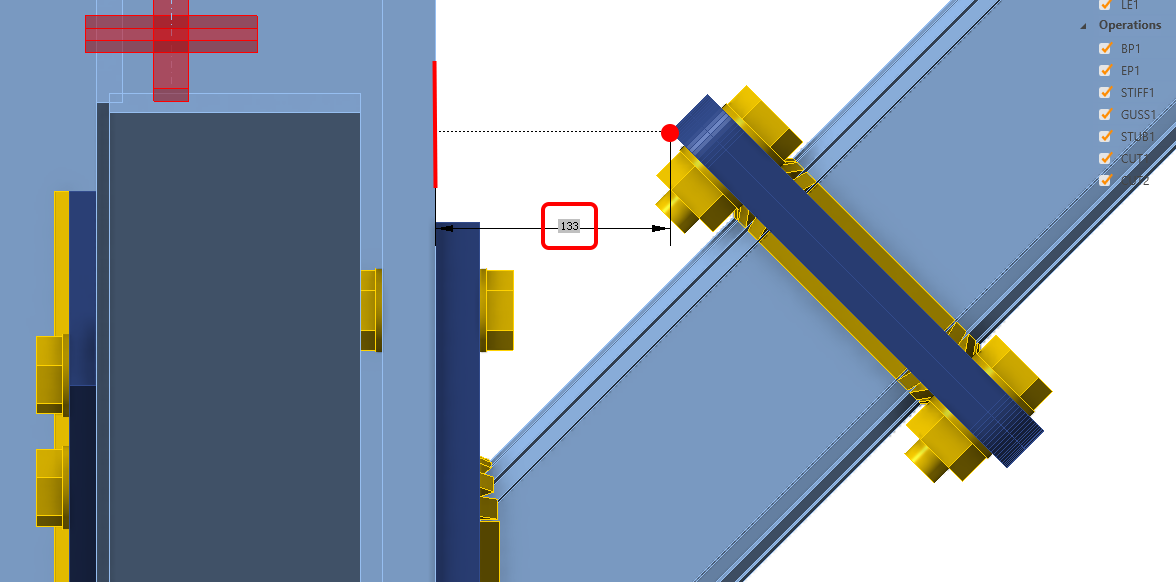
  • Corners: Measure distances from corner points.
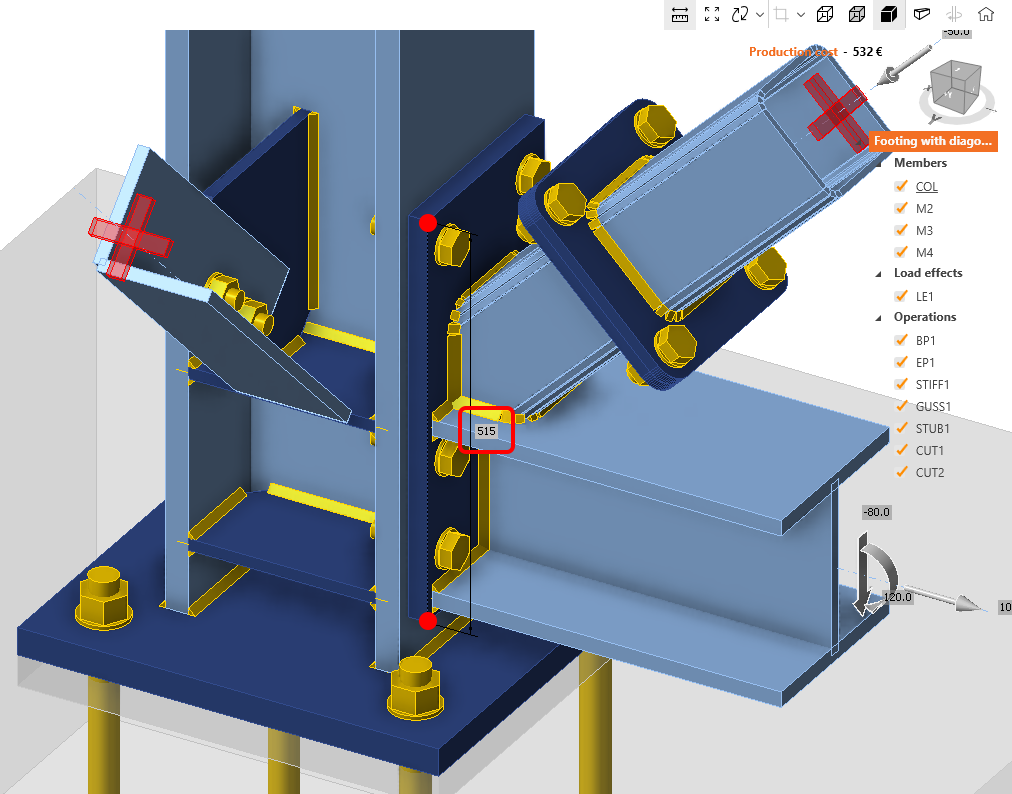
  • Edges: Determine dimensions between edges.
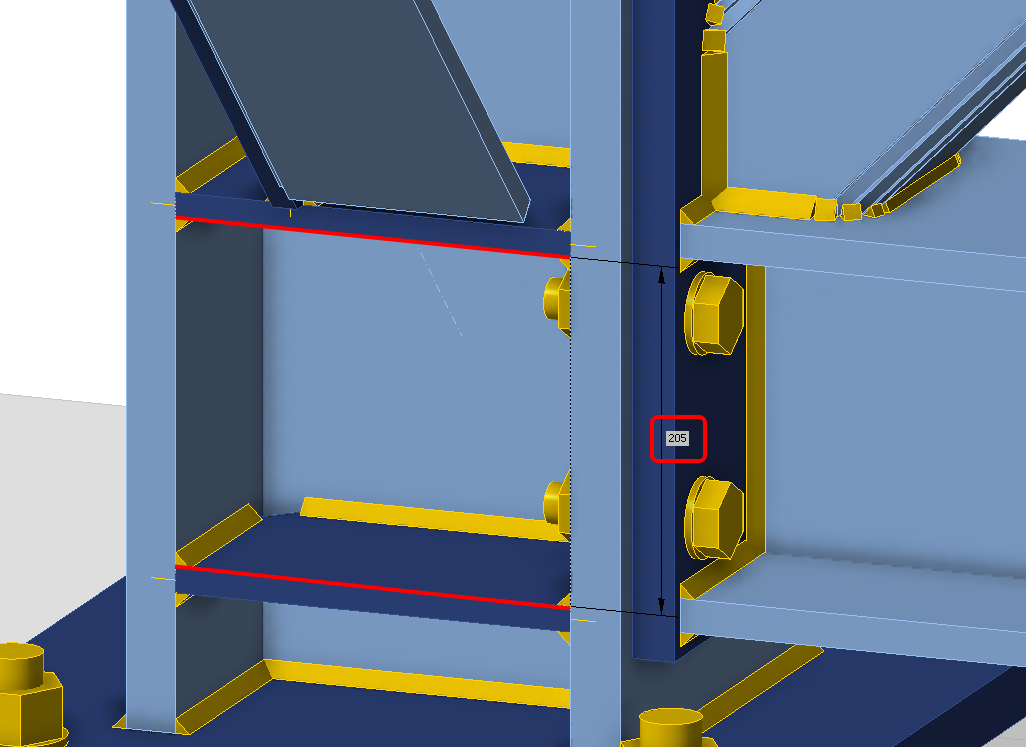
  • Faces: Calculate distances between plate faces.
Limitations
The current version does not support multiple measuring at the same time. This feature is expected to be implemented in upcoming patches.

Distance Information:

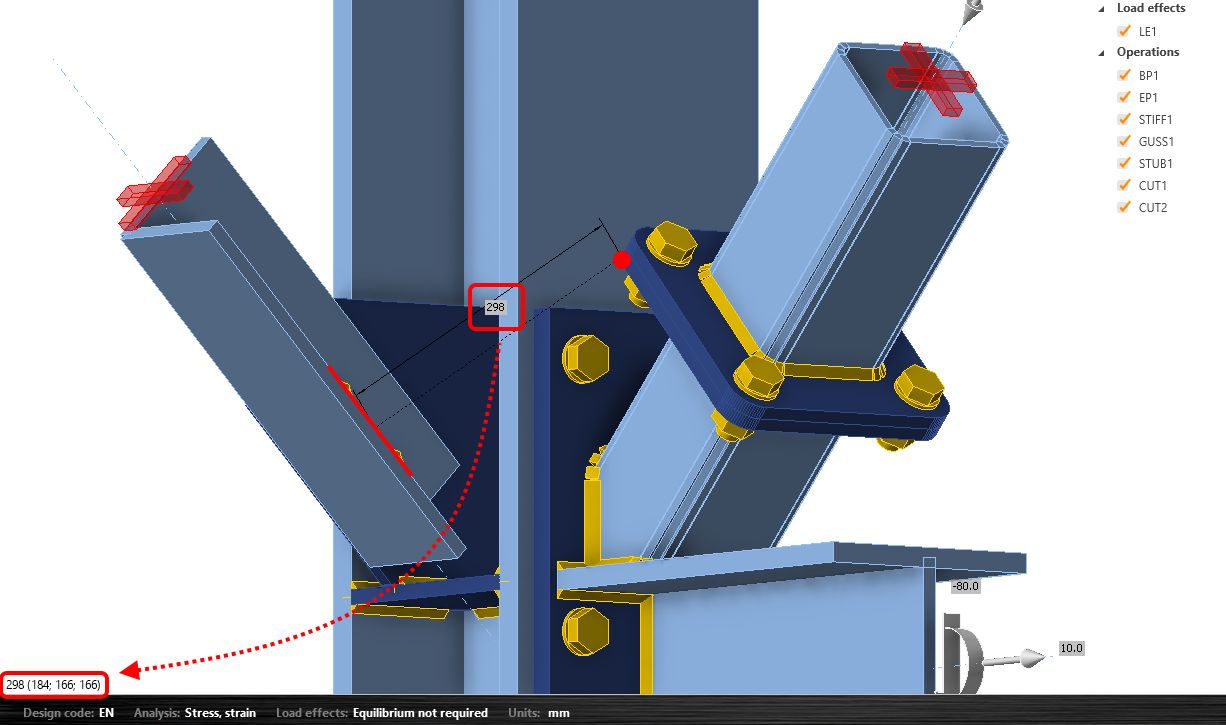
There are two different places where you can read the distance between selected corners/edges/plates:

  • Shortest distance: Displays the minimum distance between selected elements directly in the scene.
  • XYZ distances: Offers detailed distance information along the X, Y, and Z axes, according to the global coordinate system, in the left lower corner in the scene.
Released in IDEA StatiCa version 24.1.

Download the latest version for free

Subscribe to our newsletter

Company

  • About us
  • Partnerships
  • Job openings
  • Patented technology for structural engineers

Resources

  • Customer projects
  • Case studies
  • IDEA StatiCa Connection Library
  • Concrete verifications

Legal

  • IDEA StatiCa END USER LICENSE AGREEMENT
  • Privacy policy
  • Terms of Services – IDEA StatiCa Viewer
  • Licensing

Help

  • Contact
  • Get price quote
  • IDEA StatiCa Specialists
  • Download the latest version
FacebookInstagramLinkedInYouTube

© IDEA StatiCa 2009-2026

Trusted and used worldwide by engineers, fabricators & consultants.