


One IFC model is worth more than a dozen drawings
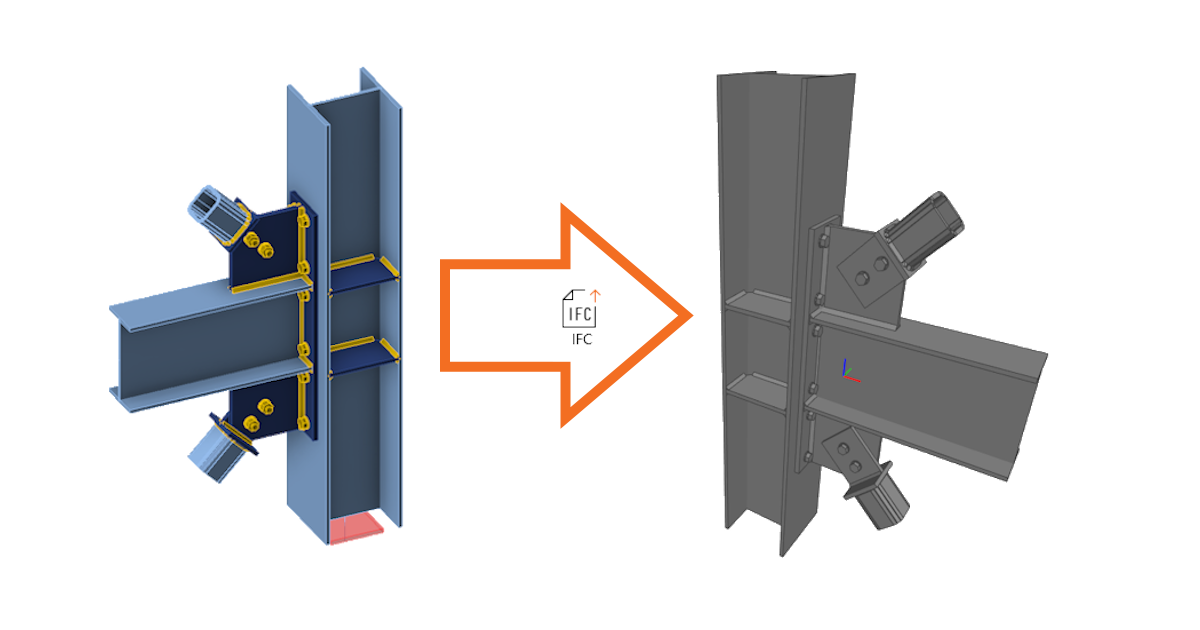
As a detailer, modeling a complex, or even standard, connection design according to 2D drawings provided by a structural engineer can get complicated and create room for error. Therefore, it is important to share as much information between the professions as possible. So, why not use a format that is recognized by every BIM software tool of the industry? An IFC provides you with a 3D representation of the connection, which can be linked to Tekla, Revit, etc., and all IFC viewers.
How to export your connection design into IFC format from IDEA StatiCa Connection and Viewer
All it takes is one click!
- Design your steel joint in IDEA StatiCa Connection and click the IFC export button in the Design tab or Report tab.
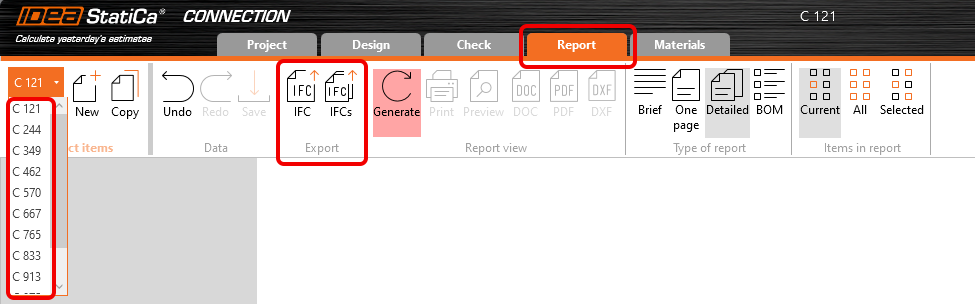
- A bulk export option is included in the "Report" tab. This feature allows users to export multiple connections included in one ideaconn file to IFC files in a user-specified folder.
You can export connections into IFC even if you don't use the desktop application!
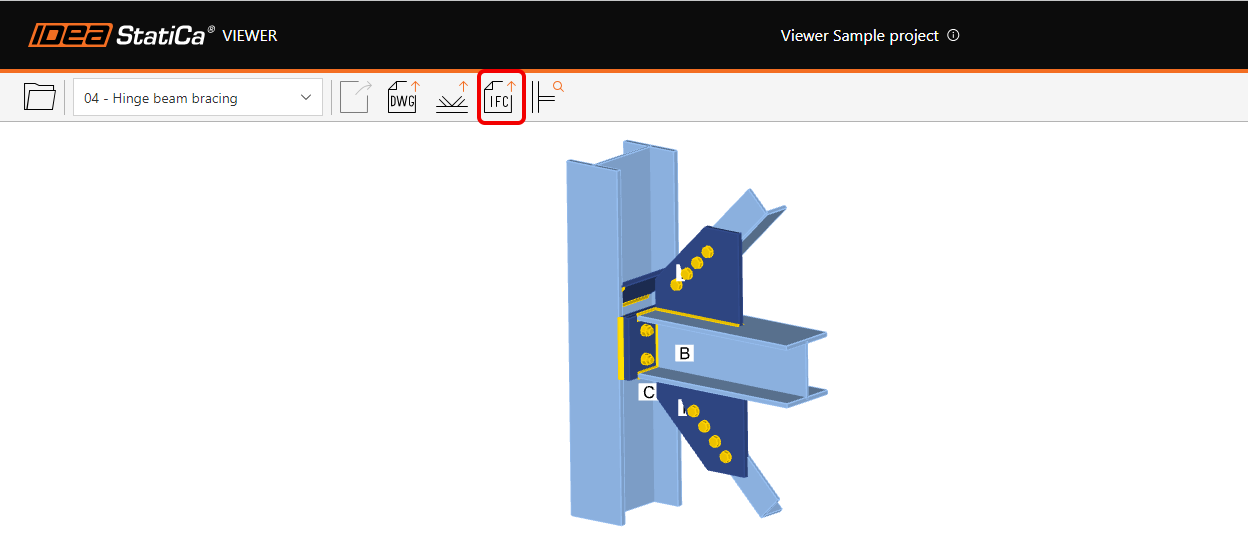
- Just upload the steel joint to our web application IDEA Statica Viewer.
- Click on the icon of IFC file and IFC of your joint will be automatically downloaded.
How to export your connection design into an IFC from IDEA StatiCa Checkbot
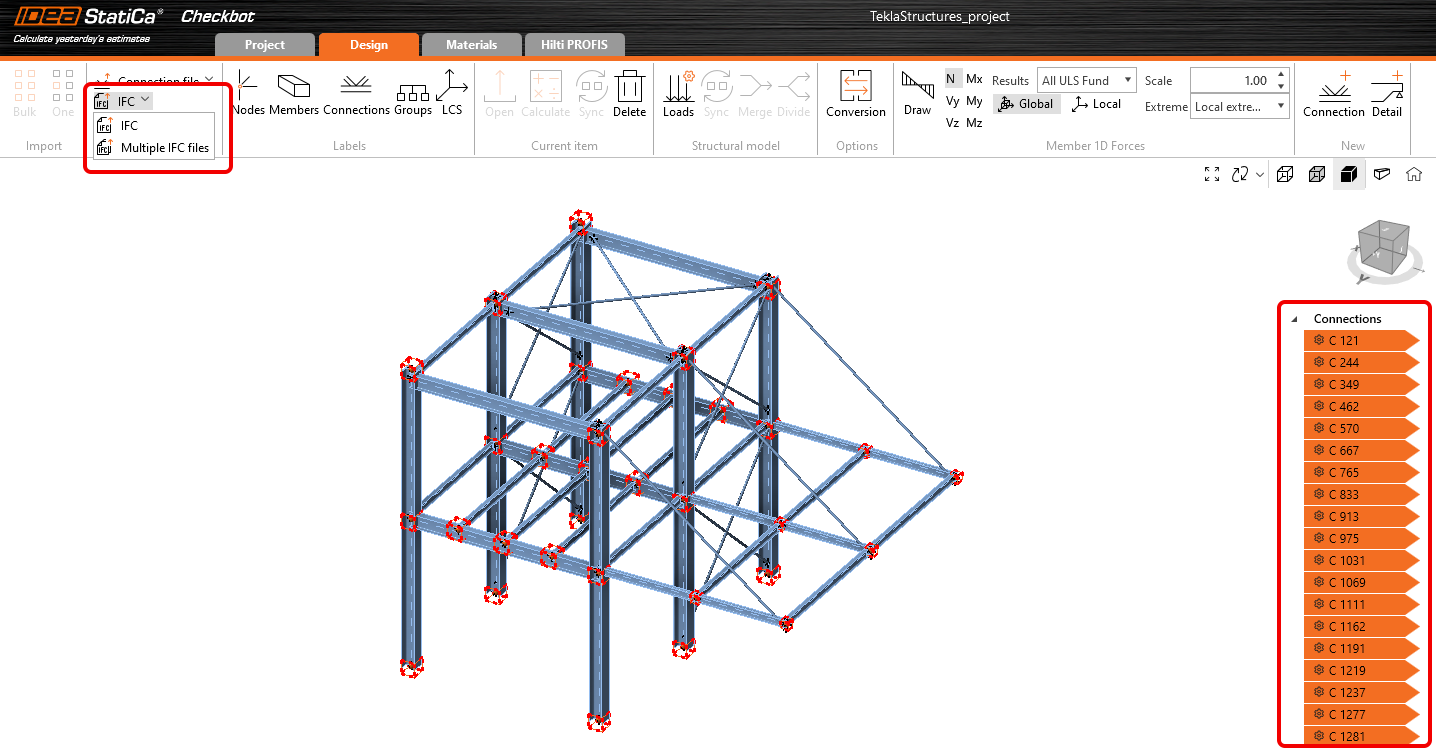
- Design your connections in IDEA StatiCa Connection and export all of them from Checkbot.
- Export the selected connections into a single file with global coordinates or each connection separately into individual IFC files.
- The Export button is accessible both from the ribbon in the Design tab and by right-clicking selected connections in the tree.
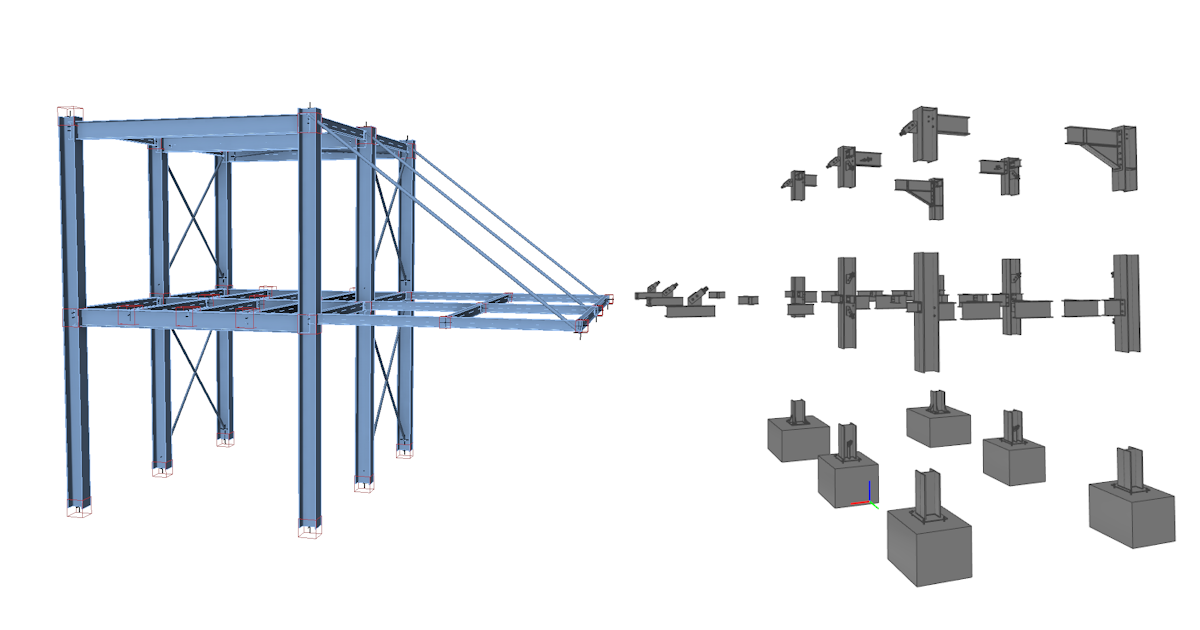
The IFC file includes:
- A geometrically accurate model of the connection, including bolts and welds.
- Basic information about cross-sections, bolts, welds, and materials.
- The model defined as an IFC2x3 coordination view
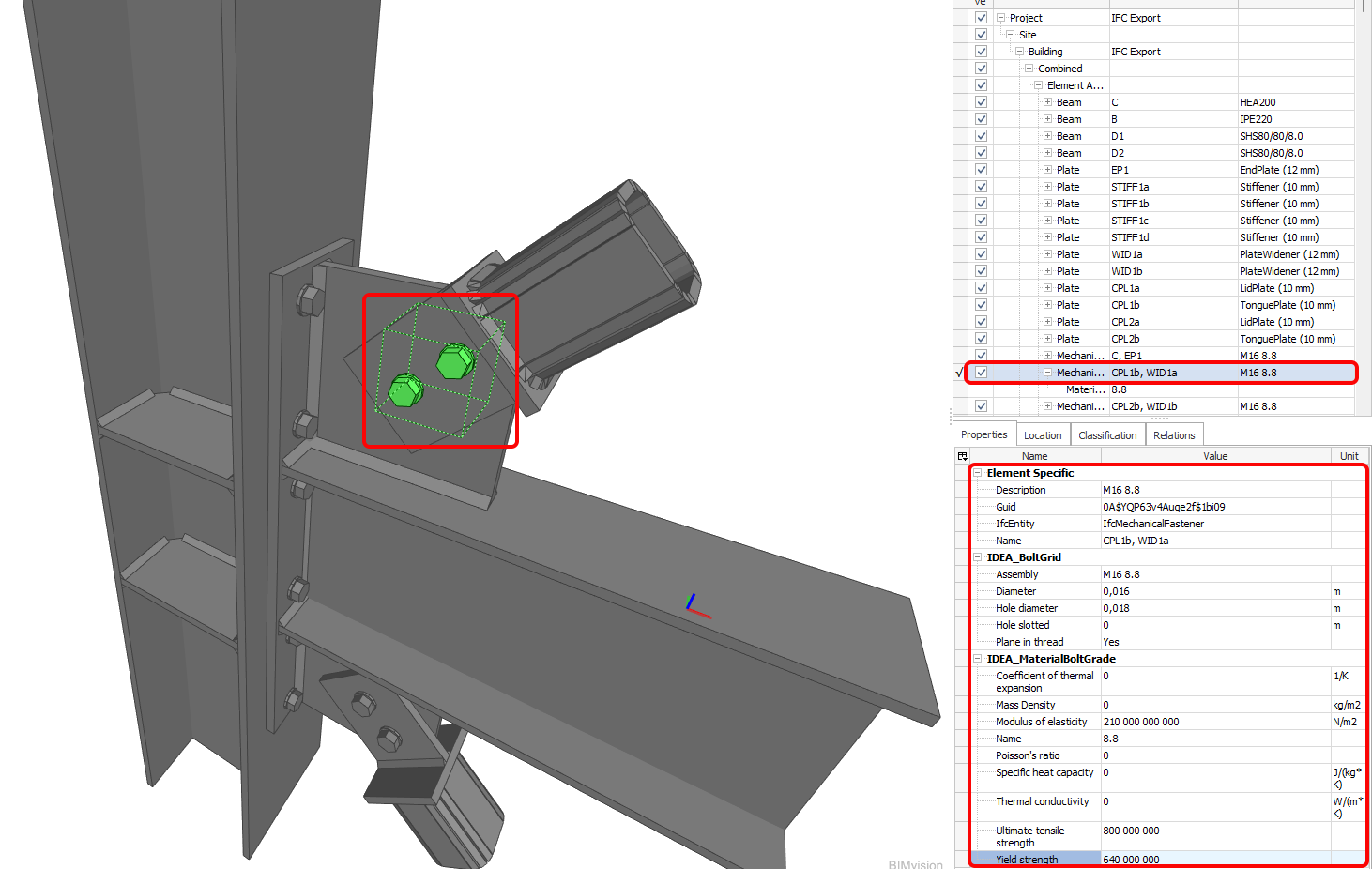
- When generating an IFC file from a connection created or exported through Checkbot, the export contains the global coordinates of the Connection Point – the real location of a connection in a project.
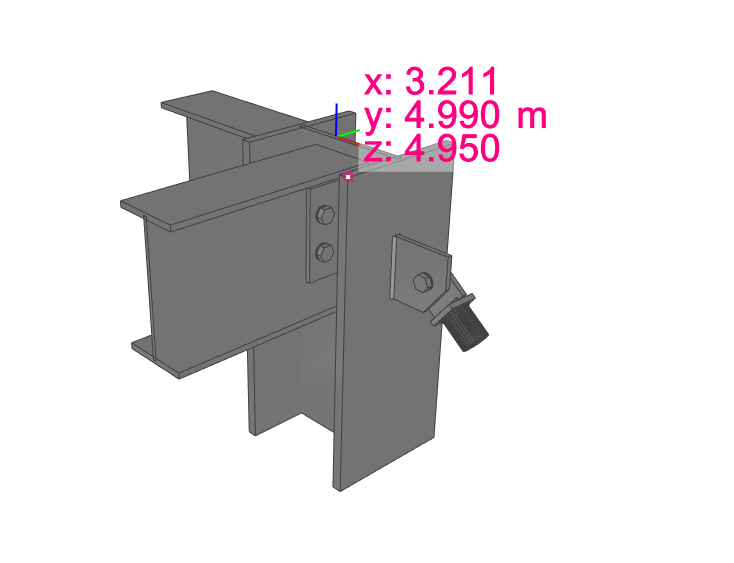
A visual representation of a connection
The IFC file can be imported to BIM/CAD tools (such as Tekla Structures, Autodesk Revit, etc.) as a visual representation of the connection model. This provides the detailer with a better understanding of the model. Opening the model in any IFC viewer software brings you a wholesome view and the possibility to create additional section views, cuts, and measurements.
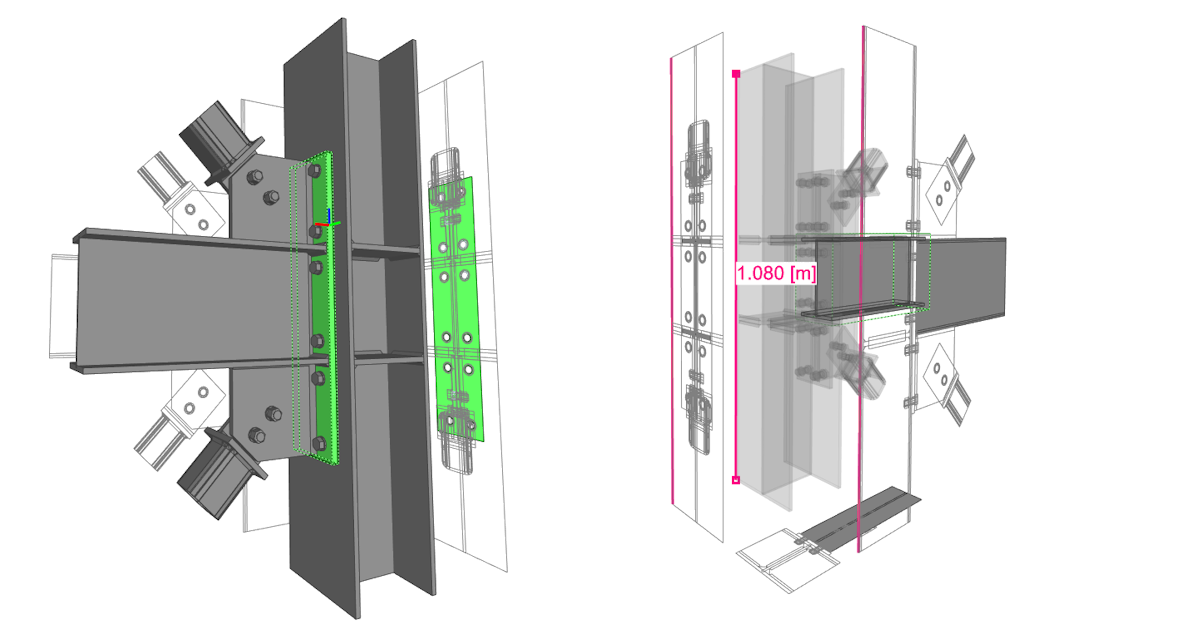
IFC export improvements (since version 23.1.1)
Here you can find listed improvements and details about the IFC export in 23.1.1 patch:
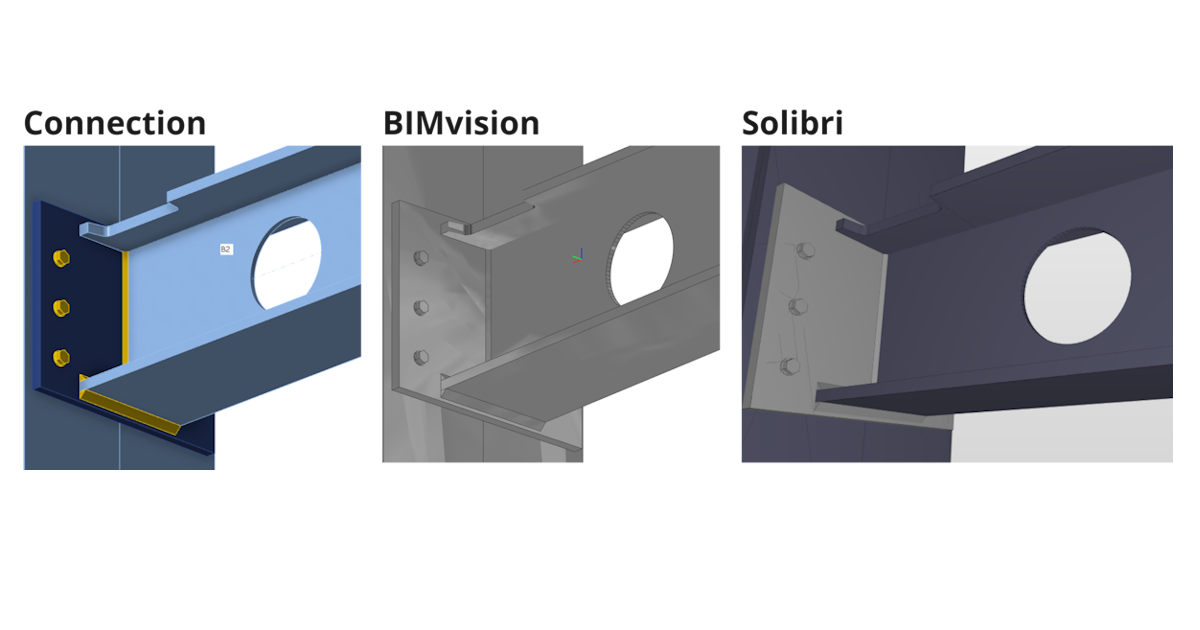
Supported and verified Viewers:
- BIMvision 2.27.3 and later
- Solibri 9.13.5.12 and later
- Autodesk Viewer (https://viewer.autodesk.com/)
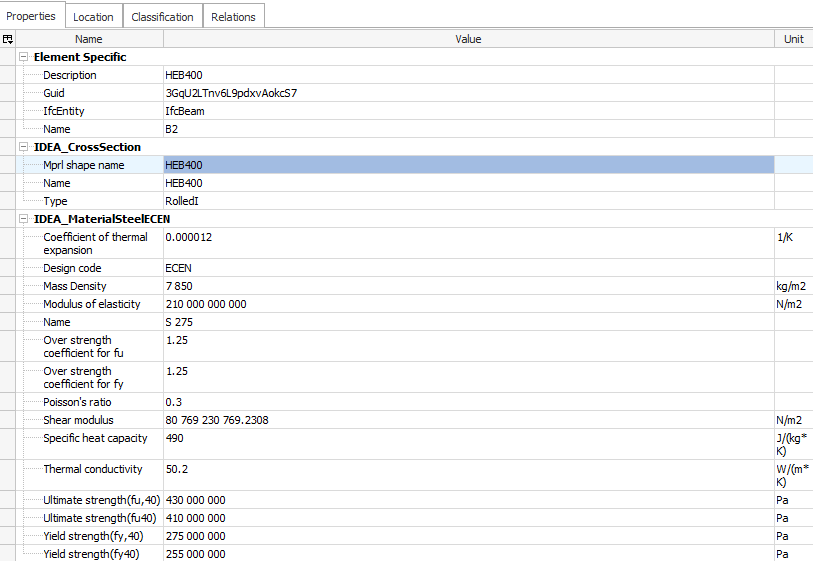
Information about Cross sections and Materials
- Information about cross section and materials are contained in custom properties ("IDEA_CrossSection", "IDEA_MaterialSteel*" property sets).
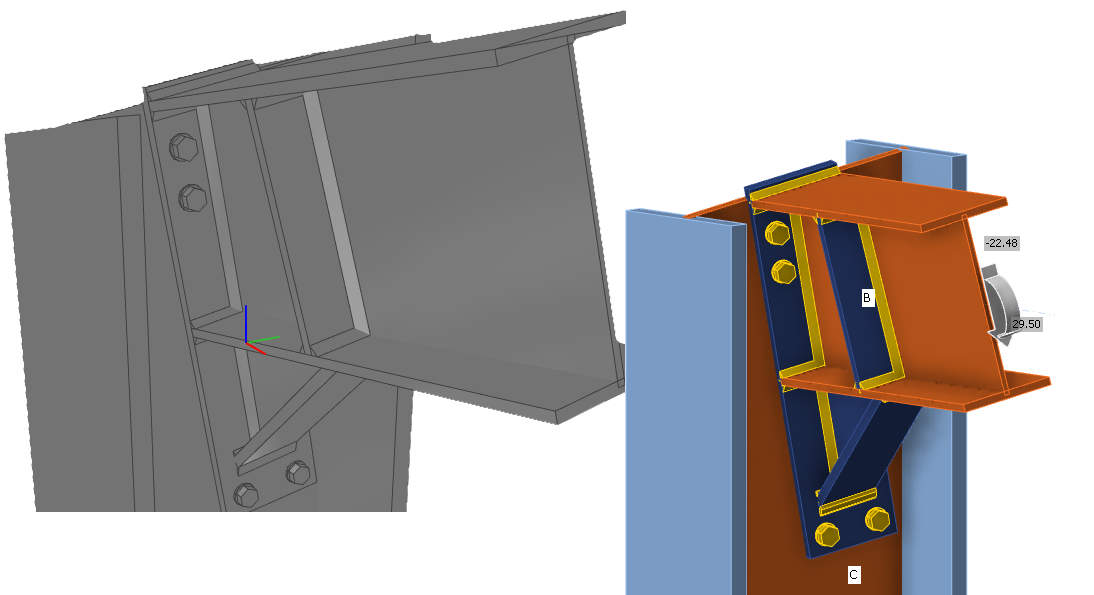
Improved Openings, Notch-cutting
- Notches and Openings operations are supported fully for IFC export and are visualized correctly in IFC viewers (Solibri, BIMvision, and Autodesk viewer checked)
Negative volumes primarily export to IFC
- Negative Volumes with limitations
- In IDEA 23.1.1 added support for "Type" member Limitation - mirroring is not supported (planned for next iteration)
- In IDEA 23.1.1 added support for "Type" plate Limitation - negative plate is exported to IFC and has to be disabled in IFC viewer (planned for next iteration)
Improved bolt positioning during export
Improved IFC export of circular connection plates with unequal meshing
- Circular plates are exported correctly to the IFC
Validated IFC Syntax and Schema of IFC 2x3 by BuildingSmart validation tool
- https://validate.buildingsmart.org/ (note: referencing rules are not satisfied on purpose - referencing welds to multiple edges)
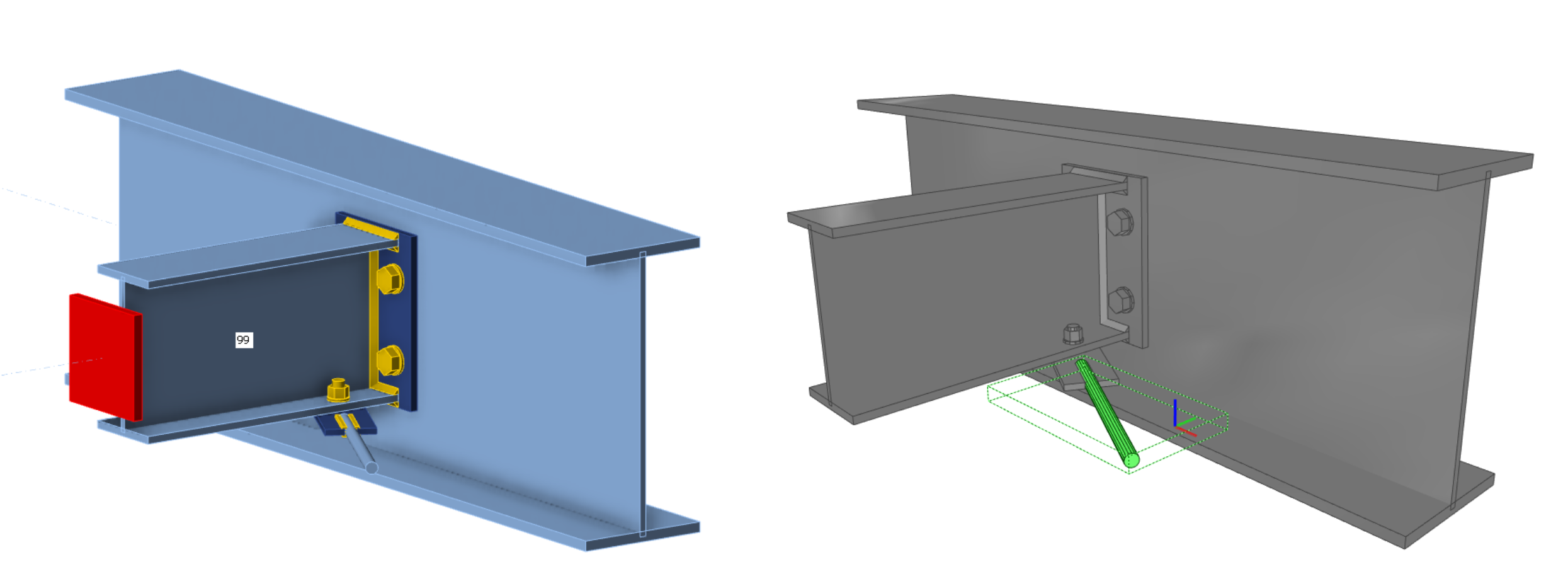
Rods can be exported to IFC from IDEA Statica
- Rods are supported for IFC export
Improved positioning of welds
- Welds are placed on the right edges according to the Connection model
Known limitations
IFC export from IDEA StatiCa Connection app and Viewer is optimized to export 3D geometry with parameters about materials and cross sections of contained objects.
Some software supports importing IFC objects and can even convert IFC objects to native design objects. We want to support this opportunity as much as possible but can’t optimize it for all.
Here, you can see the status of optimization for the following software:
Tekla Structures 2022, 2023
- IDEA IFC model can be imported
- Items can be converted to native objects “as item”
Autodesk Revit 2023, 2024
- IDEA IFC model can be imported as a linked project
Advance Steel 2023, 2024
- IDEA IFC can not be imported into Advance Steel (boundary representation geometry is not supported in Advance Steel)
IFC version
IFC 2x3 as coordination view is exported. (no option for settings)
Beams and plates
Beam and plates are exported as mashed geometry, so they do not act like a dimension object. (Advance Steel import limitation)
Bolt holes
Bolt holes are exported, but not all viewers and tools support viewing them.
Properties
Exported properties are SI units only.