
Idea Statica
Steel
Concrete
BIM & Workflows
Support & Learning
Pricing
Company
14-Day Trial
Support CenterKnowledge BaseAdd or merge nodes of connections and members in Checkbot
IDEA StatiCa BIM interoperability for steel
IDEA StatiCa BIM interoperability for concrete
Checkbot – bulk BIM workflows
Bulk workflows and critical load filter in Checkbot
Export of editable connections from Checkbot
How to merge the joint from CAD and FEA software
Add or merge nodes of connections and members in Checkbot
Import of recommended welds
Checkbot ready for big projects
Checkbot Free – the structural design hub for FEA and CAD data
Checkbot (BIM link) does not start
Adding or merging nodes of connections and members
SteelConnection designMember designKnowledge baseConnection

Add or merge nodes of connections and members in Checkbot

This article is also available in
ENCSDEESFRITPTNLHURO

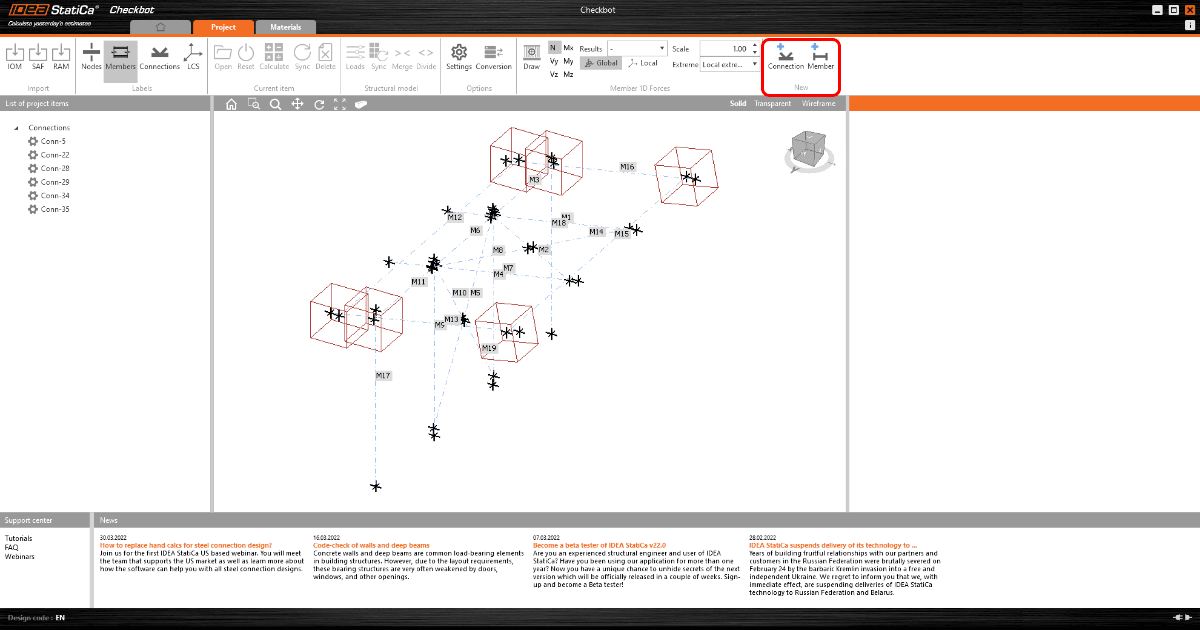
Since version 22.0 defining and editing new design items is possible in the Checkbot app. You can simply select and create connections and members directly in the structural model inside the Checkbot.

Why did we come up with this feature? In previous versions, the user could face the obstacle that some Connections were not created automatically or had two connection models for one structural joint. This issue can now be solved by manual creation of whatever joint or member needs to be analyzed.
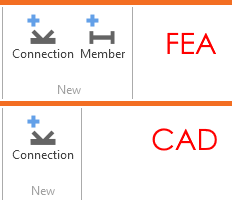
For import from FEA applications both options, Connections, and Member creation is available. For import from CAD applications, only the Connection option is present.
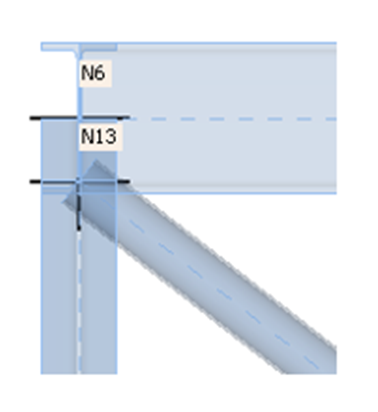
Maybe an even more important issue solved with this manual creation is the connection arrangement with close structural joints which should be analyzed in one common Connection model. Typically with eccentric diagonal bracing members, it's very often the case. Now the user can decide which specific joints should be analyzed in the common Connection model.
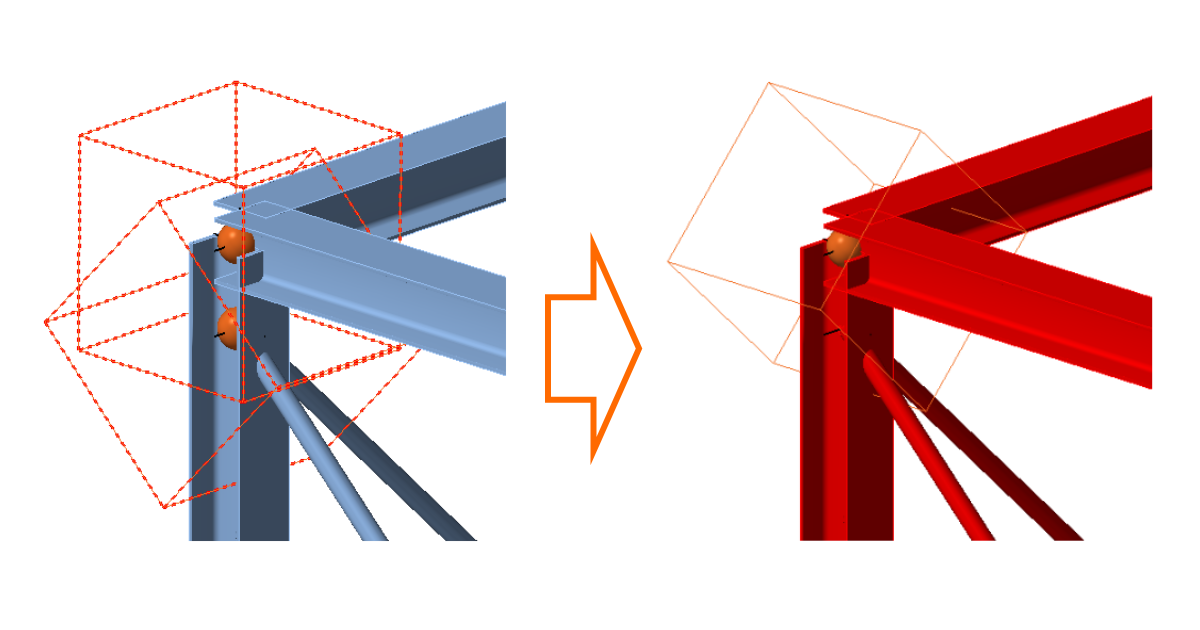
Eccentric members in one connection

The secondary use-case for this feature is in the use of IOM/ SAF / RAM Import. When a user uses Checkbot as a standalone application, the structural model is brought from 3rd party application automatically, but the Connections and Members to be analyzed need to be selected manually. And that's exactly where this feature helps a lot.

Two possibilities of creating new Connections:

  1. one connection - the user can go one by one
  2. multiple connections at once - several Connections can be created at once

Available in both Expert and Enhanced editions of IDEA StatiCa Steel.

Subscribe to our newsletter

Company

  • About us
  • Partnerships
  • Job openings
  • Patented technology for structural engineers

Resources

  • Customer projects
  • Case studies
  • IDEA StatiCa Connection Library
  • Concrete verifications

Legal

  • IDEA StatiCa END USER LICENSE AGREEMENT
  • Privacy policy
  • Terms of Services – IDEA StatiCa Viewer
  • Licensing

Help

  • Contact
  • Get price quote
  • IDEA StatiCa Specialists
  • Download the latest version
FacebookInstagramLinkedInYouTube

© IDEA StatiCa 2009-2026

Trusted and used worldwide by engineers, fabricators & consultants.