Idea Statica
  • Steel
  • Concrete
  • Support & Learning
  • Pricing
  • Company
  • Steel overview
  • Connection design
  • Member design
  • Parametric design
  • Steel case studies
  • Concrete overview
  • Walls and D-regions
  • Anchoring design
  • Concrete case studies
  • BIM Overview
  • Supported integrations
  • Checkbot
  • Viewer
  • APIs
  • Support Center
  • E-learning & certification
  • Blog
  • Downloads & Licensing
  • Plans
  • Free community tool
  • Enterprise customers
  • Students & educators
  • How much will you save?
  • About us
  • Contact
  • Research & development
  • Authorized resellers
  • Meet our customers
  • Career
  • Steel
    Steel overviewConnection designMember designParametric designSteel case studies
  • Concrete
    Concrete overviewWalls and D-regionsAnchoring designConcrete case studies
  • BIM OverviewSupported integrationsCheckbotViewerAPIs
  • Support & Learning
    Support CenterE-learning & certificationBlogDownloads & Licensing
  • Pricing
    PlansFree community toolEnterprise customersStudents & educatorsHow much will you save?
  • Company
    About usContactResearch & developmentAuthorized resellersMeet our customersCareer
14-Day Trial
14-Day Trial

Subscribe to our newsletter

Company

  • About us
  • Partners
  • Careers
  • Patent

Resources

  • Customer projects
  • Case studies
  • Connection Library
  • Verification books

Legal

  • EULA
  • Privacy policy
  • California Privacy
  • TOS Viewer
  • Licensing

Help

  • Contact
  • Quote request
  • Resellers
  • Downloads
FacebookInstagramLinkedInYouTube

ยฉ IDEA StatiCa 2009-2026

Trusted and used worldwide by engineers, fabricators & consultants.

Support CenterKnowledge Base ArticlesSetting up a commercial license
Licensing
What licensing system does IDEA StatiCa use?
Where to download installation files
Where IDEA StatiCa stores your data
Activating your user account
Setting up a commercial license
System requirements for IDEA StatiCa
Single Sign-on (SSO)
Set-up guide for Single Sign-On (SSO)
How to set which products I take from the license pool?
Do we have to do something special to open the traffic between the license server and our network?
How to add users who are assigned to another license?
Who is using the license?
New version indicator
Deploying IDEA StatiCa with Intune
Off-line licensing
Setting up a commercial license
LicensingKnowledge baseLicensing

Setting up a commercial license

This article is also available in
ENCZDEESFRITPTNLHUROKRPLTHTRVIZH

Manage your account, licenses, users and cases completely independently.

Thanks for getting onboard IDEA StatiCa! We will get you up to speed in minutes. After you purchase the IDEA StatiCa license, we send you two emails โ€“ one to activate your account and one with introductory content.

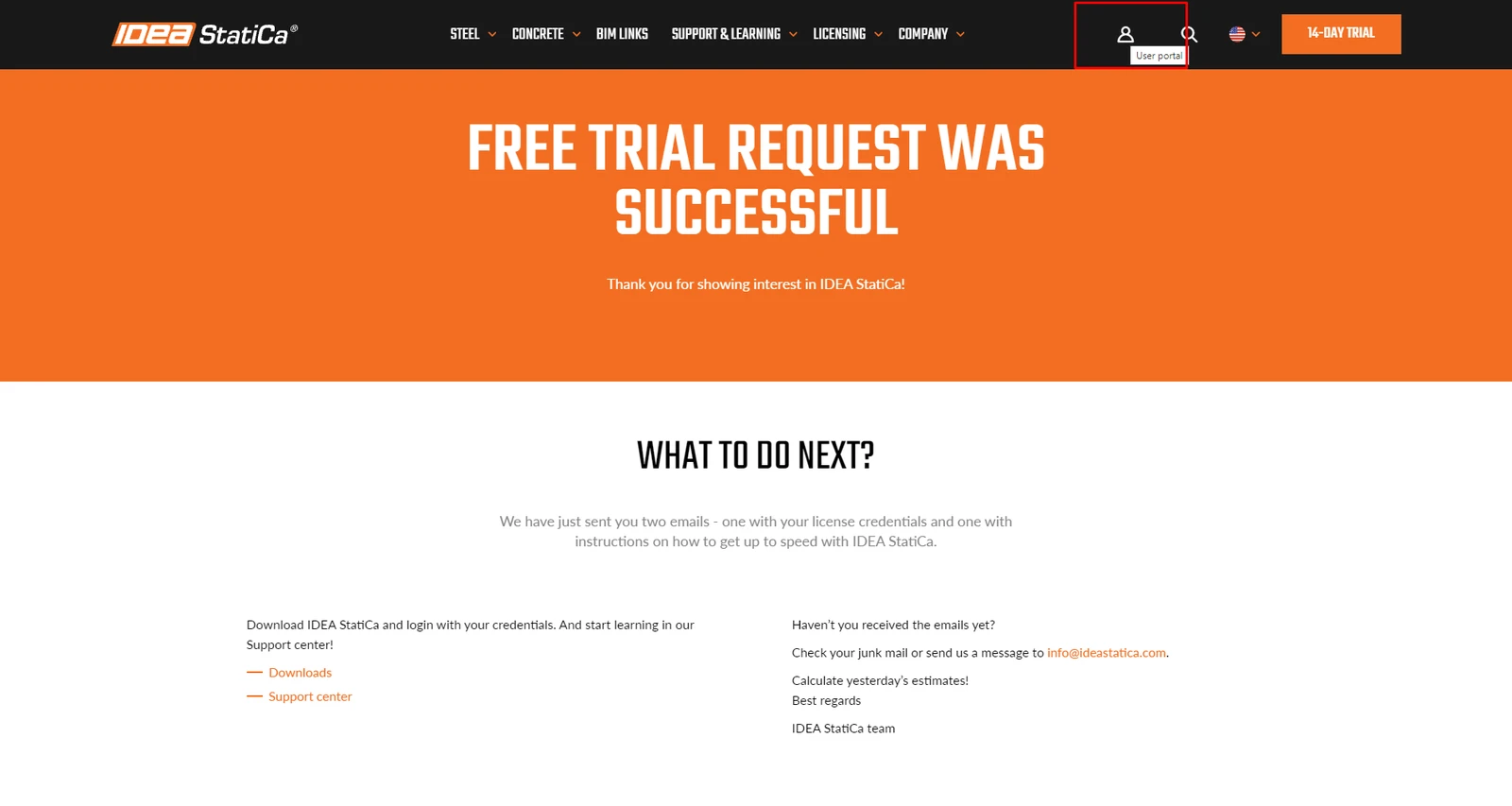
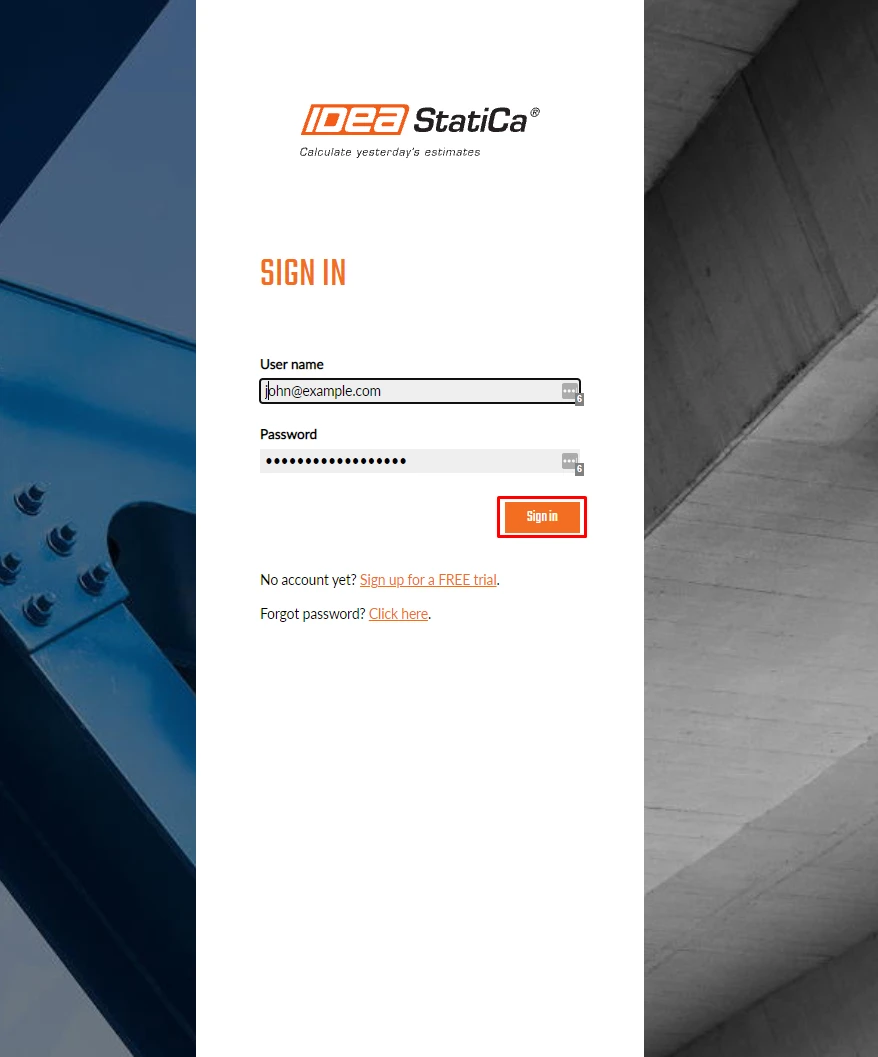
Go to the IDEA StatiCa web page at https://www.ideastatica.com/ and click on the User portal icon. Use these credentials to log in for the first time, as an admin of your organization.
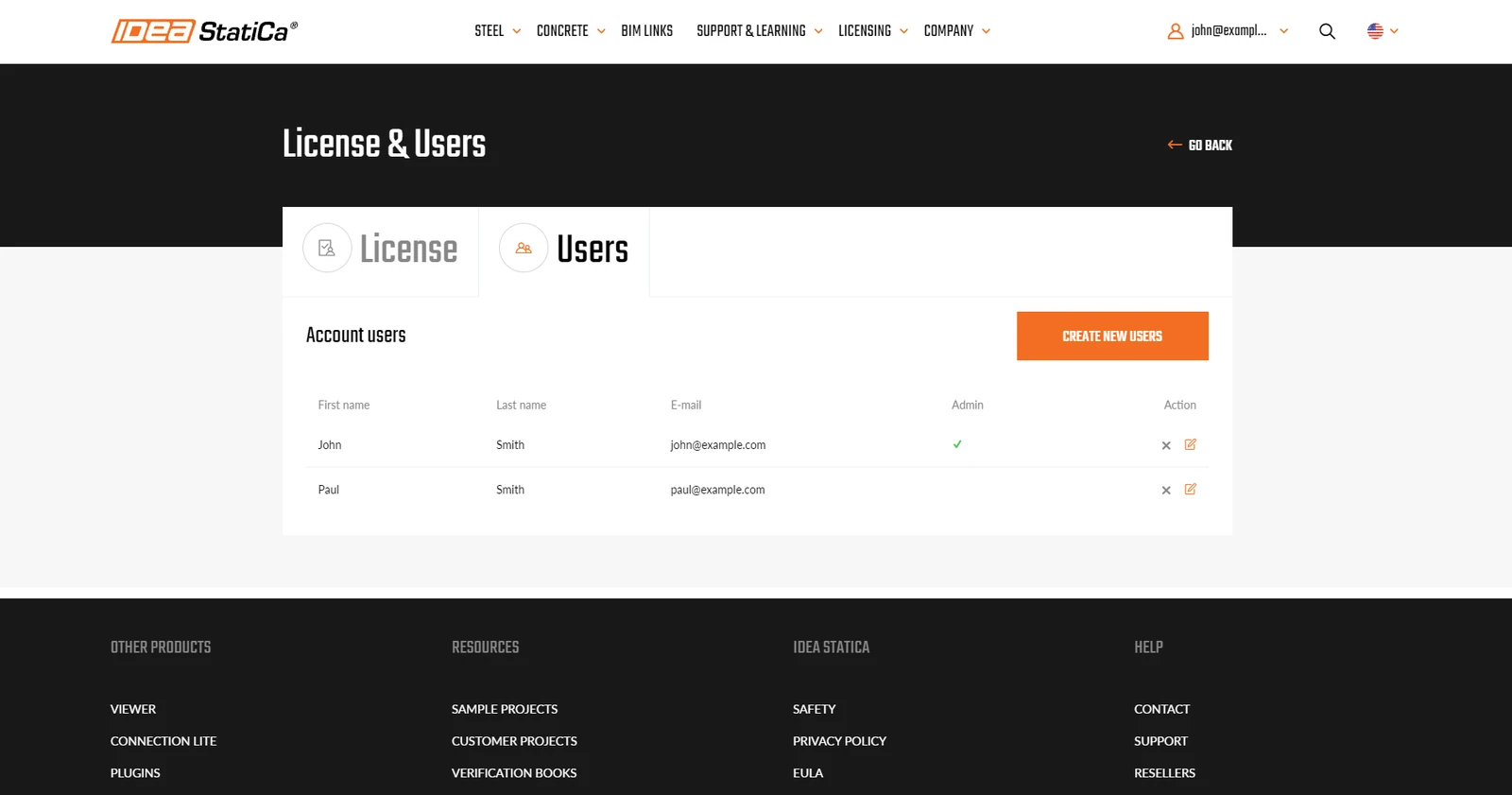
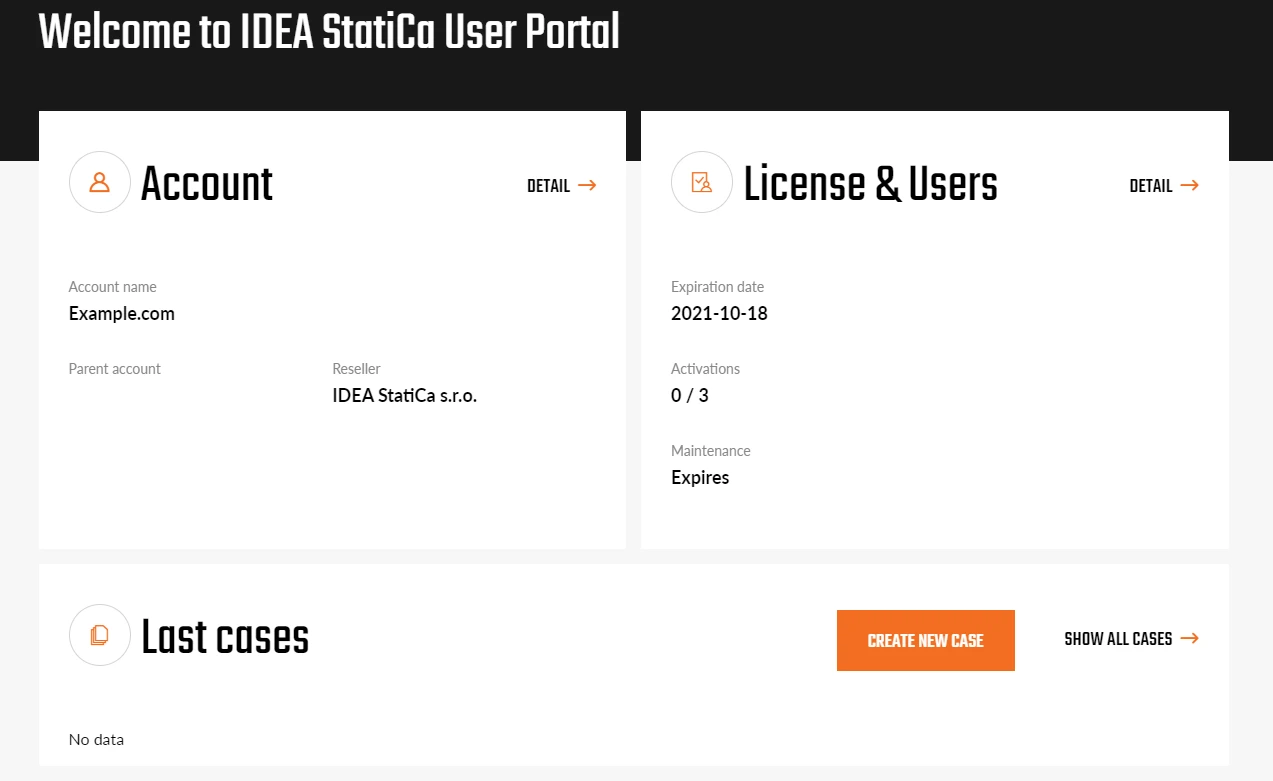
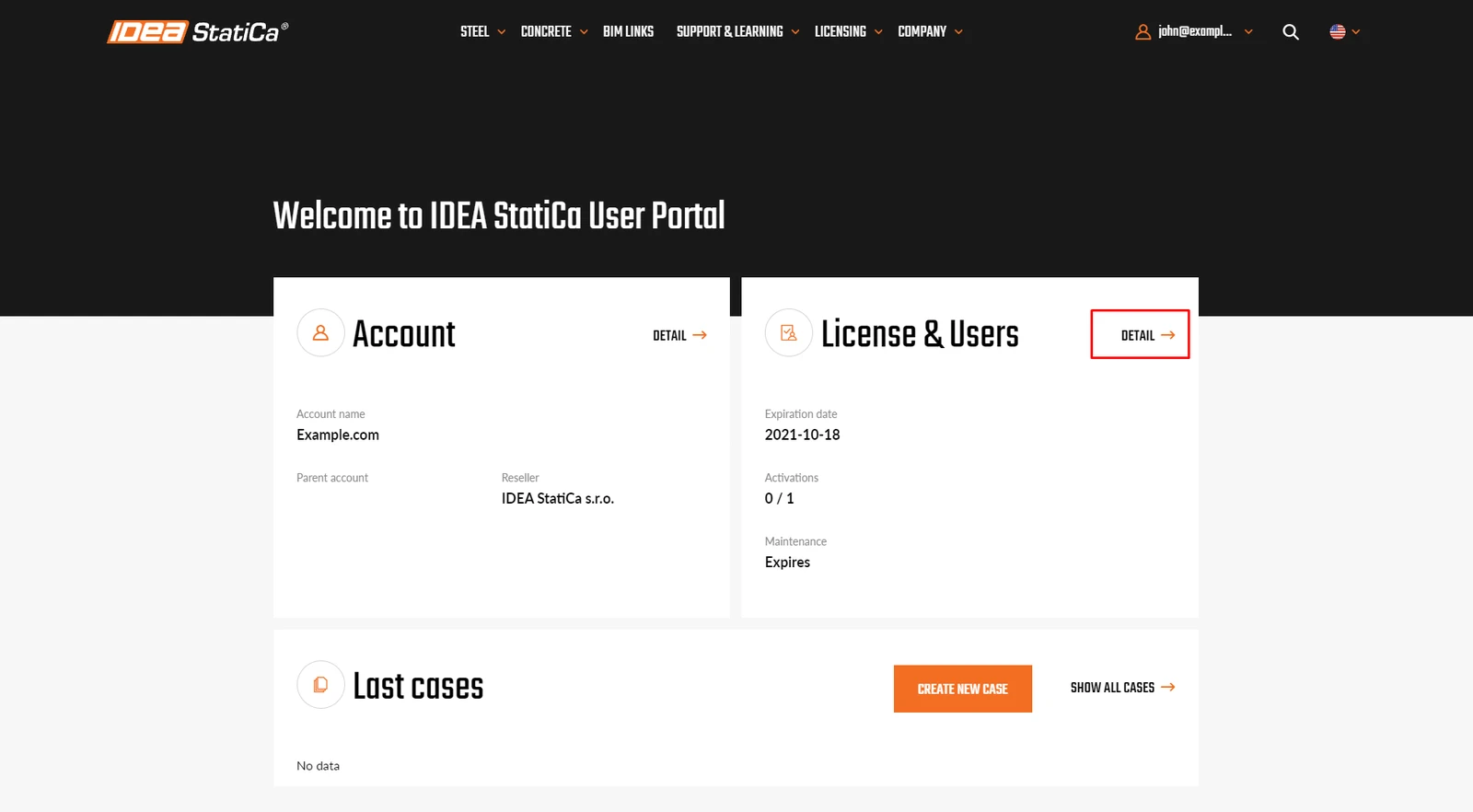
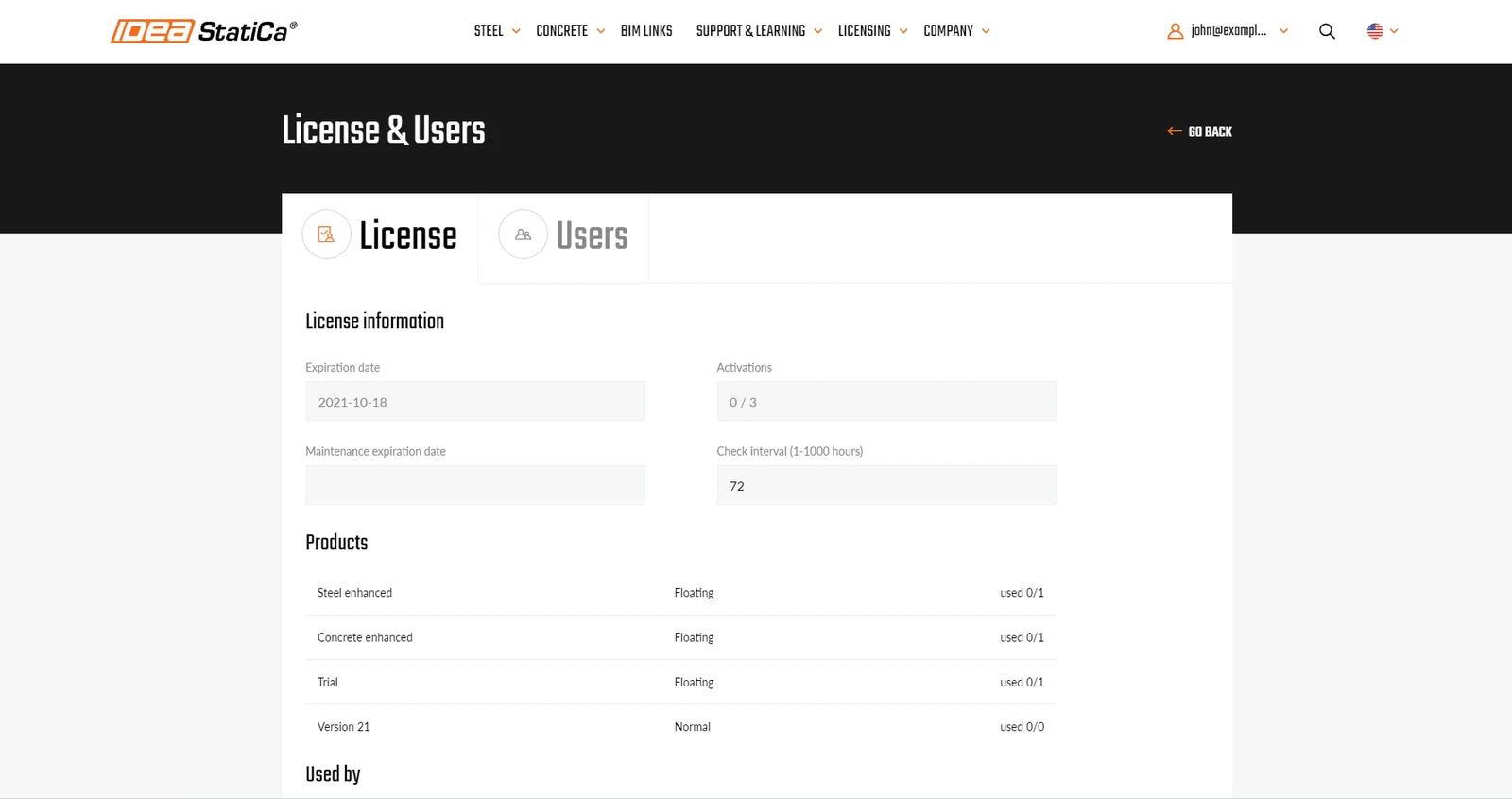
This is your IDEA StatiCa Customer portal, it can be accessed only by people you define. In the Licenses section, you can see the overview of licenses your organization is entitled to, as well as currently used seats.
How to add new users to your license

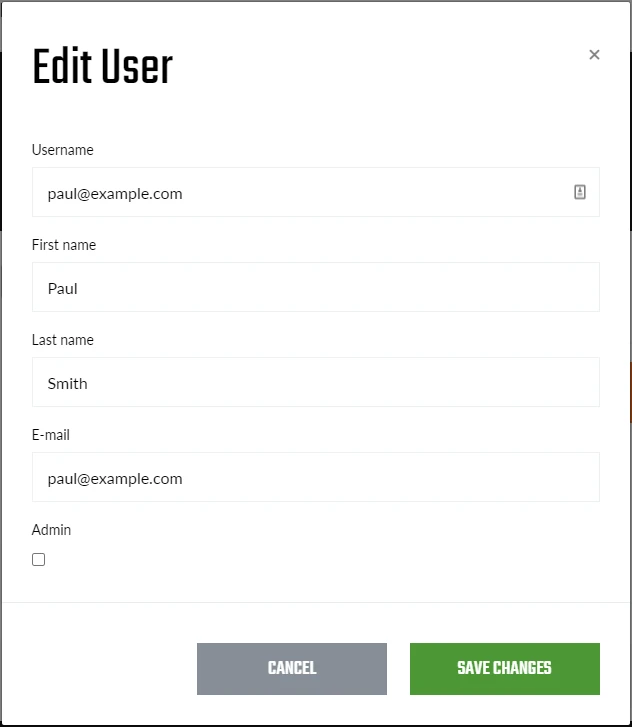
Go to Users and start creating new users you want to be assigned to your company license. The best practice is to set the โ€œUser nameโ€ the same as the email. Please be informed that the system is case sensitive, therefore we recommend using only lowercase letters and numbers.

By default, all new users are added without admin rights. If you want to create another admin in your organization, tick the โ€œAdminโ€ checkbox.

All created users are listed. If you delete a user, he/she will disappear from this list. The list is real-time and all changes made are instantly applied throughout your organization.

Once you have created a new user, he or she automatically receives an invitation email.

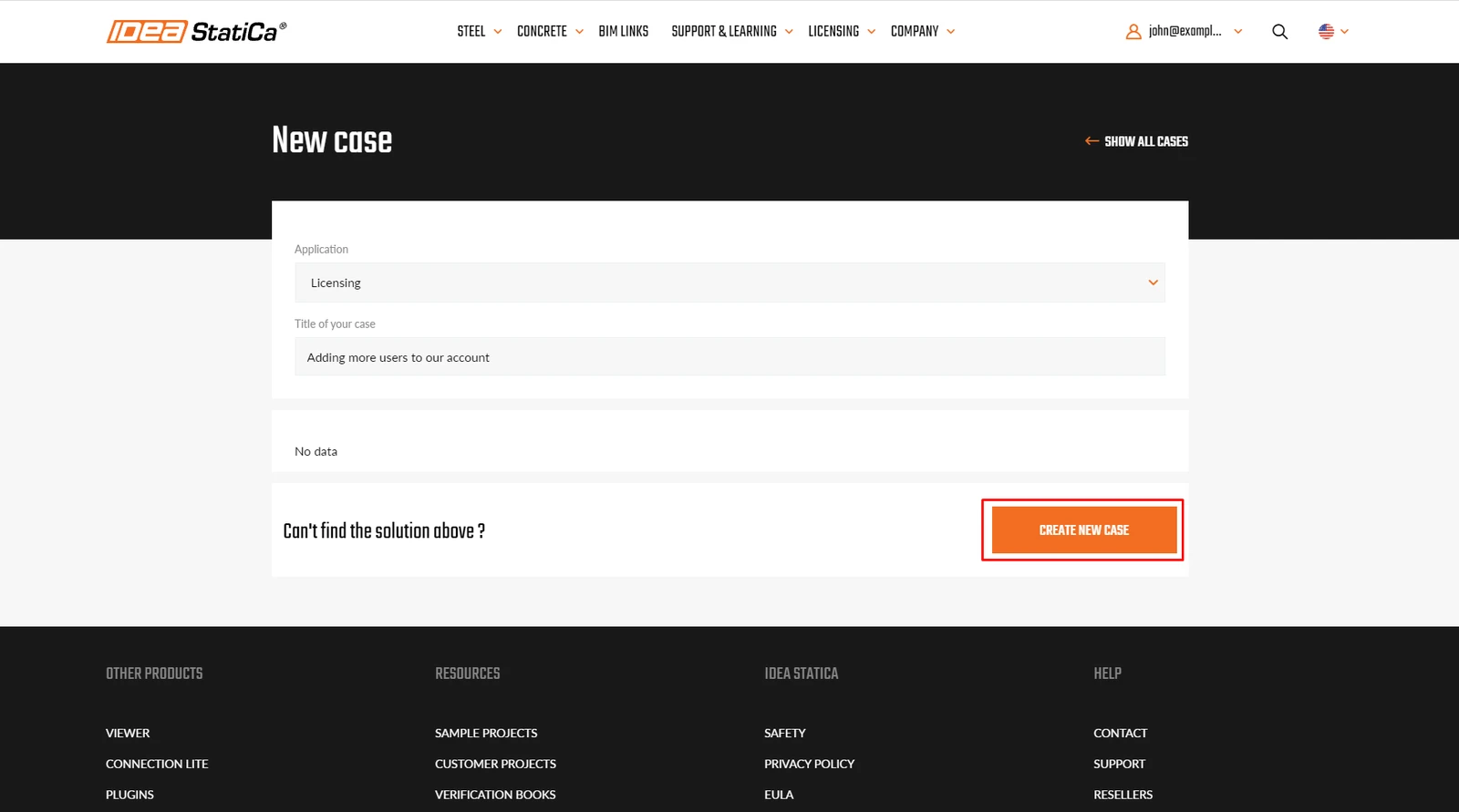
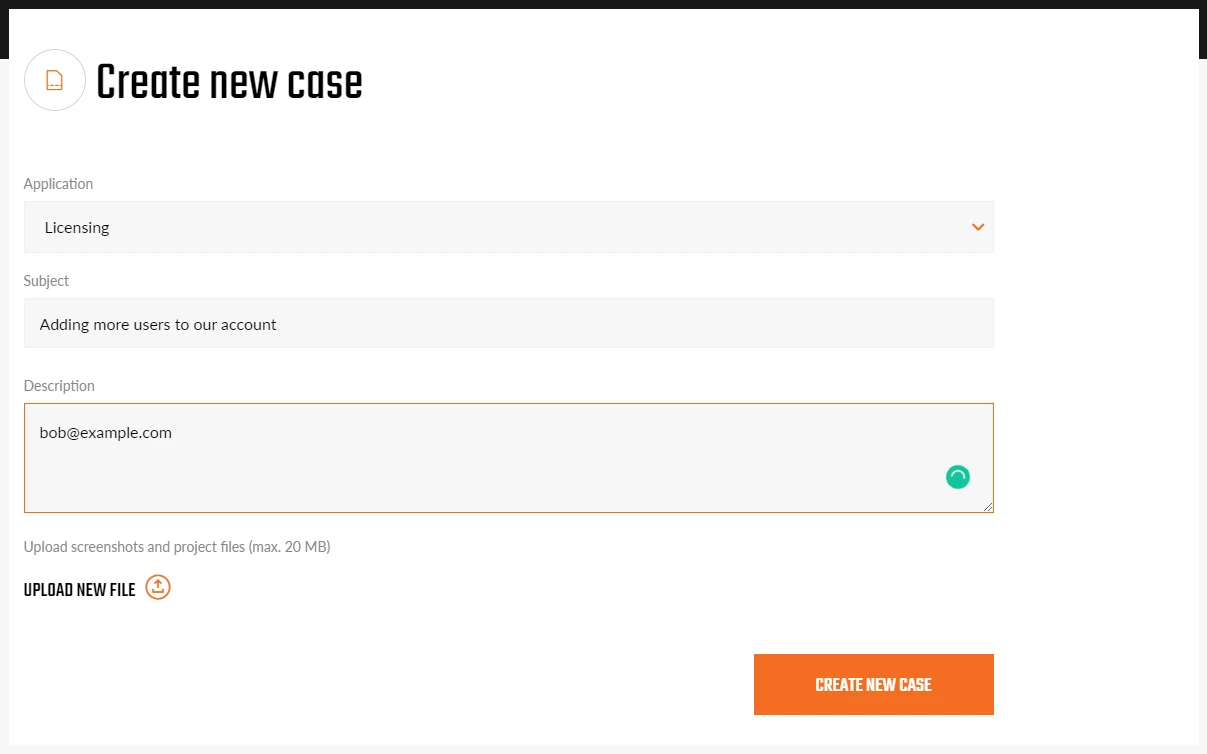
Some users from your organization might be assigned to a different license, usually a trial or an educational license. As each user can be assigned only to one license, you will not able to add this user to your company license. In this case, we need you to contact us with a list of usernames (emails) that you want to link to your license and we will do it for you (at best they share the same domain as your admin email).ย 

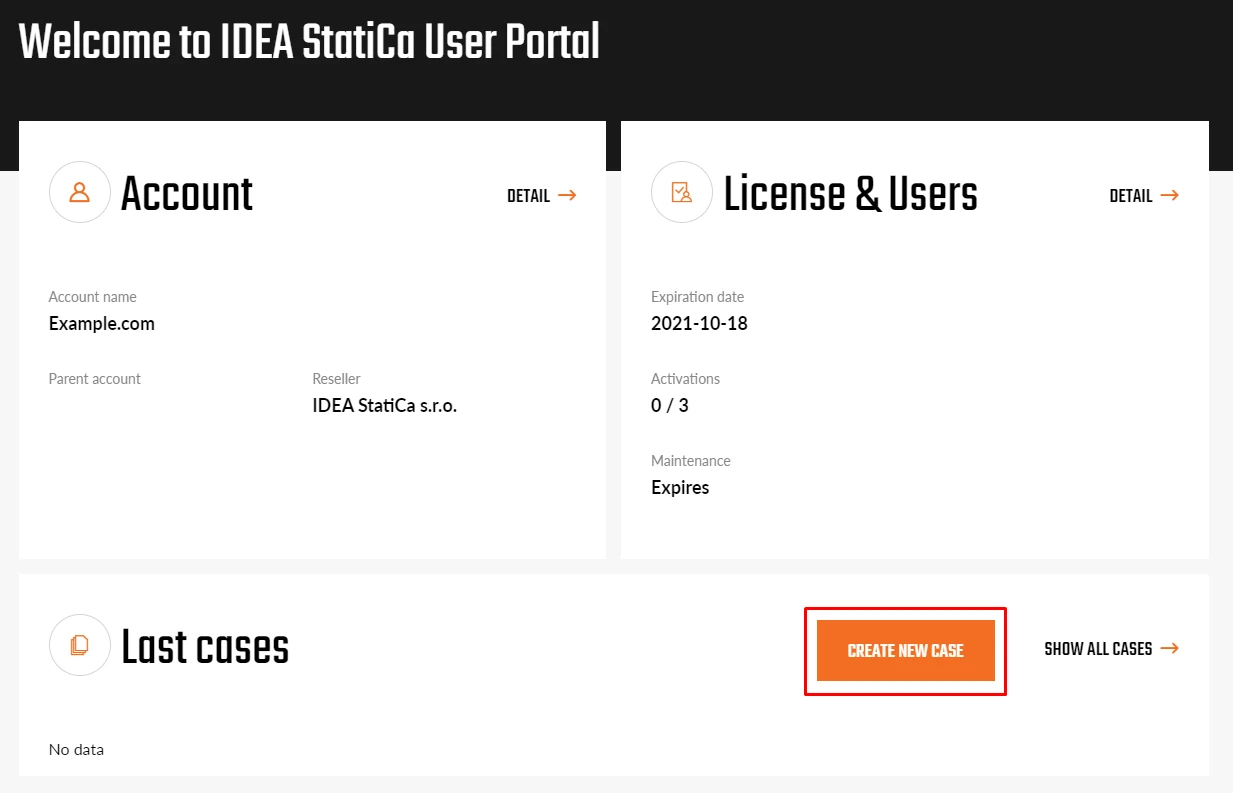
This can be done using the button Create a new case.
Do you have more questions? Just go to the Support Center and search for the licensing FAQs and knowledgebase articles.

Enjoy using IDEA StatiCa!

Related articles

How to add users who are assigned to another license?
  • Licensing
  • +1
  • Licensing

Knowledge base

How to add users who are assigned to another license?

Read more
Is the old licensing (up to version 10) still working?
  • Licensing
  • +1
  • Licensing

Knowledge base

Is the old licensing (up to version 10) still working?

Read more
How do you manage your IDEA StatiCa subscription?
  • Licensing
  • +1
  • Licensing

Knowledge base

How do you manage your IDEA StatiCa subscription?

Read more
How can I recover my forgotten password?
  • Licensing
  • License Credentials
  • +2
  • Licensing
  • License Credentials

Knowledge base

How can I recover my forgotten password?

Read more