Idea Statica
  • Steel
  • Concrete
  • BIM & Workflows
  • Support & Learning
  • Pricing
  • Company
  • Steel overview
  • Connection design
  • Member design
  • Parametric design
  • Steel case studies
  • Concrete overview
  • Walls and D-regions
  • Anchoring design
  • Concrete case studies
  • BIM Overview
  • Supported integrations
  • Checkbot
  • Viewer
  • APIs
  • Support Center
  • E-learning & certification
  • Blog
  • Downloads & Licensing
  • Plans
  • Free community tool
  • Enterprise customers
  • Students & educators
  • How much will you save?
  • About us
  • Contact
  • Research & development
  • Authorized resellers
  • Meet our customers
  • Career
  • Steel
    Steel overviewConnection designMember designParametric designSteel case studies
  • Concrete
    Concrete overviewWalls and D-regionsAnchoring designConcrete case studies
  • BIM & Workflows
    BIM OverviewSupported integrationsCheckbotViewerAPIs
  • Support & Learning
    Support CenterE-learning & certificationBlogDownloads & Licensing
  • Pricing
    PlansFree community toolEnterprise customersStudents & educatorsHow much will you save?
  • Company
    About usContactResearch & developmentAuthorized resellersMeet our customersCareer
14-Day Trial
14-Day Trial

Subscribe to our newsletter

Company

  • About us
  • Partners
  • Careers
  • Patent

Resources

  • Customer projects
  • Case studies
  • Connection Library
  • Verification books

Legal

  • EULA
  • Global privacy policy
  • California Privacy
  • TOS Viewer
  • Licensing

Help

  • Contact
  • Quote request
  • Resellers
  • Downloads
FacebookInstagramLinkedInYouTube

© IDEA StatiCa 2009-2026

Trusted and used worldwide by engineers, fabricators & consultants.

Support CenterKnowledge Base ArticlesHow to work with imported user-defined internal forces
How to work with imported user-defined internal forces
How to create XML file for IDEA StatiCa BIM app
BIM link between IDEA StatiCa BIM and IDEA StatiCa Beam
Export Beam to Detail
Export of the beam to Detail app
How to work with imported user-defined internal forces
Import from Beam to Detail including reinforcement and prestressing tendons
Lateral torsional buckling for prefabricated beams
How to work with imported internal forces
ConcreteReinforced concretePrestressed concreteKnowledge baseBeam

How to work with imported user-defined internal forces

This article is also available in
ENCZDEESFRITPTNLHUROKRPLTHTRVIZH

In the Beam application, there is an option to import internal forces by using XML file from SCIA Engineer. Dive into this article to learn how to import the internal forces for example from the temperature loads and work with them.

To import the user-defined forces go to Navigator -> Loads -> User-defined forces and click on the Import from XML button in the Data window.

  • Learn more about XML import in Import from SCIA Engineer to IDEA StatiCa - Creating of XML file
How to work with imported internal forces

The dialog will appear and the application will ask for the position of internal forces (possible shift of the beginning between the models) or the possibility to select internal forces to import.

How to work with imported internal forces

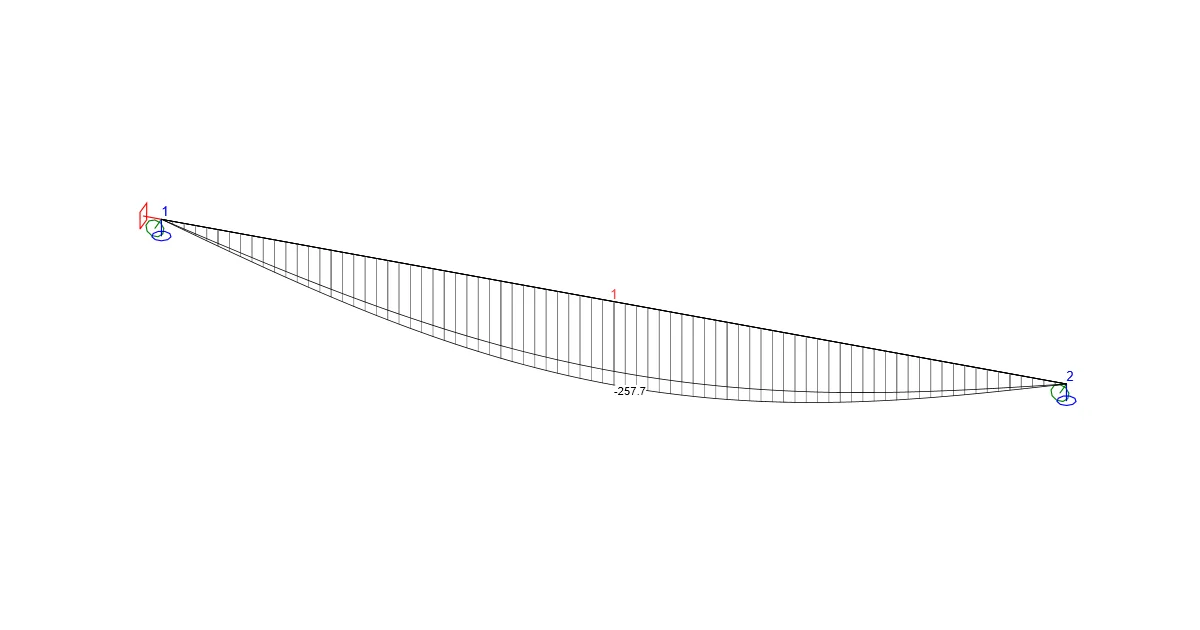
If the import was successful, you will see the diagram in the main window.

How to work with imported internal forces

These internal forces need to be added to generated combinations in the combination manager (generally for variable load cases) or assigned to specific construction stages (required for permanent load cases by TDA calculation and correct rheology effects). Moreover, it is recommended to check the assignment to load groups for the correct assessment of combinations, if they are evaluated by Code type.

Take the latest version of IDEA StatiCa for a test drive today

Get 14 days of full access, completely free.

Check out IDEA StatiCa for free
Related articles

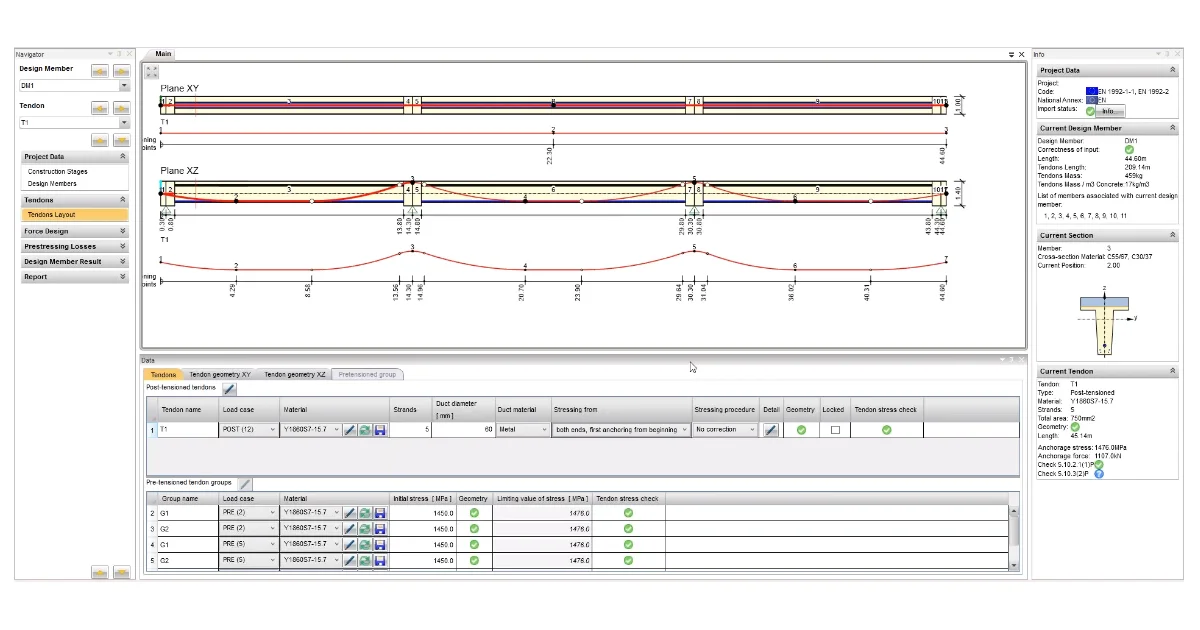
Combining pre- and post-tensioned tendons
  • Concrete
  • Beam
  • Composite beam
  • Prestressed members
  • TDA
  • EN (Eurocode)
  • +6
  • Concrete
  • Beam
  • Composite beam
  • Prestressed members
  • TDA
  • EN (Eurocode)

Knowledge base

Combining pre- and post-tensioned tendons

Read more
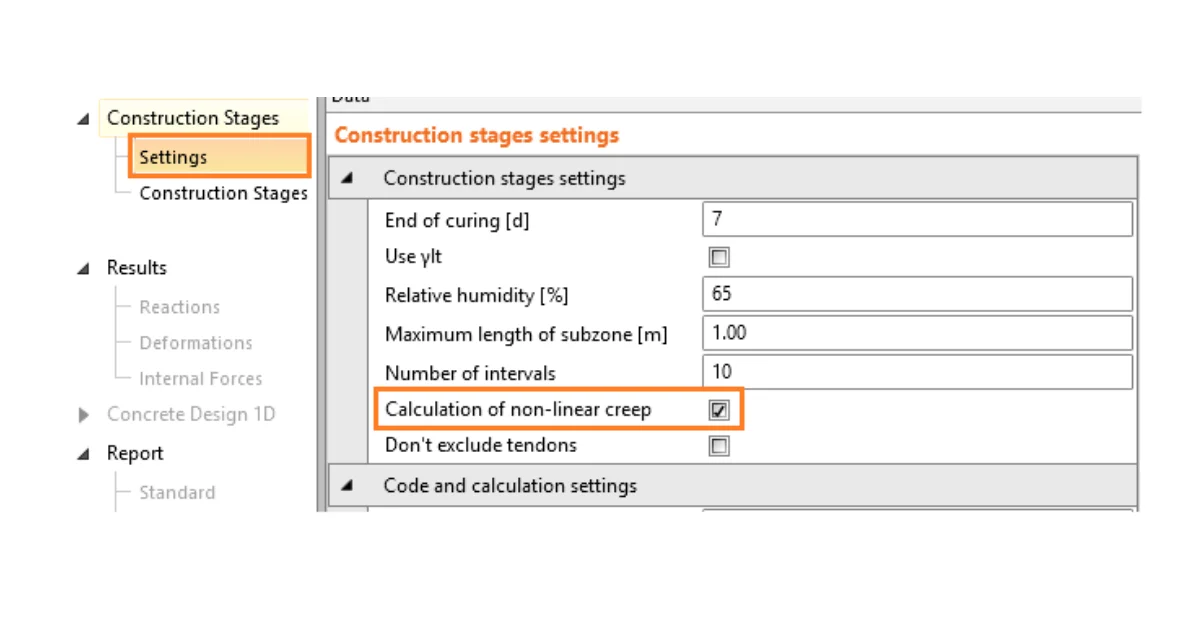
How to turn on the calculation of non-linear creep
  • Concrete
  • Beam
  • EN (Eurocode)
  • Prestressing losses
  • Reinforcement
  • ULS
  • SIA (Switzerland)
  • +7
  • Concrete
  • Beam
  • EN (Eurocode)
  • Prestressing losses
  • Reinforcement
  • ULS
  • SIA (Switzerland)

Knowledge base

Non-linear creep in Beam application

Read more
Equivalent time for deflection evaluation
  • Concrete
  • Beam
  • v23.0
  • +3
  • Concrete
  • Beam
  • v23.0

Knowledge base

Equivalent time for deflection evaluation

Read more
IDEA StatiCa step-by-step tutorial for the structural concrete design using the BIM link between SCIA Engineer and IDEA StatiCa Beam. Concrete design software for easy and reliable code-checking and structure analysis.
  • Concrete
  • BIM link
  • SCIA Engineer
  • RCS
  • EN (Eurocode)
  • +5
  • Concrete
  • BIM link
  • SCIA Engineer
  • RCS
  • EN (Eurocode)

Tutorials

SCIA Engineer BIM link for structural concrete design (EN)

Read more