
- Principles and benefits of parametric design
- How parametric templates work in IDEA StatiCa
- Getting started with the Developer tab
- Creating and sharing your own parametric templates
- Machine learning introduction
- How does the machine learning template work for connection design
WebinarSteelConnection designConnectionParametric design
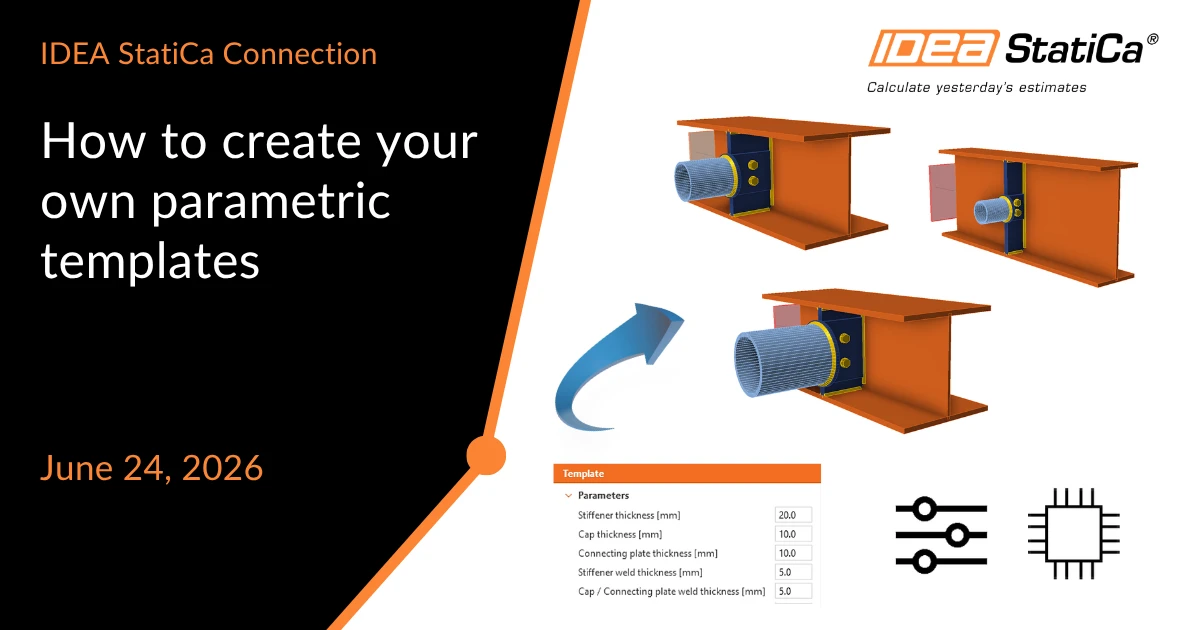
How to create your own parametric templates
This webinar is also available in

Streamed on
(in your local time, 24-hour format)
Parametric design is transforming the way engineers create and standardize connection designs. Instead of manually modifying individual operations and properties, engineers can define associations between design parameters and model components, enabling faster, more consistent, and highly customizable workflows. Parametric templates allow a single design concept to be reused across multiple projects while maintaining full flexibility through user-defined inputs.
Watch the webinar and learn about


How to Create Your Own Parametric Templates
In IDEA StatiCa, parametric templates help reduce repetitive tasks, automate design modifications, and ensure compliance with company standards. By controlling multiple model properties through a small set of parameters, engineers can efficiently optimize connections, minimize human error, and deliver consistent results across projects and teams. Changes that would normally require editing numerous operations can be achieved instantly by modifying a single parameter.

The webinar will include a practical step-by-step demonstration showing how to get started with the Developer tab, where parametric functionality is configured. You will learn how to:
- Enable and use the Developer mode
- Define custom parameters
- Link parameters to model properties
- Define validation rules for parameters
- Create reusable parametric templates
- Publish and share templates through the Connection Library
By the end of the session, you will understand how to build, customize, and deploy your own parametric templates, helping you accelerate design workflows while maintaining engineering quality and consistency.
Additional topic: Machine-learning templates
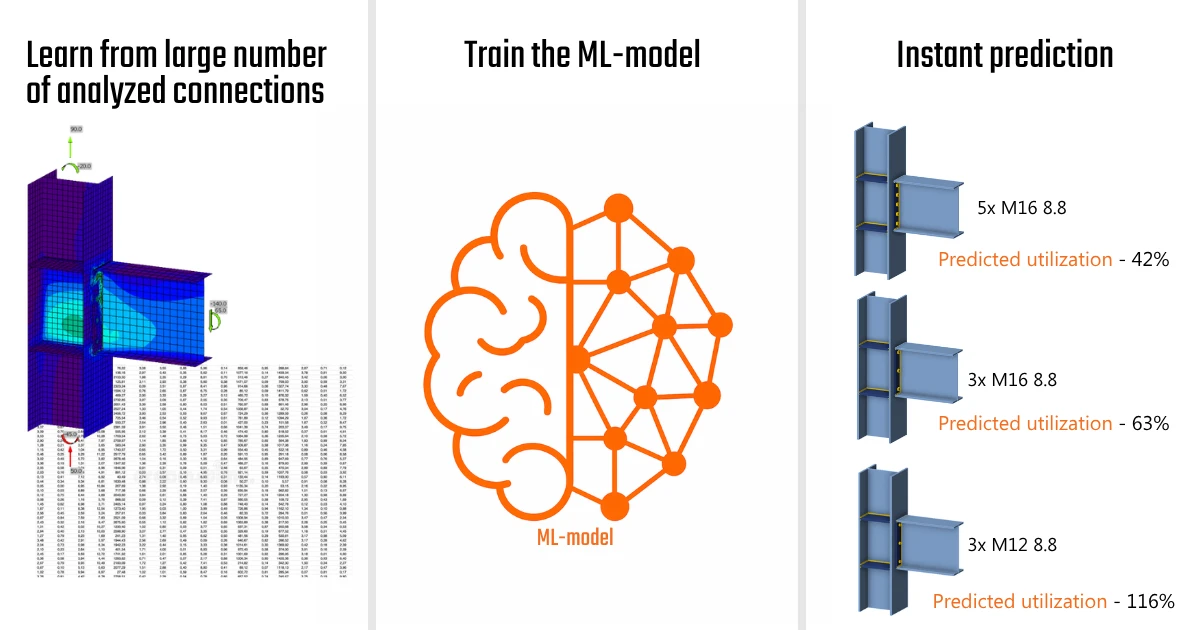
- Excel speed, CBFEM rigor. See how machine-learned templates let you compare design options as fast as you'd type them into a spreadsheet.
- Stop iterating, start deciding. Predict connection utilization up front and run the full analysis only on the option worth your time.
- The intuition of a senior engineer is built into the software. Learn how ML, trained on real CBFEM results, estimates utilization from thousands of analyzed designs.
Lukas Juricek:
"Steel connection design has always traded time against optimization. In this webinar, we'll show you how to have both."
Attached Downloads
Webinar Example EN.ideaCon (IDEACON, 320 KB)