Idea Statica
  • Steel
  • Concrete
  • BIM & Workflows
  • Support & Learning
  • Pricing
  • Company
  • Steel overview
  • Connection design
  • Member design
  • Parametric design
  • Steel case studies
  • Concrete overview
  • Walls and D-regions
  • Anchoring design
  • Concrete case studies
  • BIM Overview
  • Supported integrations
  • Checkbot
  • Viewer
  • APIs
  • Support Center
  • E-learning & certification
  • Blog
  • Downloads & Licensing
  • Plans
  • Free community tool
  • Enterprise customers
  • Students & educators
  • How much will you save?
  • About us
  • Contact
  • Research & development
  • Authorized resellers
  • Meet our customers
  • Career
  • Steel
    Steel overviewConnection designMember designParametric designSteel case studies
  • Concrete
    Concrete overviewWalls and D-regionsAnchoring designConcrete case studies
  • BIM & Workflows
    BIM OverviewSupported integrationsCheckbotViewerAPIs
  • Support & Learning
    Support CenterE-learning & certificationBlogDownloads & Licensing
  • Pricing
    PlansFree community toolEnterprise customersStudents & educatorsHow much will you save?
  • Company
    About usContactResearch & developmentAuthorized resellersMeet our customersCareer
14-Day Trial
14-Day Trial
  • Steel
  • Concrete
  • BIM & Workflows
  • Support & Learning
  • Pricing
  • Company

Subscribe to our newsletter

Company

  • About us
  • Partners
  • Careers
  • Patent

Resources

  • Customer projects
  • Case studies
  • Connection Library
  • Verification books

Legal

  • EULA
  • Privacy policy
  • California Privacy
  • TOS Viewer
  • Licensing

Help

  • Contact
  • Quote request
  • Resellers
  • Downloads
FacebookInstagramLinkedInYouTube

© IDEA StatiCa 2009-2026

Trusted and used worldwide by engineers, fabricators & consultants.

Support CenterKnowledge Base ArticlesLimiting short lines in DXF imports
Cross-section library favorites
Cross-section searchbox
How to create and use a custom cross-section
Saving of user-defined cross-sections to MPRL
Limiting short lines in DXF imports
Regional-based item order in the cross-section library
Improved Cross-section Conversion
Limiting short lines in imported DXF
SteelConnection designMember designKnowledge baseDXF

Limiting short lines in DXF imports

This article is also available in
ENCZDEESFRITPTNLHUROKRPLTHTRVIZH

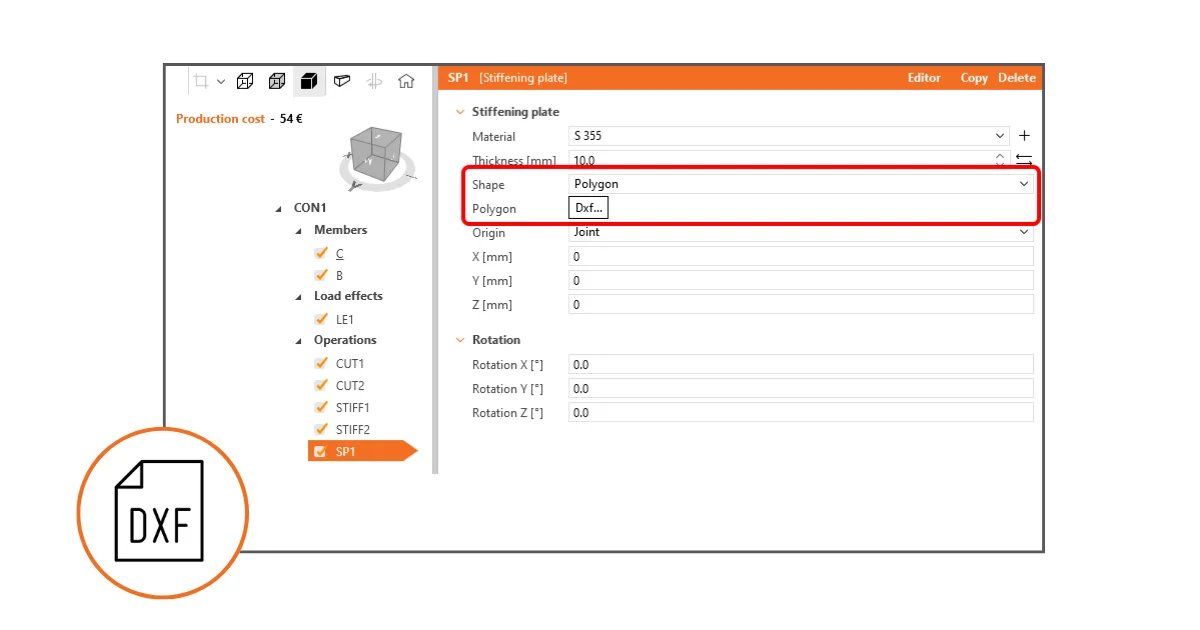
This functionality improves cross-section definition and, thus, the reliability of analysis by placing a strict limit on the minimum length of lines within imported DXF geometry.

Limiting short lines in DXF imports prevents issues during mesh generation and avoids any interruptions in analysis caused by excessively short lines. The minimum distance between two points is checked against a set limit, which is defined as 1/50 of the bounding box of the cross-section.

Should the distance between any two points fall below this threshold, the user is promptly notified that the points are too close to each other, and the import of the geometry from the DXF file is halted. This measure necessitates users to adjust the geometry in the DXF file to meet the specified conditions before proceeding.
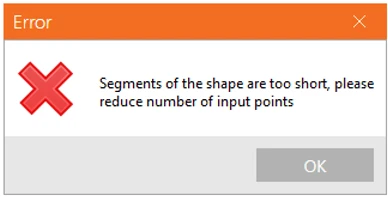
This addresses the challenge where analyses could be disrupted or the application might encounter crashes due to the presence of too short edges in the cross-section definition, leaving users uncertain of the problem's origin. Clearly informing users of non-compliant geometry at the moment of import enables the quick identification and correction of the issue, facilitating a smoother analysis process.

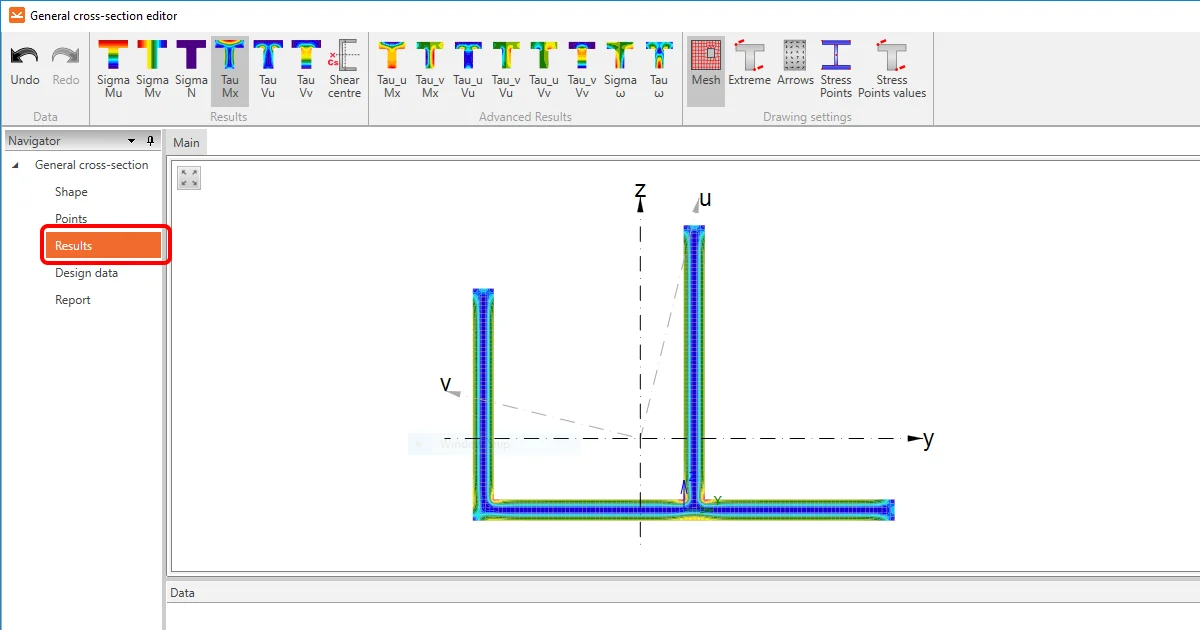
You can read more about creating your own build-up cross-section in How to create and use a custom cross-section and about importing a general plate from a DXF in How to import a plate from DXF.

Released in IDEA StatiCa patch 23.1.2.

Take the latest version of IDEA StatiCa for a test drive today

Get 14 days of full access, completely free.

Check out IDEA StatiCa for free
Related articles

Release notes IDEA StatiCa 24.0
  • Steel
  • Concrete
  • v24.0
  • +3
  • Steel
  • Concrete
  • v24.0

Release notes

Release notes IDEA StatiCa 24.0

Read more
How to create and use a custom cross-section
  • Steel
  • Connection
  • AISC (USA)
  • Geometry
  • Cross-sections
  • DXF
  • EN (Eurocode)
  • Modeling
  • +8
  • Steel
  • Connection
  • AISC (USA)
  • Geometry
  • Cross-sections
  • DXF
  • EN (Eurocode)
  • Modeling

Knowledge base

How to create and use a custom cross-section

Read more
How to import a plate from DXF
  • Steel
  • Connection
  • Geometry
  • Manufacturing operations
  • Plates
  • v24.1
  • v24.0
  • v23.1
  • +8
  • Steel
  • Connection
  • Geometry
  • Manufacturing operations
  • Plates
  • v24.1
  • v24.0
  • v23.1

Knowledge base

How to import a plate from DXF

Read more