
- How to get a trial/commercial license
- How to set up the product activation
- Starting templates of connections, choosing the code
- Changing units and other project settings
- Adding a member, load effect, and operations
- Handling the connection model in the 3D window
- What results do I get after calculation
WebinarSteelConnection designConnectionLicensing
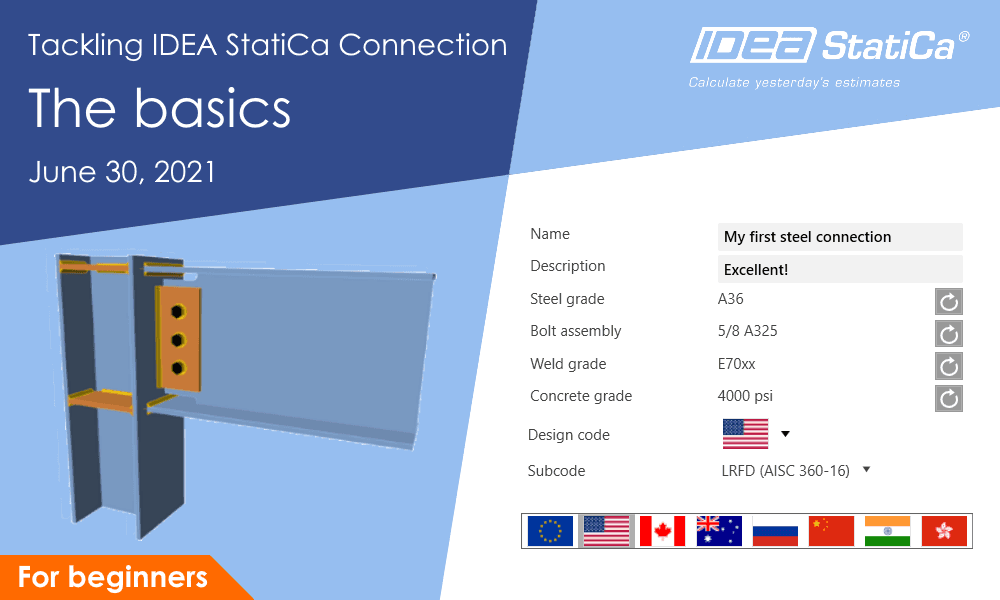
Tackling IDEA StatiCa Connection - The basics
This webinar is also available in


Streamed on
June 30, 2021 / 24:00
(in your local time, 24-hour format)
In the first webinar of the series of summer webinars for beginners, we will discuss the very basics of the software. Setting up the license activation, the first launch of the program, getting familiar with the UI, and all the necessary steps to get to the results.
Join the webinar and learn about

Welcome on board and congrats on choosing IDEA StatiCa Connection - the best program ever made for designing and code-checking of steel connections! You have probably never used it before, but don't worry, here you go to learn everything you need in no time.
Don't know how to zoom in and rotate a transparent view of the model? Where can I change to imperial units with different precision? What does the right mouse button do? What are the results of the CBFEM analysis?
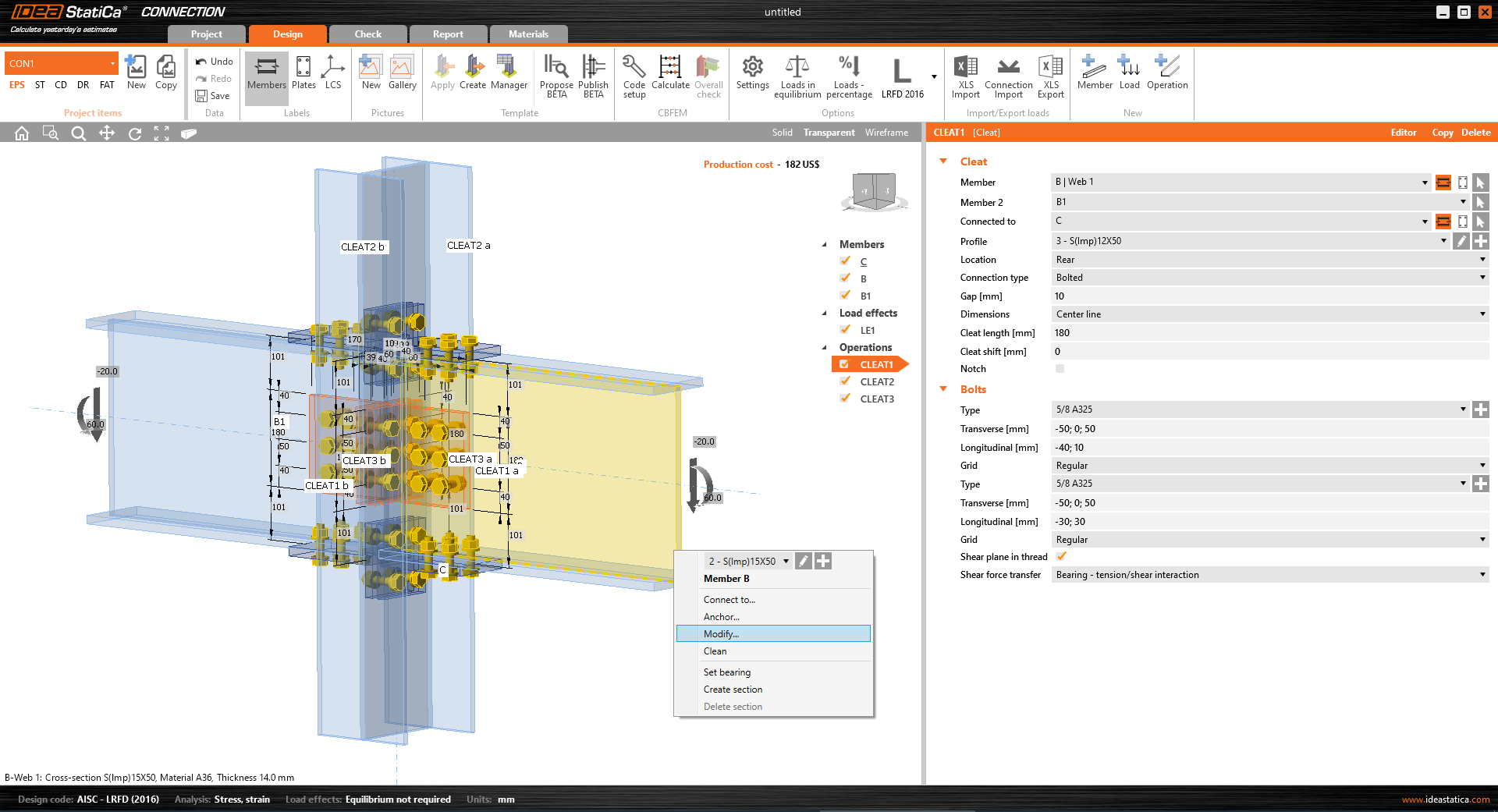
This and many more tips to avoid the beginner's struggle we all know will be revealed and commented on in a fast way. Sign in for the free webinar and jump right away into having fun designing steel connections.
Tackling IDEA StatiCa Connection webinar series
Tackling IDEA StatiCa Connection is a new series of five short webinars for beginners to get quickly familiar with the program. From first steps up to BIM links, learn quickly how to use the software and be productive and safe in designing and code-checking steel connections.
There will be five webinars with relevant content:
Don't struggle, sign in for each of the webinars for free and calculate yesterday's estimates with us!