Idea Statica
  • Steel
  • Concrete
  • Support & Learning
  • Pricing
  • Company
  • Steel overview
  • Connection design
  • Member design
  • Parametric design
  • Steel case studies
  • Concrete overview
  • Walls and D-regions
  • Anchoring design
  • Concrete case studies
  • BIM Overview
  • Supported integrations
  • Checkbot
  • Viewer
  • APIs
  • Support Center
  • E-learning & certification
  • Blog
  • Downloads & Licensing
  • Plans
  • Free community tool
  • Enterprise customers
  • Students & educators
  • How much will you save?
  • About us
  • Contact
  • Research & development
  • Authorized resellers
  • Meet our customers
  • Career
  • Steel
    Steel overviewConnection designMember designParametric designSteel case studies
  • Concrete
    Concrete overviewWalls and D-regionsAnchoring designConcrete case studies
  • BIM OverviewSupported integrationsCheckbotViewerAPIs
  • Support & Learning
    Support CenterE-learning & certificationBlogDownloads & Licensing
  • Pricing
    PlansFree community toolEnterprise customersStudents & educatorsHow much will you save?
  • Company
    About usContactResearch & developmentAuthorized resellersMeet our customersCareer
14-Day Trial
14-Day Trial

Subscribe to our newsletter

Company

  • About us
  • Partners
  • Careers
  • Patent

Resources

  • Customer projects
  • Case studies
  • Connection Library
  • Verification books

Legal

  • EULA
  • Privacy policy
  • California Privacy
  • TOS Viewer
  • Licensing

Help

  • Contact
  • Quote request
  • Resellers
  • Downloads
FacebookInstagramLinkedInYouTube

ยฉ IDEA StatiCa 2009-2026

Trusted and used worldwide by engineers, fabricators & consultants.

Support CenterKnowledge Base ArticlesMultiple selection and export from FEA software
RFEM and RSTAB BIM link improvements
SteelConnection designMember designKnowledge baseBIM link

Multiple selection and export from FEA software

This article is also available in
ENCZDEESFRITPTNLHUROKRPLTHTRVIZH

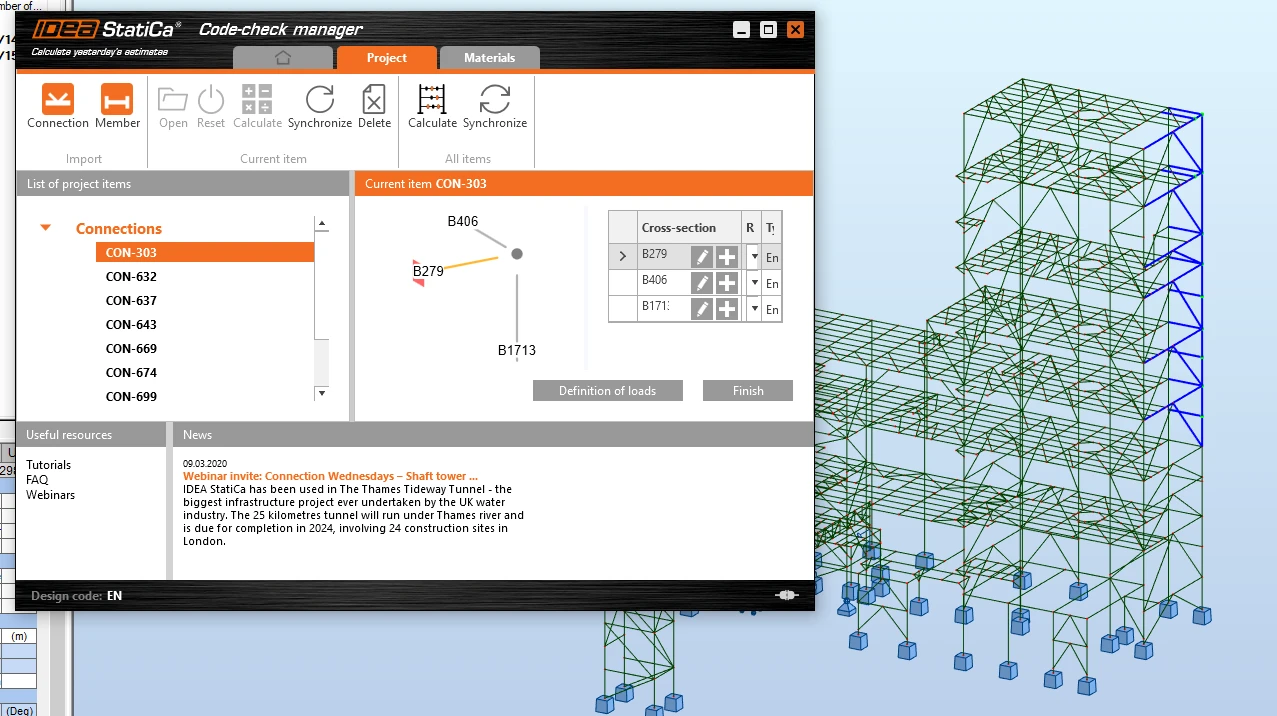
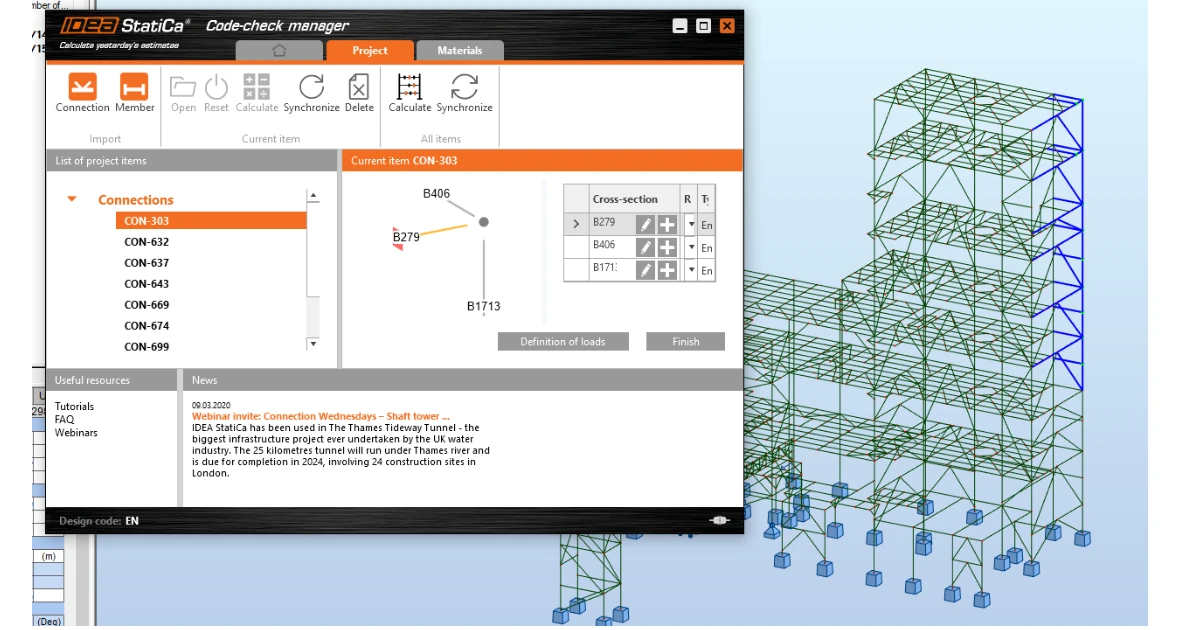
Import from FEA applications is now easier than ever, the user can select multiple nodes, and Code-check manager will import all of them as unique connections. IDEA StatiCa integrates automatically to your software during the installation, ย adding a new command to the ribbon.

Connections imported from Robot Structural Analysis by multiple selection feature

By running this command, open the Code-check manager. Drag the mouse to bulk select the chosen nodes and click the Connection button to import all data at once. After opening and designing the imported joints one by one, you can run the bulk analysis to code-check all the connections at once.

Take advantage of the synchronization function - if you change anything (e.g. load combination, cross-section of a beam) in the structural model, at one click you upload the new data to all the joints on the list while you keep the design. Then click calculate all to check code-checks of the refreshed connection models.
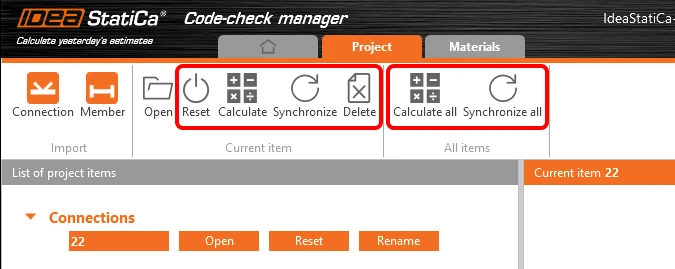
Code-check manager commands

This feature is available in any IDEA StatiCa Steel package. Mass Calculation and Synchronization of all listed items is available only in the Enhanced package IDEA StatiCa Steel.

Please note that for SCIA Engineer, the Code-check manager has not yet been implemented and the BIM link imports single nodes one by one only.