
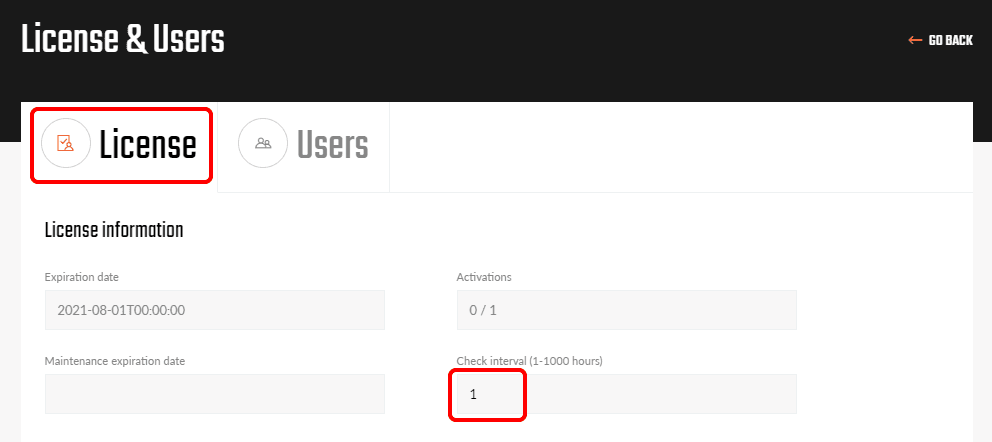


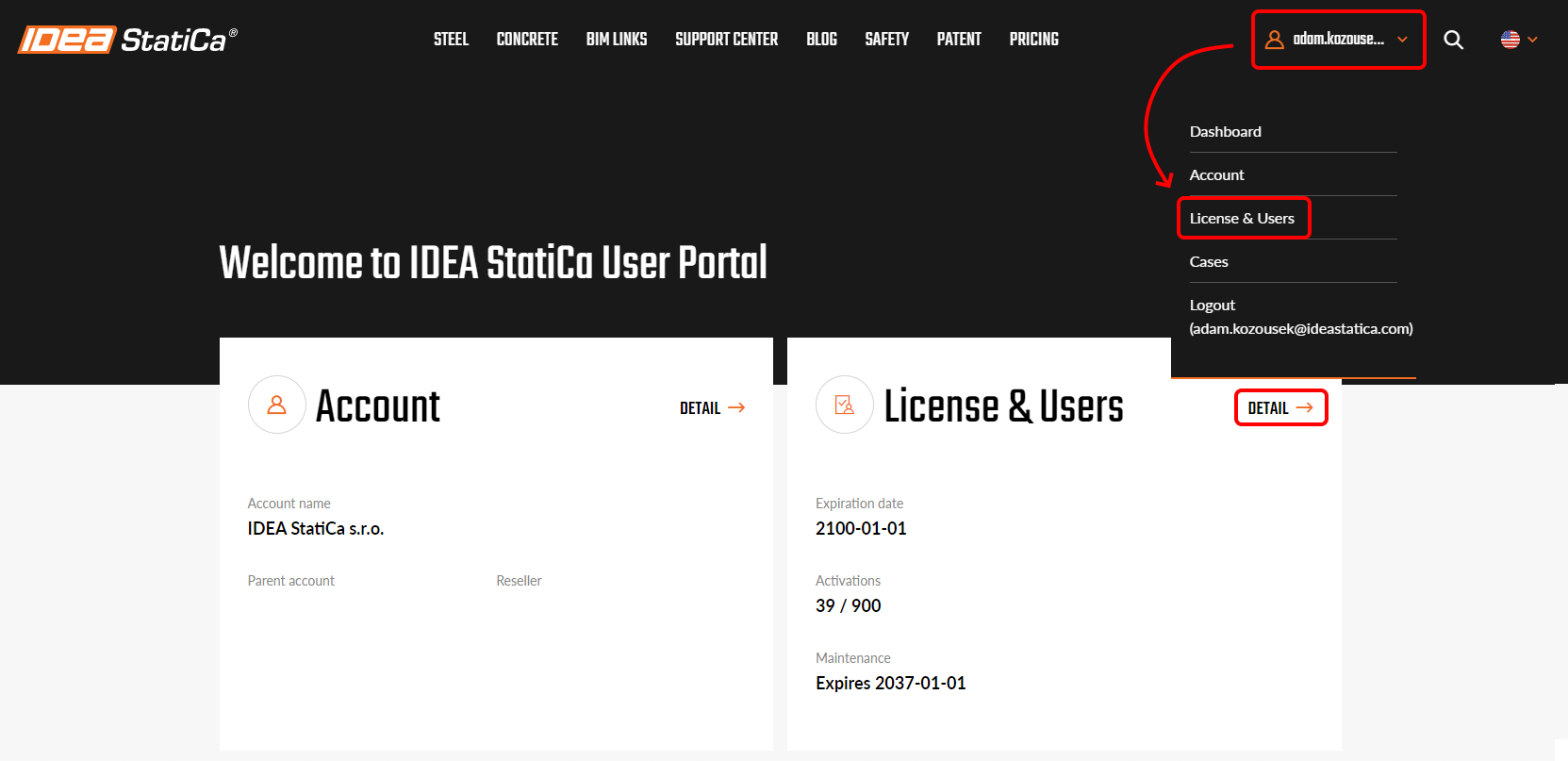
It is possible to change the license check interval in the User portal. To enter the portal, click on the login icon, sign in with your IDEA StatiCa credentials and navigate to the tab License & Users.
Any user with administrator rights can change the check interval, which can be set as 1-1000 hours. This affects the whole license and cannot be set for each user separately. The number represents how long the license will work on a computer after it is turned offline from the internet.
When any user opens IDEA StatiCa on his computer then during this interval, the license activation is consumed from the license pool and can not be used by anybody else. After the interval is over, the consumed license activation is automatically returned to the account pool, unless the user continues using IDEA StatiCa.
This combination of online and offline allows for various scenarios, e.g.:
Shared license – set 1 hour to make sure that the license is not stuck on any PC. If it's not used there anymore, it is returned to the server one hour after closing IDEA StatiCa.
Business trip – set 200 hours when going for a business trip, where the license needs to be active without an internet connection.
Change of the check interval affects only the following launches of IDEA StatiCa, not the currently running sessions. A forgotten license activation with a long interval on a user computer can not be reset by any other user or administrator.
Tags: #Licensing #LicenseTokenExpired #LicenseSeatNotAvailable