
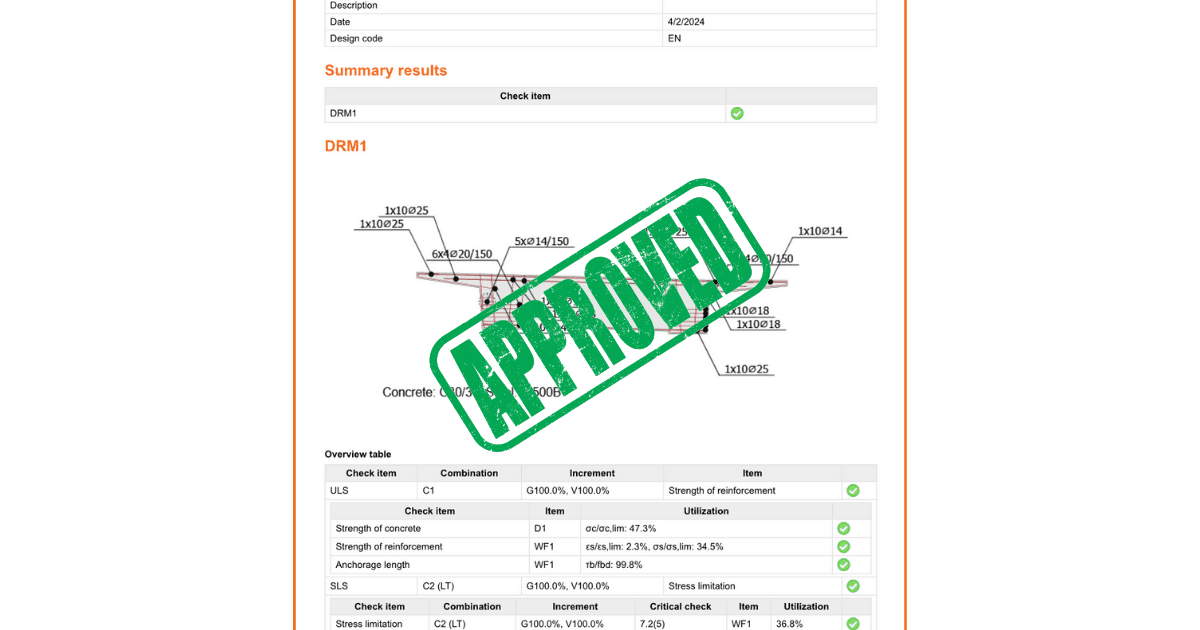


Enhanced interaction with entities
The tree of entities, a central feature of the application, streamlines report customization. Entities within the tree correspond to specific report sections, with the content being adjustable through checkbox activations or deactivations. This design supports the intuitive reordering of report sections via drag and drop. At the same time, the selection of an entity instantly updates the property grid and highlights the selected section at the top of the interface.
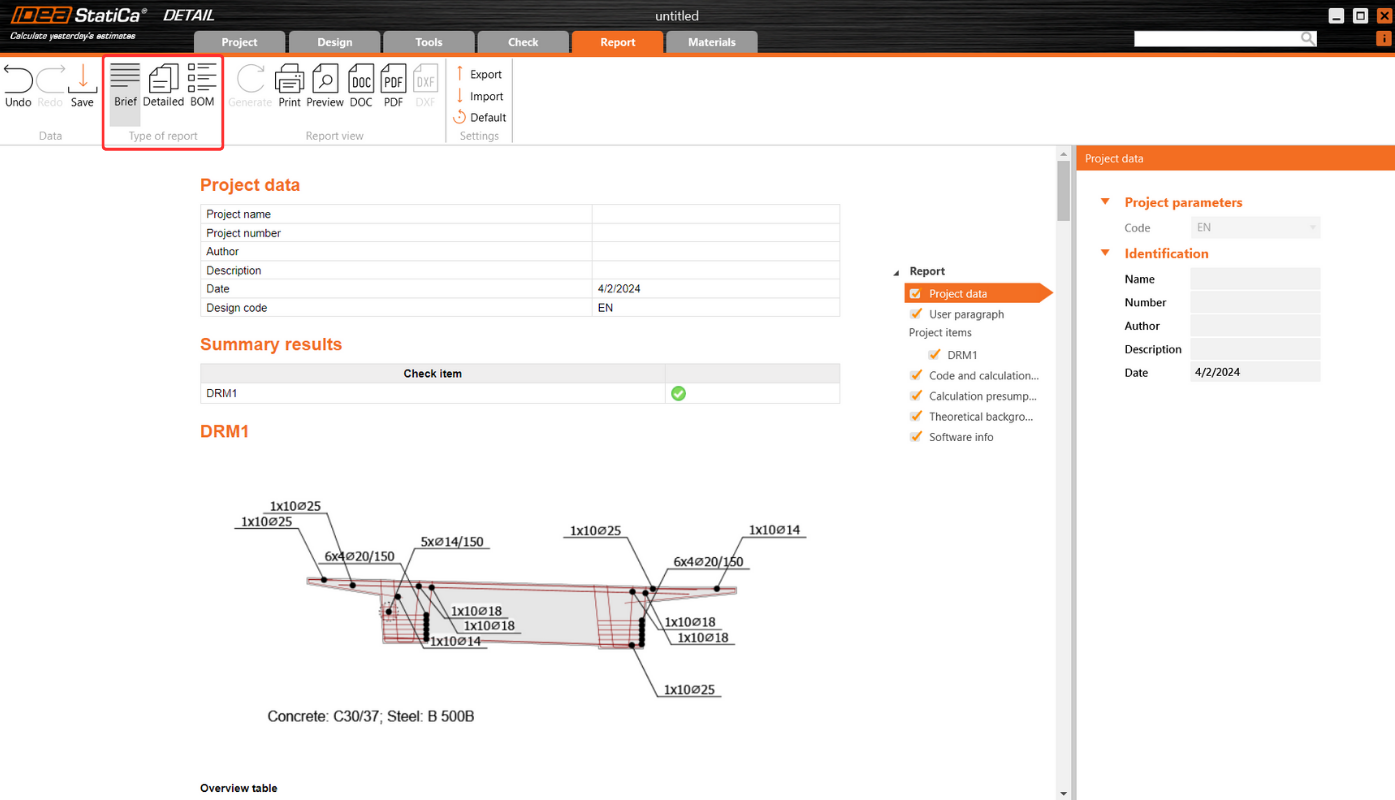
Property Grid and report content management
Selected item properties are displayed in the Property Grid on the right side of the application, although not all entities possess properties. This setup provides a detailed overview and control over the report's content, ensuring relevant information is included as per user preference.
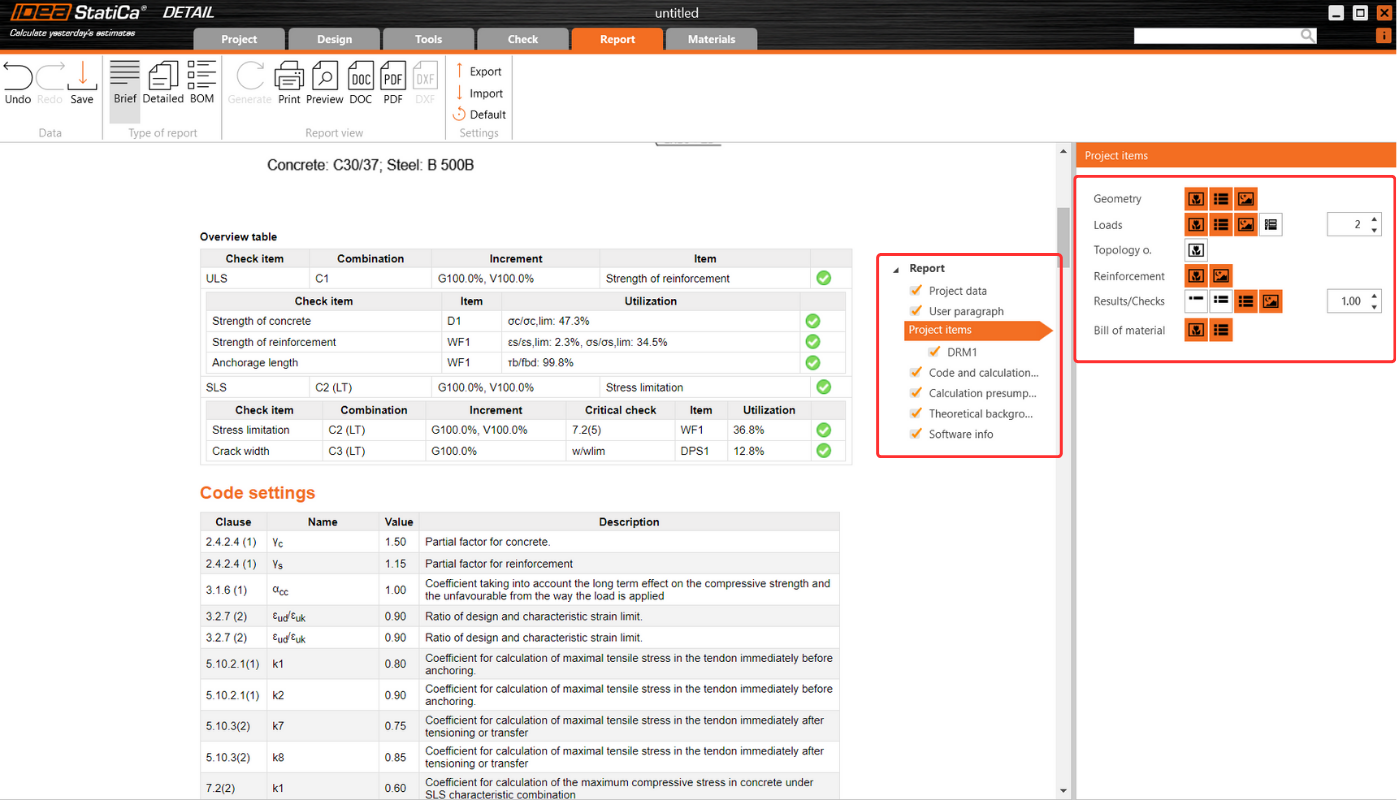
Transparent report generation
The Report tab aids in report generation, enhances transparency in calculations, and facilitates code checks. This includes:
- User paragraph incorporation: A "User Paragraph" can be incorporated into the report for the entire project or individual entities, utilizing an advanced editor for text and image manipulation reminiscent of MS Office tools. Changes are saved directly within the Report tab for convenience.
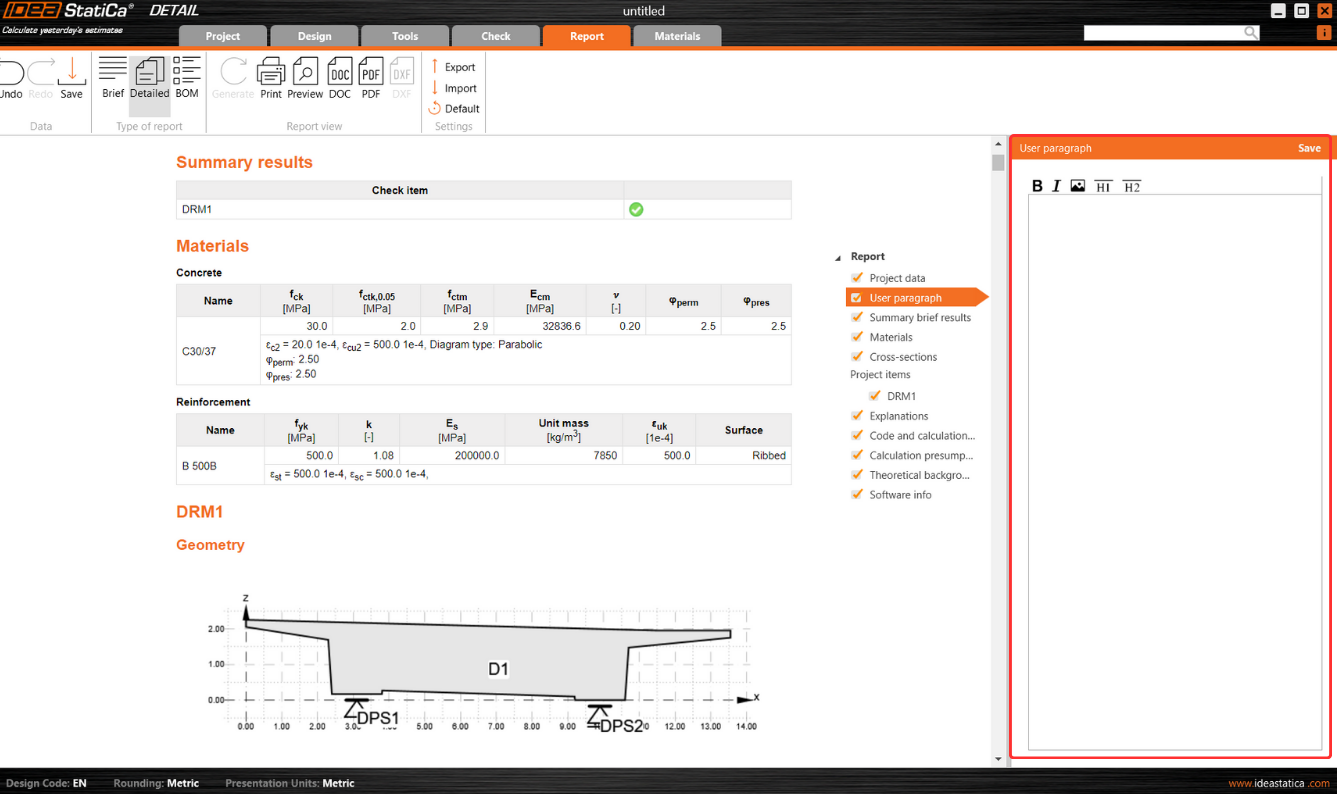
- Inclusion of additional essential sections: Sections like Theoretical Background and Software Information enrich the report, providing essential insights into calculation bases and software functionalities. The Theoretical Background section delves into calculation assumptions and model entity functionalities alongside code-check and design code references.
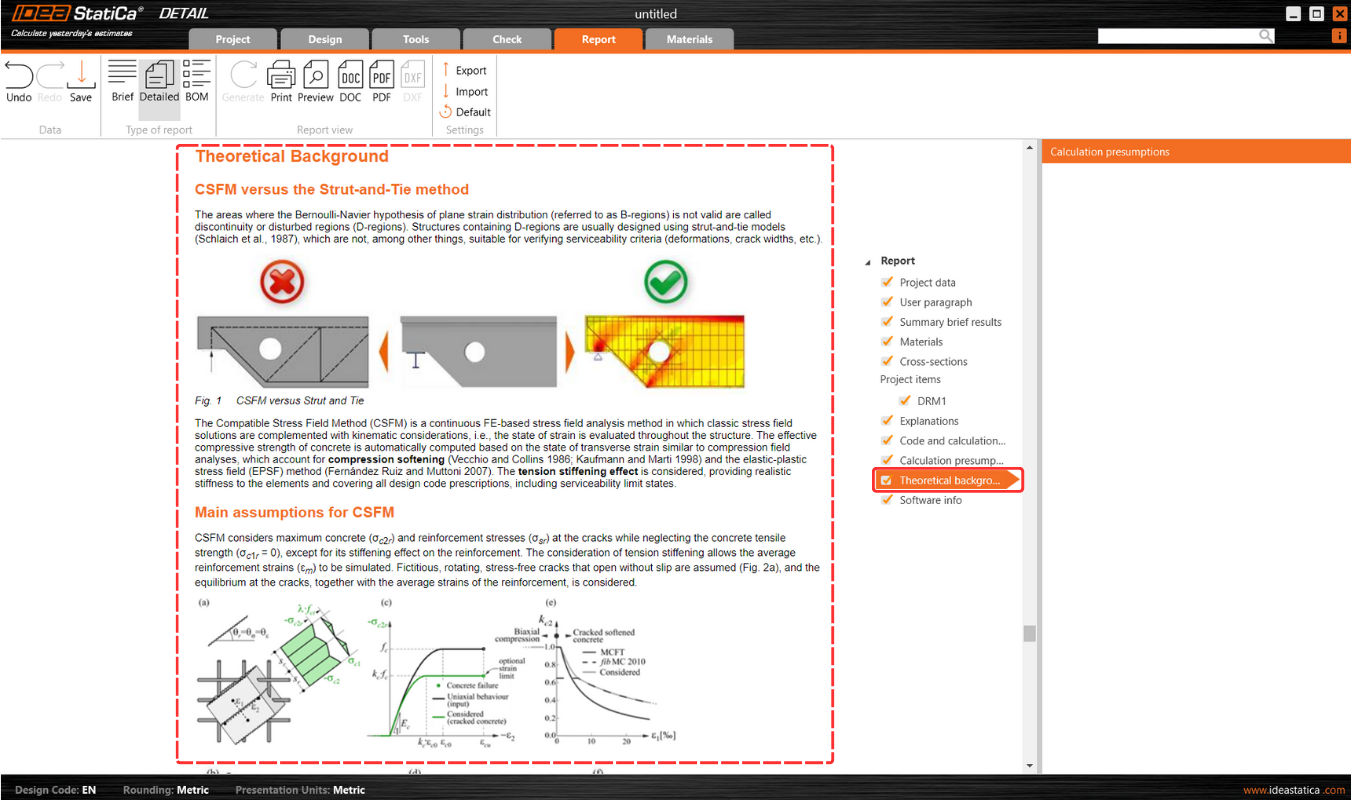
Multilingual support for theoretical background
Theoretical Background is accessible in English, German, Dutch, and Czech. For languages beyond these, an English version is provided to ensure wide accessibility.
Advanced Bill of Material features
Bill of Material (BOM) offers advanced features such as displaying rebar model entity names within the rebar table. This enhancement aids in effortlessly identifying rebars in the BOM, correlating them with their respective entities in the model. BOM also provides an option for the scheme to export reinforcement into dxf.
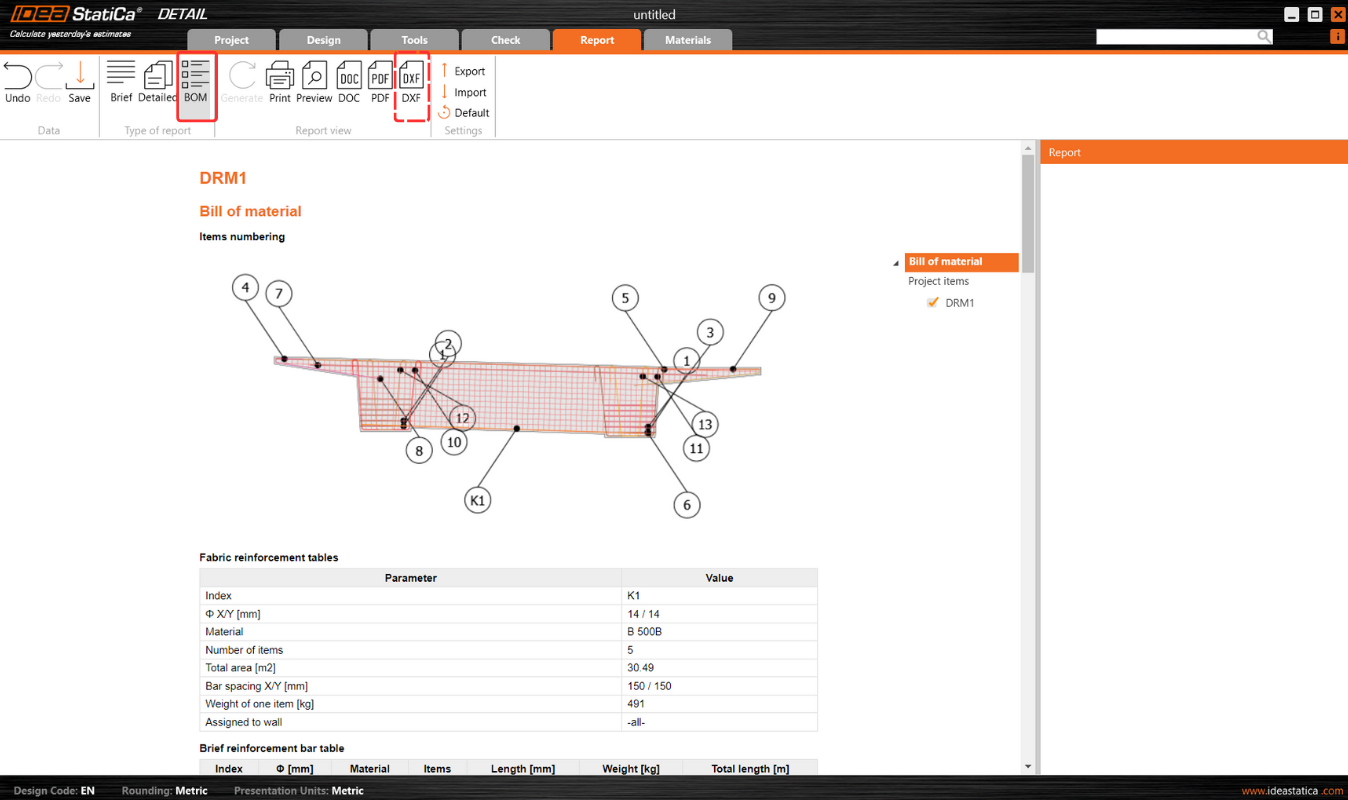
Released in IDEA StatiCa patch 23.1.5.