Idea Statica
  • Steel
  • Concrete
  • Support & Learning
  • Pricing
  • Company
  • Steel overview
  • Connection design
  • Member design
  • Parametric design
  • Steel case studies
  • Concrete overview
  • Walls and D-regions
  • Anchoring design
  • Concrete case studies
  • BIM Overview
  • Supported integrations
  • Checkbot
  • Viewer
  • APIs
  • Support Center
  • E-learning & certification
  • Blog
  • Downloads & Licensing
  • Plans
  • Free community tool
  • Enterprise customers
  • Students & educators
  • How much will you save?
  • About us
  • Contact
  • Research & development
  • Authorized resellers
  • Meet our customers
  • Career
  • Steel
    Steel overviewConnection designMember designParametric designSteel case studies
  • Concrete
    Concrete overviewWalls and D-regionsAnchoring designConcrete case studies
  • BIM OverviewSupported integrationsCheckbotViewerAPIs
  • Support & Learning
    Support CenterE-learning & certificationBlogDownloads & Licensing
  • Pricing
    PlansFree community toolEnterprise customersStudents & educatorsHow much will you save?
  • Company
    About usContactResearch & developmentAuthorized resellersMeet our customersCareer
14-Day Trial
14-Day Trial

Subscribe to our newsletter

Company

  • About us
  • Partners
  • Careers
  • Patent

Resources

  • Customer projects
  • Case studies
  • Connection Library
  • Verification books

Legal

  • EULA
  • Privacy policy
  • California Privacy
  • TOS Viewer
  • Licensing

Help

  • Contact
  • Quote request
  • Resellers
  • Downloads
FacebookInstagramLinkedInYouTube

© IDEA StatiCa 2009-2026

Trusted and used worldwide by engineers, fabricators & consultants.

Support CenterBlogFaster BIM workflow with RFEM6 and RSTAB9: Meet the new Checkbot link
Faster BIM workflow with RFEM6 and RSTAB9: Meet the new Checkbot link
SteelConnection designFeaturesCheckbotRFEM

Faster BIM workflow with RFEM6 and RSTAB9: Meet the new Checkbot link

June 10, 2026
This article is also available in
ENCZDEESFRITPTNLHUROKRPLTHTRVIZH

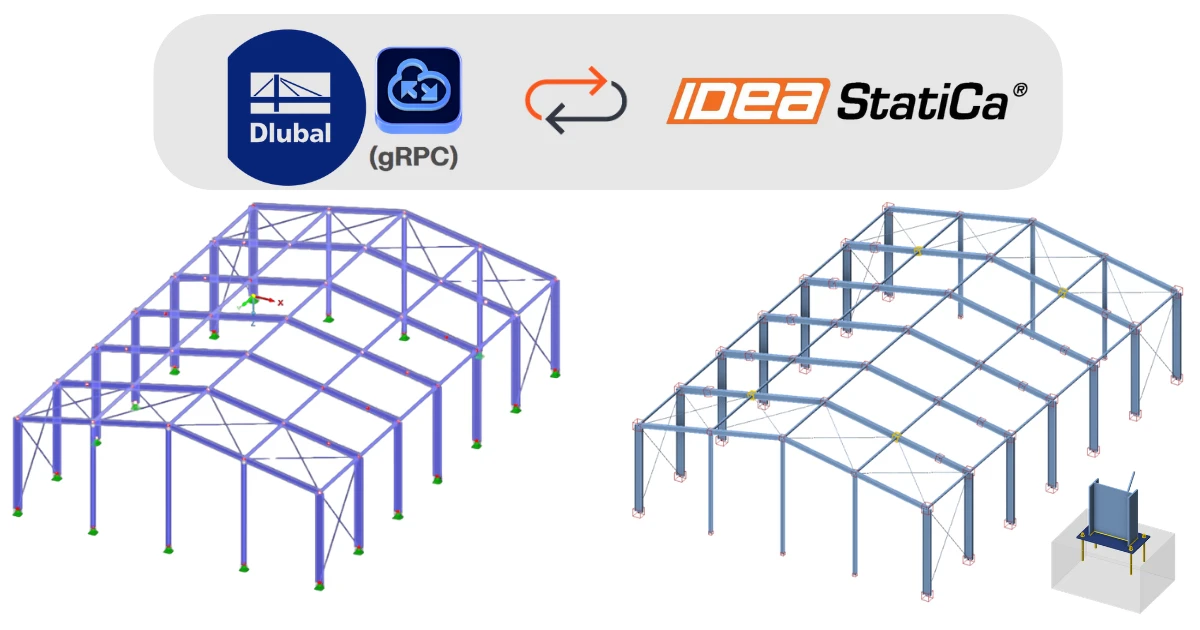
Working across software tools has always been part of structural engineering. But data exchange becomes the bottleneck in almost every project and it slows everything down. That’s why we’re introducing a new BIM link between Dlubal and IDEA StatiCa Checkbot.

Checkbot in a nutshell

If you’re new to IDEA StatiCa, Checkbot is your central hub for data import, management and design.

It allows you to:

  • Import the members, including their position, cross-section and material 
  • Import internal forces
  • Organize and group similar connections
  • Launch detailed design checks in IDEA StatiCa Connection

What’s changed in the new BIM link

The original BIM link between RFEM6/RSTAB9 and Checkbot based on a webservice (SOAP)did its job. But! For projects that involved many nodes and combinations, importing data required patience.

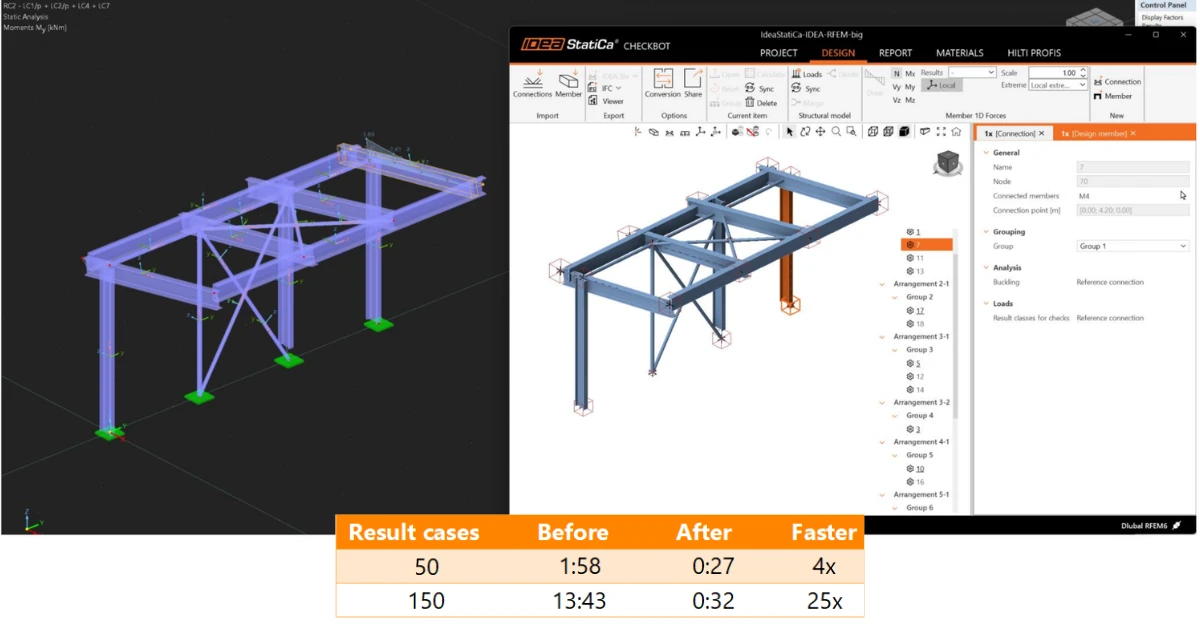
The newly released Dlubal–Checkbot integration changes this experience significantly. Thanks to a redesigned approach based on Dlubal’s new API, the import process is now more than 4x faster (depending on the number of load cases and nodes). This means less waiting, more designing and smoother collaboration between analysis in RFEM6/RSTAB9 and connection design. 
Powered by the new Dlubal API

The improved performance comes with a technological shift. The new BIM link is built on Dlubal’s new API infrastructure. A few important things to know:

  • One import or synchronization with IDEA StatiCa typically consumes approximately 5–6 Dlubal API calls.
  • API quotas and usage are managed by Dlubal and can be reviewed in the API & Cloud section of the Dlubal Extranet.

For most workflows, the API consumption of the BIM link is relatively low, but it is useful to keep API usage in mind when working on larger or highly iterative projects. In addition, the current BIM link is based on the Dlubal Webservice (SOAP), which has been marked as deprecated by Dlubal.

Already widely used across Europe

The Dlubal–Checkbot workflow is not new. It’s already one of the top 3 most used BIM links in Europe within IDEA StatiCa users.

A common approach we see in practice:

  1. Engineers perform global analysis in RFEM6/RSTAB9
  2. Internal forces are imported into Checkbot
  3. Connections are designed and code-checked in IDEA StatiCa Connection

This hybrid workflow combines the strengths of both tools:

  • Global analysis in RFEM6/RSTAB9
  • Connection design in IDEA StatiCa