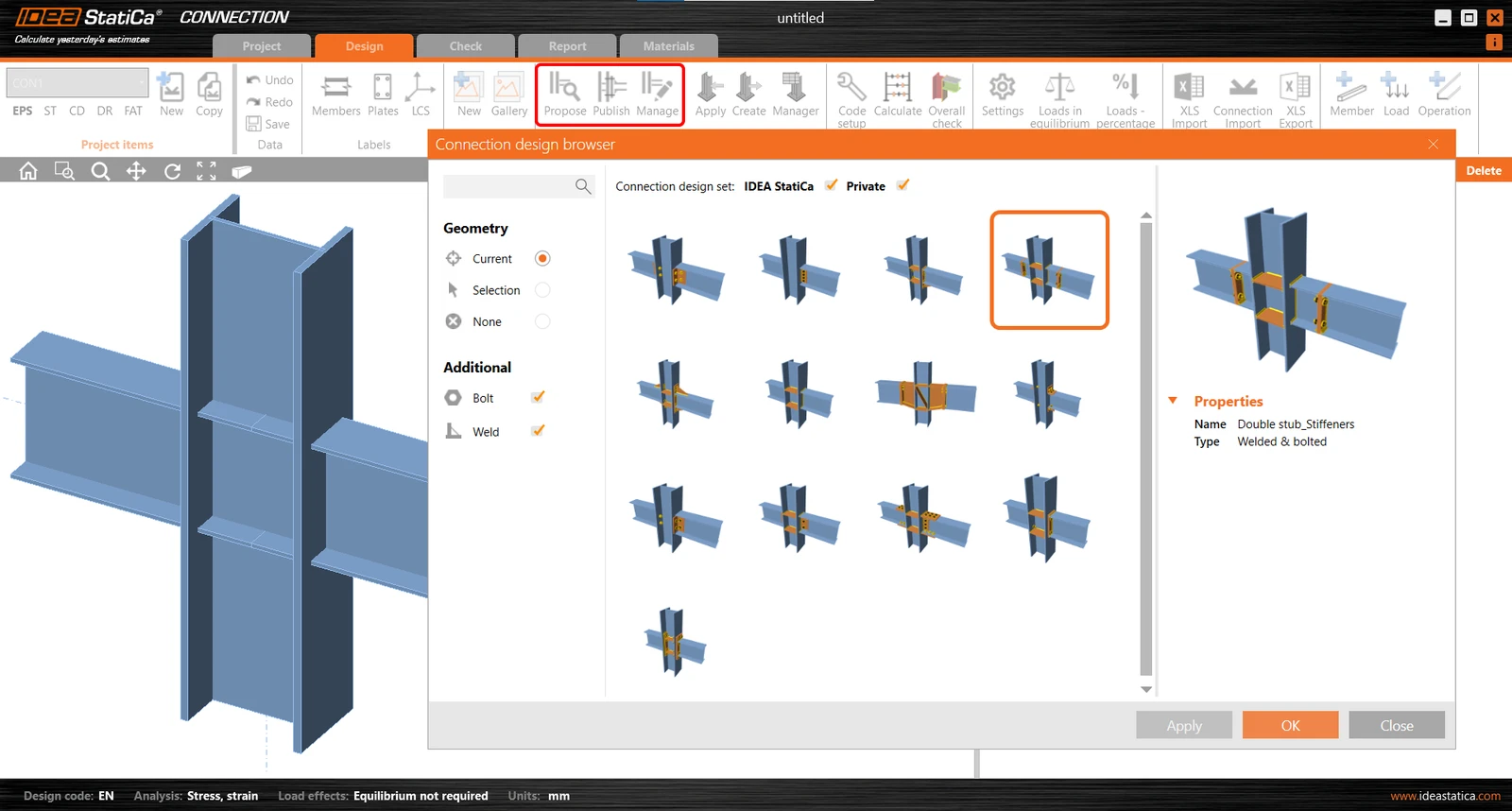


Note: Connection Browser was renamed to Connection Library with version 23.0 (April, 2023).
But hey, stop dreaming! You are using BIM links, you know what does machine learning mean and you have heard about big cloud data. All right, now put this all together in the development oven, wait a bit and voilà - enjoy it every day. What a realistic idea, isn’t it?
IDEA StatiCa does it for you!
In fact, we are continuously making this real. The first step is the Connection Browser introduced in IDEA StatiCa version 21.1. What does it do? There are three categories for three use cases, let's review them.
1) General design set - instant solution always at hand
The IDEA StatiCa design set gives you a suitable design solution from a cloud database of predefined designs and applies it right away. In other words, you have a library of various designs for all kinds of geometry combinations. It doesn't matter if your connection is a simple beam to column I sections or a 3D star joint consisting of eight hollow-section members. Don't waste time on designing what has been already designed.
For now, this cloud library is launched with basic predefined sets of templates. It will constantly grow in time so that this open category will enable all engineers to find the best solution for most of the connection design challenges.
2) Your personal template database in your pocket
The Private design set works as your personal connection template library and replaces the old Template Manager. Simple as it is, you can save any connection design you create into your library and reuse it again later. Your Private database is stored in a secured part of the cloud. The advantage of this solution is, that you can access your Private design set from any computer just by logging in with your credentials. This is different from the old Template Manager, which used a system of data files stored on your computer's hard disc.

The Template Manager will be completely removed from the program with version 22.0 so don't forget to transfer your old designs into the Connection Browser Private design set.
3) Team sharing of design templates in the box
Last but not least, there will be the Company design set available soon. Let's say you have a project of a multilevel steel building and a team of engineers in your office working on it. For the project, you want to use maybe twenty standardized types of connections only and repeat them in the whole structure. Add those twenty design templates into the Company design set and share them with your team buddies. Edit them online for the whole team and say goodbye to the usual mess when John uses a different version of the template than Tom (sorry to all tidy Johns).
Evolution has just begun, don't miss it
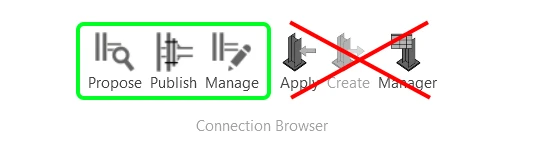
Can't wait to try out the Connection Browser? Read the instructions in the article Connection Browser – new library of connections or just skip it and find your way in IDEA StatiCa Connection directly. After all, its just three buttons:
- Propose to find and apply the proper design template,
- Publish to save your design in the cloud database,
- and Manage to, well, manage all that stuff.
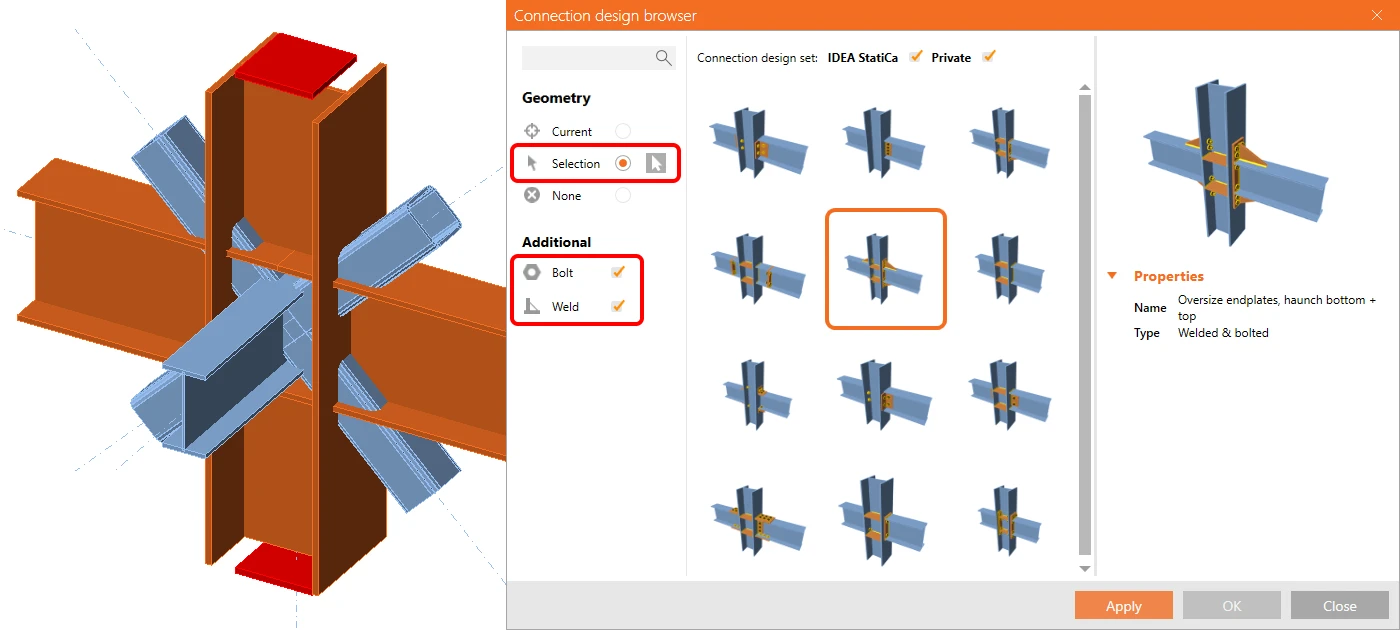
Then you have a bit more options. You can propose a design to the whole node with all its members, or pick just some selected members and unleash your own creativity to do the rest. And if you are limited to strictly welded connections, just filter out the bolted ones.
Starting to feel like a pro? Discover more hacks and features to be a real one. Skip the thicker/thinner game and fine-tune new connections with the pre-design function or make your investor happy by optimizing your design while keeping an eye on the cost estimation.
With us, you calculate yesterday's estimates, so keep pace with the first step of the connection design evolution and stay tuned for part 2.