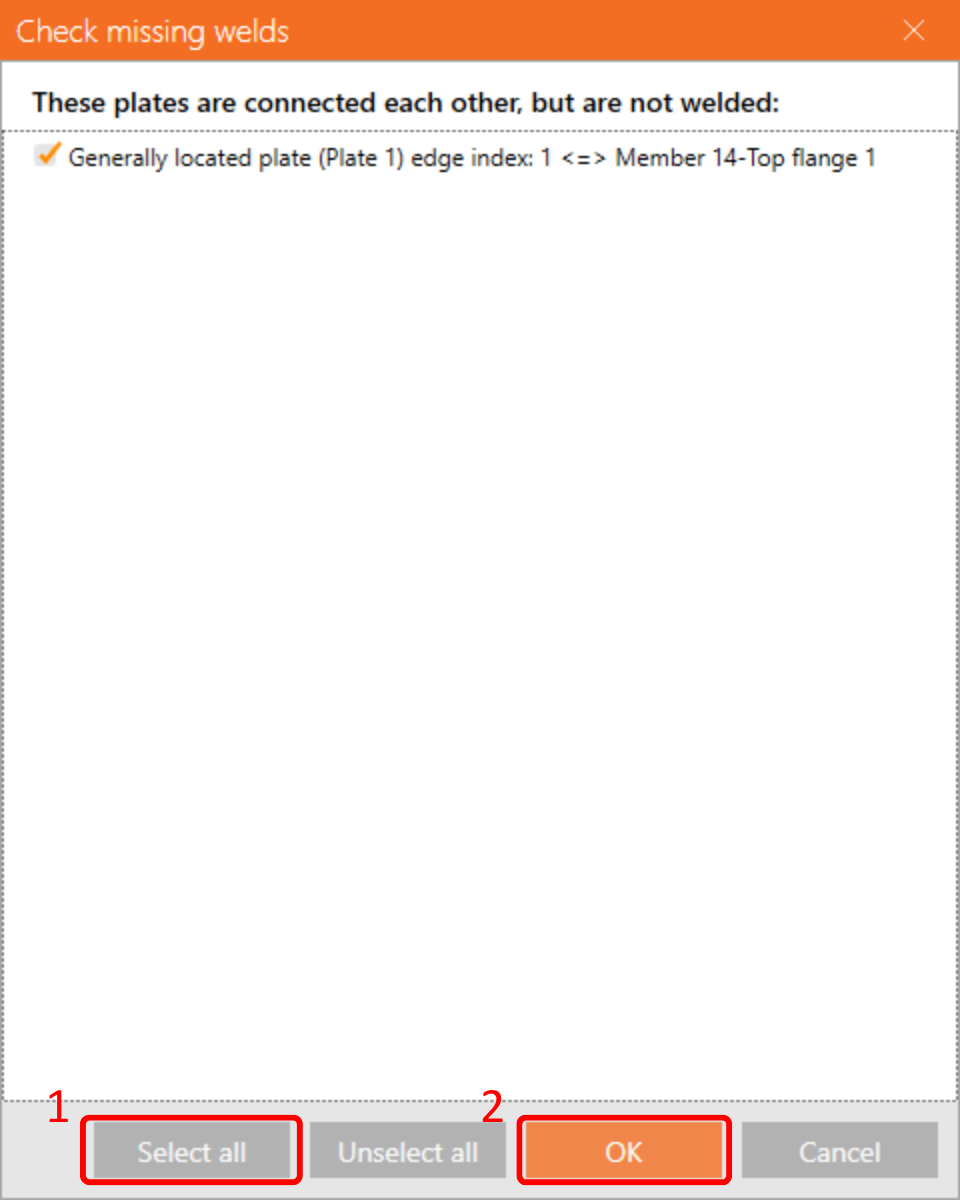
The settings of members are taken from the Tekla Structures. You can, however, change the section profile and axis eccentricity of any member in the right part of Checkbot screen but this will break the link with the BIM application in this session unless it's synchronized again.
In the list of project items under Connections and with a connection highlighted in Checkbot you can either right-mouse click and select Open or click the ribbon command Open to start designing, code-checking, and reporting.
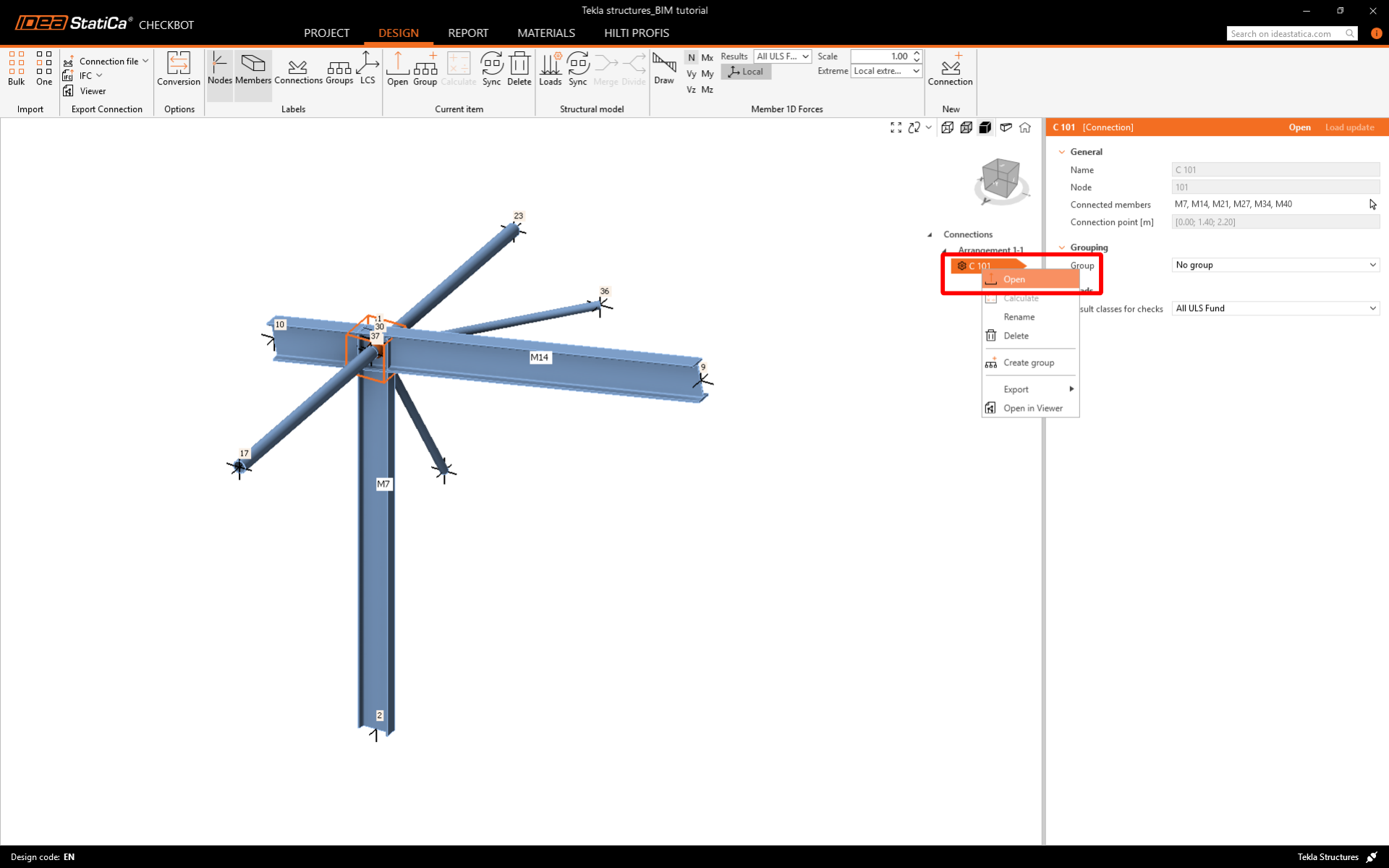
The imported connection is opened in the IDEA StatiCa Connection application.
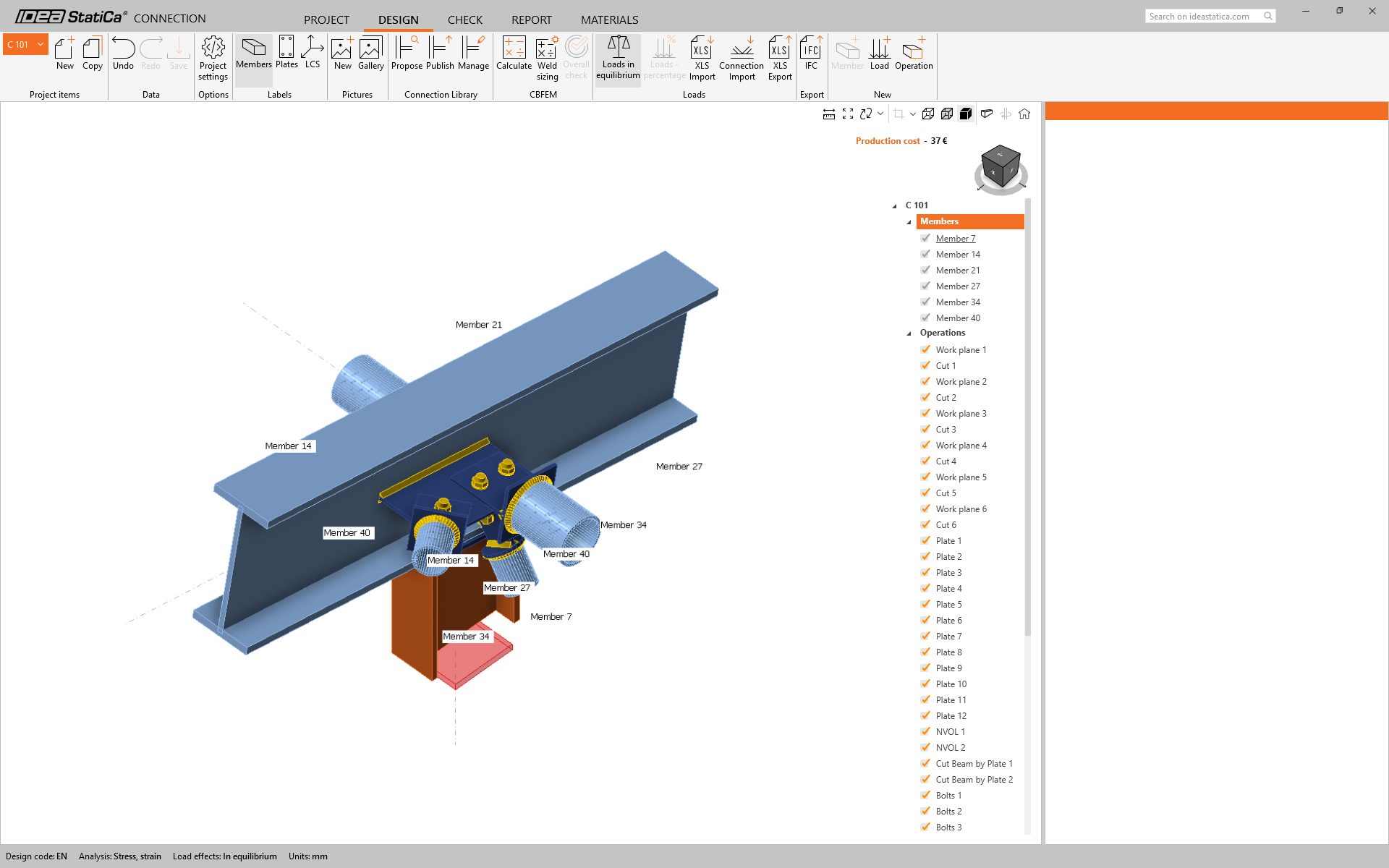
Currently, we've noticed that there are some missing welds in the model, but worry not, as this can be rectified using the 'Check missing welds' function.
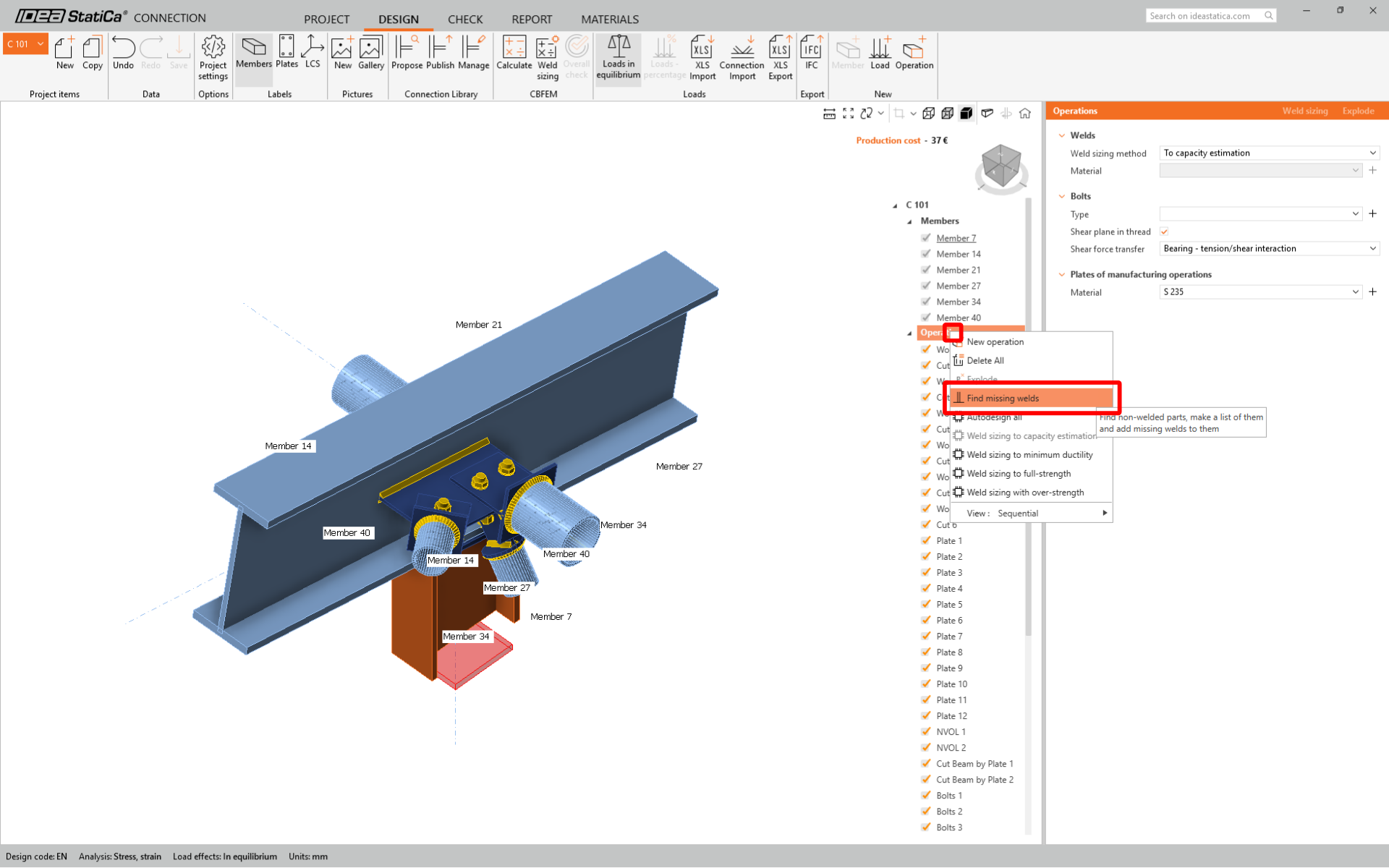
Check all the boxes as shown in the following picture, and click OK.