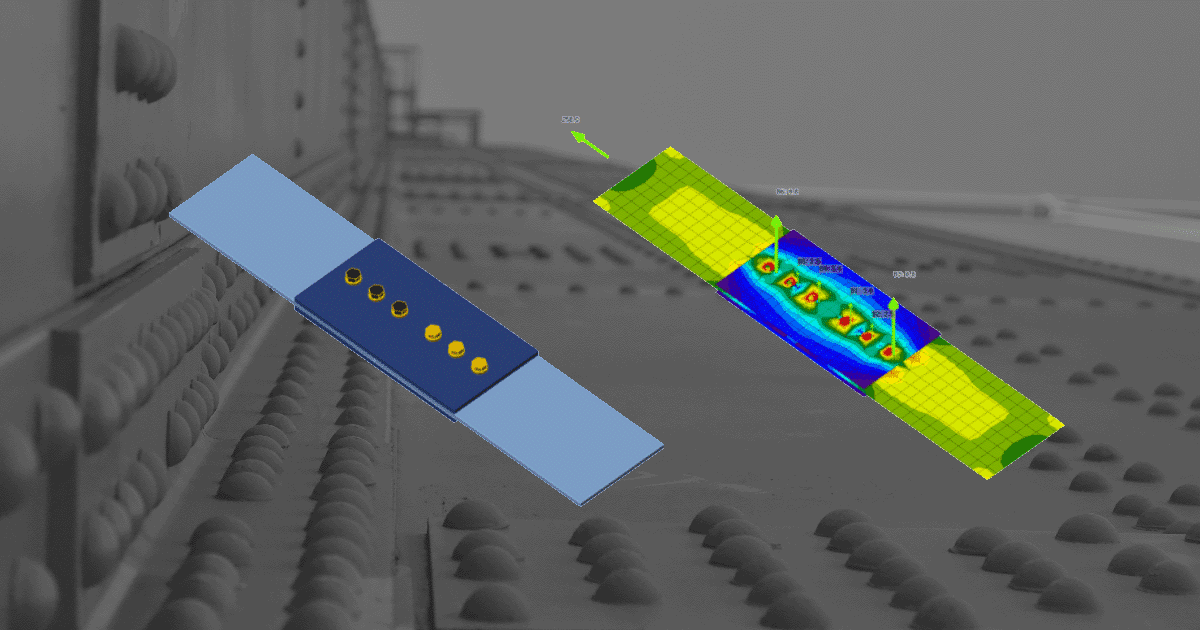
NextFEM to IDEA StatiCa workflow

Perform global analysis in your FEA
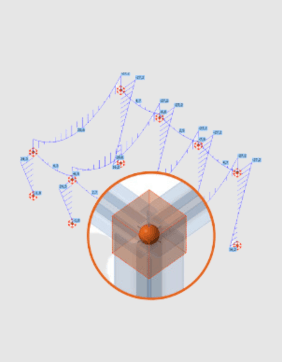
Share structure and forces with IDEA StatiCa
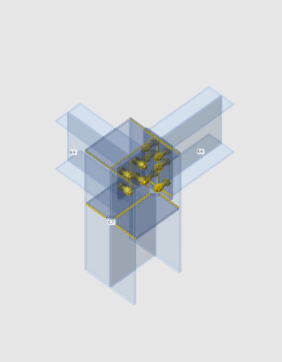
Design selected connections

Code-check and optimize connections
Perform global analysis in your FEA
Share structure and forces with IDEA StatiCa
Design selected connections
Code-check and optimize connections
About the NextFEM plugin
IDEA StatiCa works with your NextFEM Designer installation. You can select any number of steel connections and members in NextFEM and export it to IDEA StatiCa for structural design and code-checking. All the beams, cross-sections, and internal forces are not just exported, but they are also synchronized if the NextFEM model changes. IDEA StatiCa and NextFEM give you an efficient workflow for your structural steel design that saves time, minimizes errors, and opens up optimization possibilities.
NextFEM Designer can be used as a standalone program (the basic version is free) or as a link between other programs and IDEA StatiCa. It can read a large variety of models and results from other FE programs, such as:
- SeismoStruct
To import data from the programs listed above into IDEA StatiCa, you need to activate an additional module in NextFEM Designer.
Ready to solve various steel connections? NextFEM combined with IDEA StatiCa will allow you to model, design, load, and check steel connections of any topology and loading. And make this data available to your colleagues or subcontractors doing detailing and fabrication.
Read more about How Checkbot works.
Note
NextFEM BIM link is developed and maintained by a third-party integration company. IDEA StatiCa does not take any responsibility for this integration. All technical requirements and questions must be addressed to the developer.
NextFEM Bim link video
How to get started
Getting started is easy!
- Download and install both applications on the same PC.
- Check the third-party provider for any installation requirements.
- Start exporting and designing steel connections right away!
Please note that like with most software, there is always a short delay when new versions are released and the BIM links are updated. Please check out the list of compatible versions before installing the plugin.
Projects shared in last 12 months
People using IDEA StatiCa desktop tools over last 12 months
Companies using IDEA StatiCa